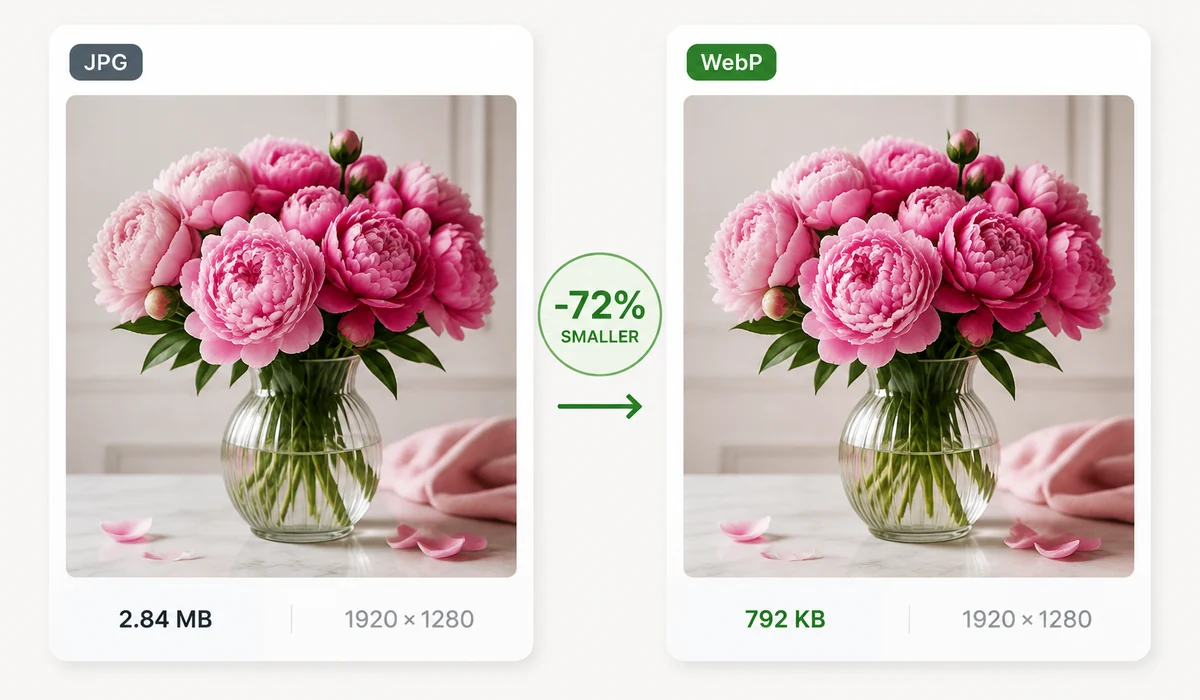
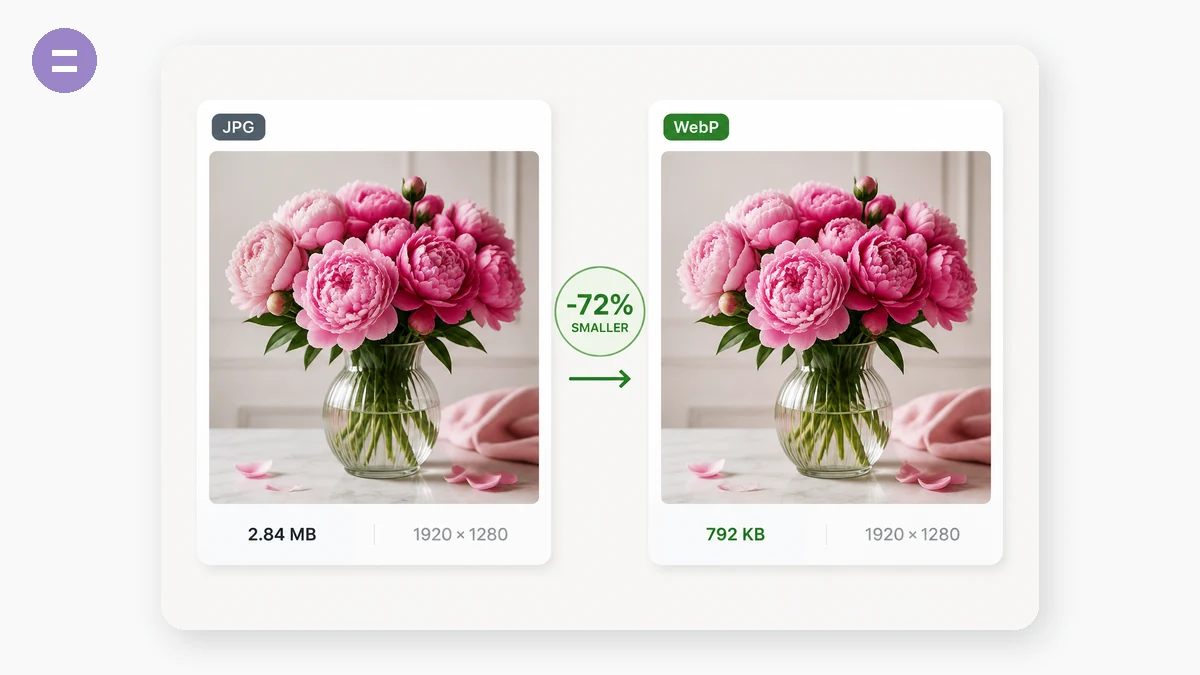
Drop your JPG files in and download them as WebP in seconds. The conversion runs entirely on your device, so even a large batch converts instantly and nothing is uploaded.
Need the other direction or a different format? The full WebP and JPG options are available on the converter — pick any source and target.
ಬಳಸುವ ವಿಧಾನ
- Add JPG filesDrag in one or many JPG images.
- Convert to WebPThe target is preset to WebP; adjust quality if needed.
- DownloadSave each WebP file, or download the whole batch.
tools.faxianai.com ಏಕೆ
Instant
JPG→WebP runs locally, no queue.
Batch
Convert many at once.
Private
Files never uploaded.
Free
No watermark, no sign-up.
ಪದೇ ಪದೇ ಕೇಳುವ ಪ್ರಶ್ನೆಗಳು
How do I convert JPG to WebP?
Add your JPG images above and click Convert all. Each file downloads as WebP.
Is it really free?
Yes, completely free with no sign-up and no watermark.
Are my files uploaded?
No, the conversion happens entirely in your browser.
Can I convert WebP back to JPG?
Yes — use the main converter and choose any source and target format.