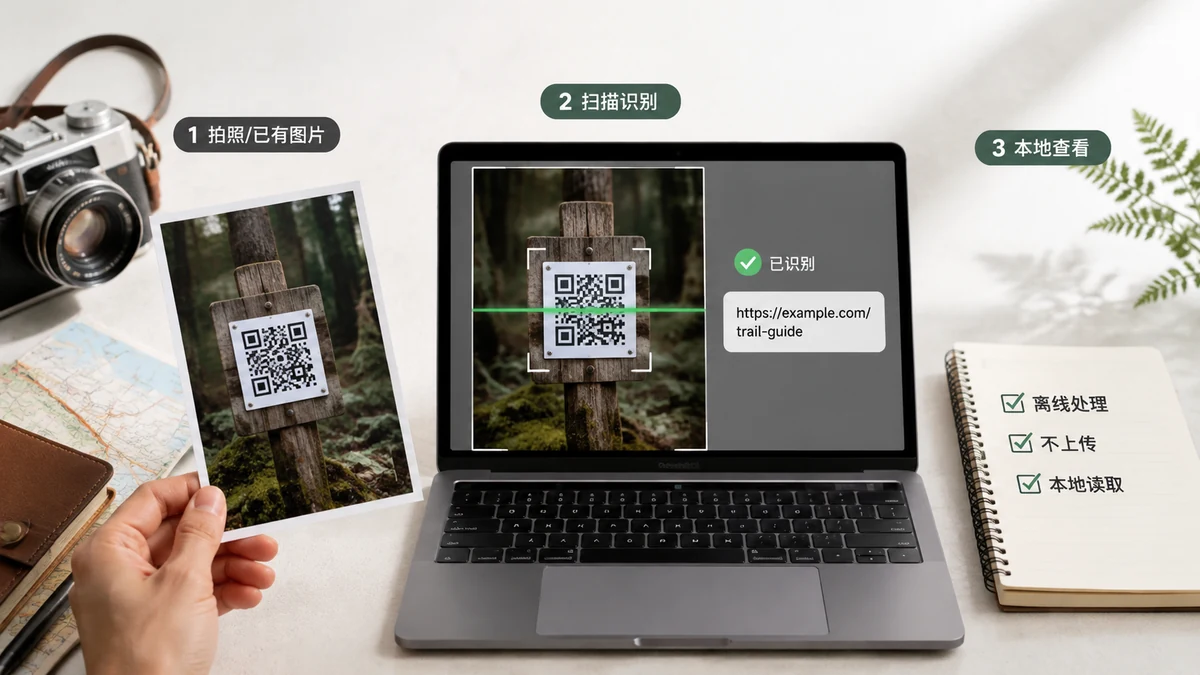
Most people treat a QR code as a harmless shortcut to a website. Often it is. But a QR is just a container for text, and that text can be a lot more sensitive than a link. Before you drop a code image into the first "online QR reader" you find, it's worth knowing what you might be handing over — and to whom.
What a QR code can actually contain
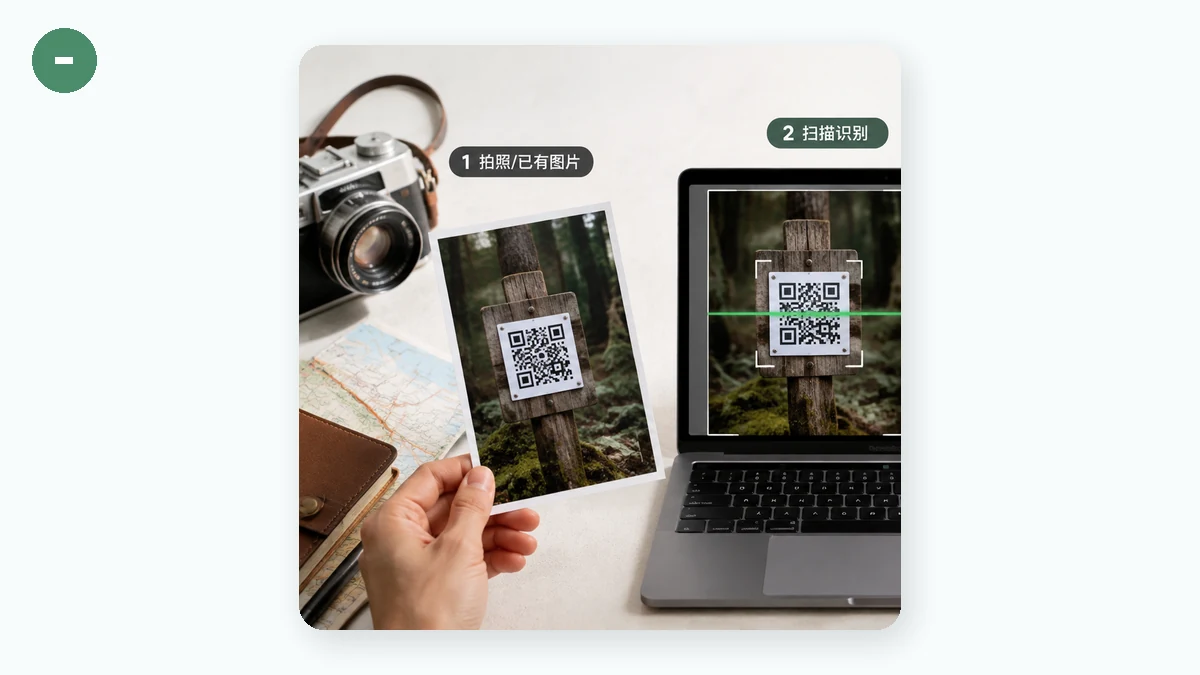
The black-and-white pattern encodes plain text, and by convention that text can be many things:
- A URL — the common case, but sometimes a private or single-use link (a password reset, an invite, a document that's "unlisted" rather than truly public).
- A Wi-Fi network and password — the "scan to connect" codes on routers and in hotels literally encode the network name and the password in plain text.
- A contact card (vCard) — a name, phone number, email, and home or office address.
- A login or payment token — some apps show a QR to authorize a session or a transfer; the string inside is effectively a key.
- Plain text or a message — anything someone chose to encode.
None of that is dangerous to you when you decode it on your own device. It becomes a problem when decoding requires sending the image somewhere else.
The hidden step: "online readers" upload your image
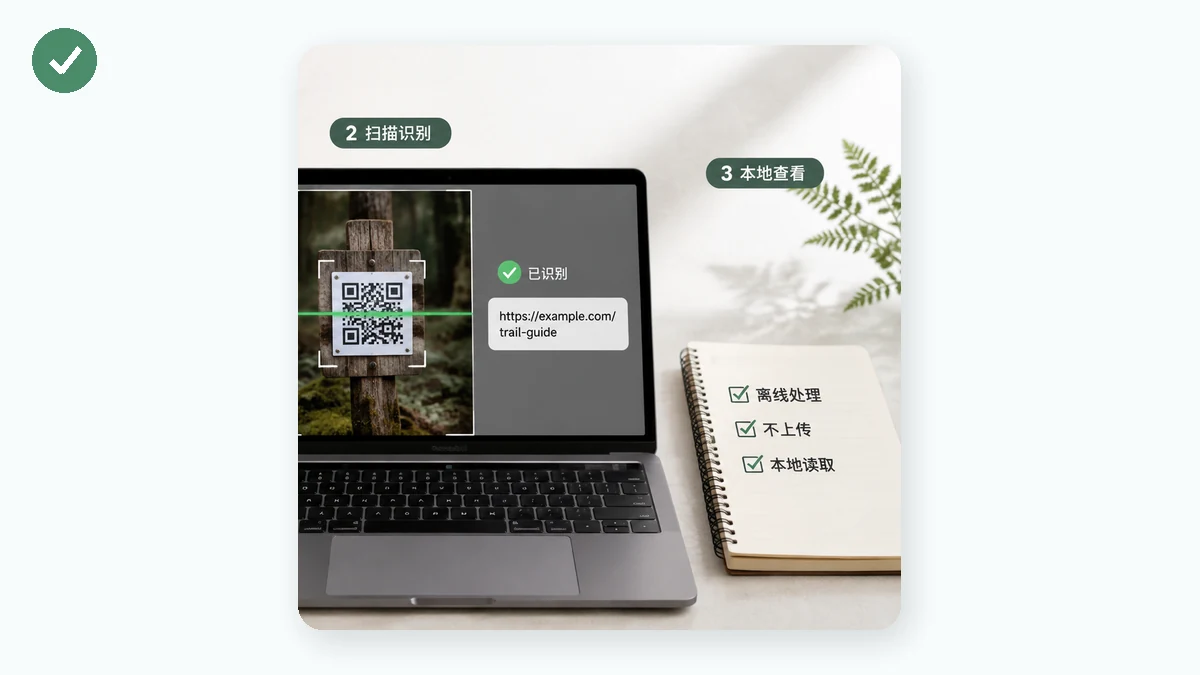
Here's the part that's easy to miss. A typical online QR reader works by uploading your image file to its server, decoding it there, and sending the result back. That means the picture — and whatever the code encodes — leaves your device and lands on hardware you don't control. For a link to a public article, fine. For a Wi-Fi password, a login token, or a contact card with a home address, you've just transmitted a secret to a stranger's server, where it may be logged or cached, all to read text that was already on your screen.
You can check whether a tool uploads: watch for a progress bar that scales with file size, or open your browser's Network tab and see if a large request carries your image. Truly local tools do neither.
Decode it locally instead
The privacy-respecting approach is to decode the code in your own browser, so the image never travels.
tools.faxianai.com's QR Code Reader does exactly that. You give it an image — drag, paste, or pick a file — and it draws the picture to a canvas and decodes the QR with the jsQR library right inside your browser. Nothing is uploaded. There's no account and no server doing the work, and once the page has loaded it keeps working with the network off. You can prove it to yourself: load the tool, switch on airplane mode, and decode a code — it still works, because there was never a server in the loop.
If the code is a URL, the tool gives you a clickable link (marked rel=nofollow) so you can see the destination before you commit to it. If it's a Wi-Fi string or contact card, you get the raw text and a copy button — read it, use it, and it stays on your machine.
A sensible habit for sensitive codes
Two small rules keep you safe:
- See the text before you act. Decoding a code shows you the destination or the contents before your device connects to anything. That alone defuses a lot of QR-based scams, where the printed code is swapped for one pointing somewhere hostile.
- Match the tool to the secret. For a public link, it barely matters where you decode. For a password, a token, or someone's personal details, decode it locally so the secret never leaves your device in the first place.
The honest limits are worth stating: this reads a code from an image you provide, one at a time, not from a live webcam — a deliberate choice that keeps everything local. For anything a QR code might be hiding, reading it on your own device is simply the right default.