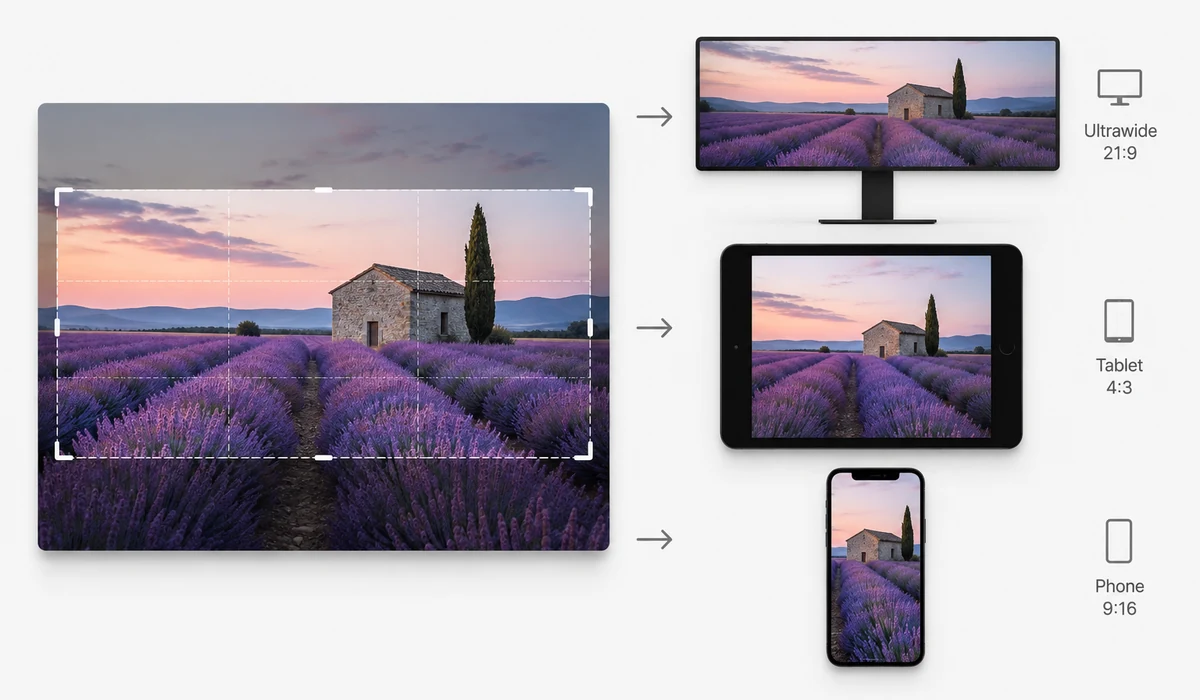
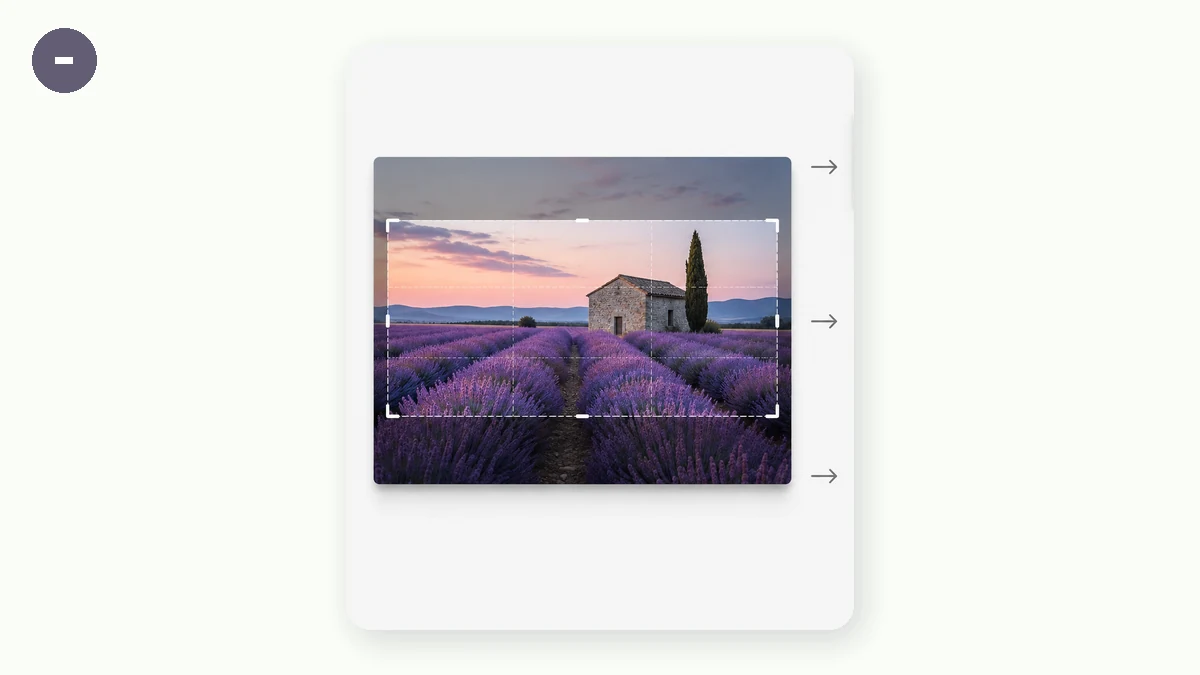
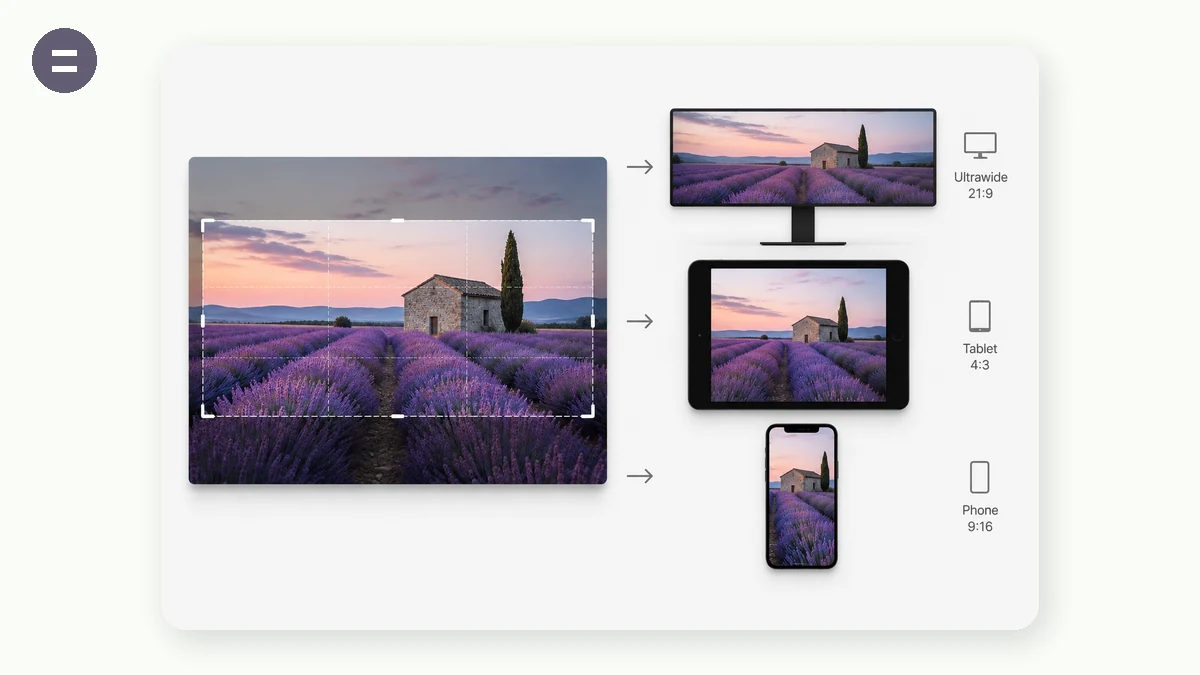
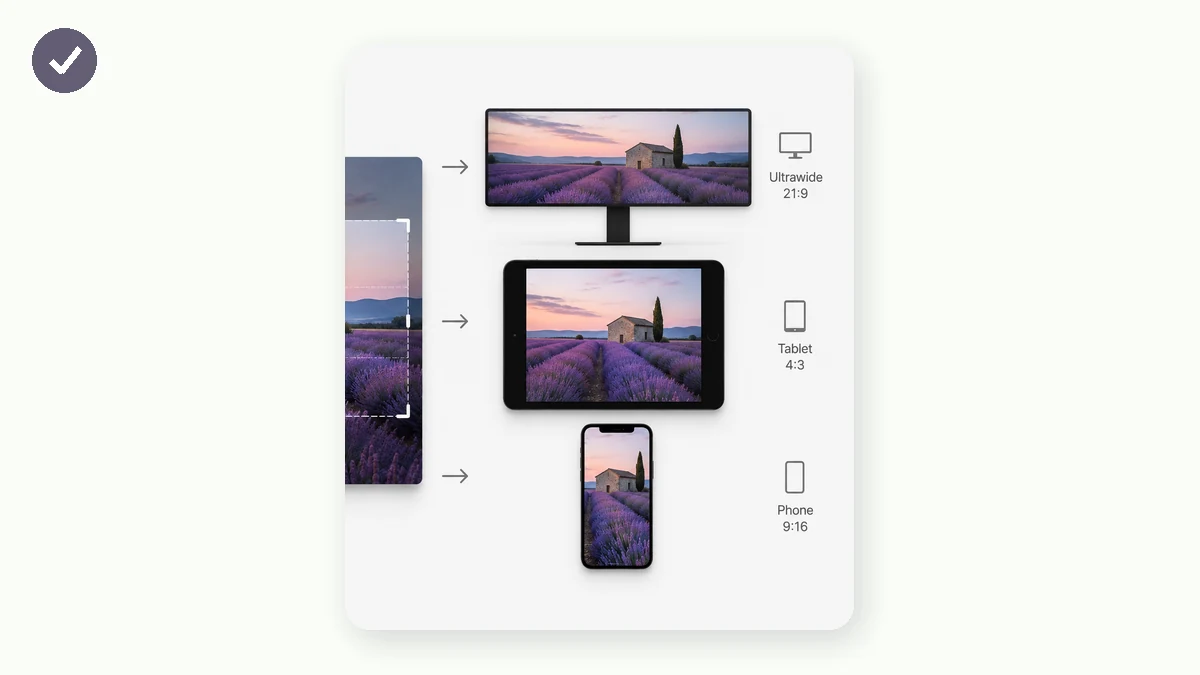
A photo that looks great in your gallery gets awkwardly cropped or letterboxed the moment you set it as a wallpaper, because your screen has its own aspect ratio. This tool resizes any image to the exact pixel resolution of your device — iPhone 15 Pro Max at 1290×2796, a 4K desktop at 3840×2160, an ultrawide at 3440×1440 — so it fills the screen cleanly with nothing stretched.
Pick Fill screen to cover every pixel (the image is centre-cropped to fit), or Blurred edges to keep the whole picture visible on a soft blurred backdrop — the trendy look that never crops your subject. Everything runs in your browser; your photos are never uploaded.
Need something to resize? Browse thousands of free high-resolution wallpapers on our sister site and send one straight here in a click.
How to use
- Add your photoDrop in one image or several — each becomes its own wallpaper.
- Choose your devicePick phone, desktop, tablet or watch, then the exact model or resolution.
- Fill or blur, then saveChoose crop-to-fill or blurred edges, and download the wallpaper (or a ZIP for several).
Why a wallpaper needs the right resolution
When you set a random photo as your lock screen, the phone stretches or crops it to fit — and the result is a soft, off-centre or letterboxed mess. That's because a wallpaper has to match your screen's exact pixel grid and aspect ratio. A modern phone is tall and narrow (around 9:19.5), a desktop is wide (16:9), an ultrawide monitor is wider still (21:9), and a watch is almost square. One source photo can't serve all of them without being reshaped.
This wallpaper resizer does that reshaping properly. It ships with the real resolutions of the devices people actually use — iPhone 15/14 Pro (1179×2556) and Pro Max (1290×2796), common Android panels (1080×2400, 1440×3200), 1080p / 1440p / 4K desktops, 3440×1440 ultrawide, 3840×1080 dual-monitor, iPad Pro (2048×2732) and Apple Watch — so you never have to hunt down the numbers.
Fill the screen, or keep the whole photo
There are two honest ways to fit a photo to a differently-shaped screen, and this tool offers both. Fill screen scales the image up until it covers every pixel and centre-crops whatever spills over the edges — ideal when the subject is roughly in the middle and you want an edge-to-edge wallpaper with no bars. Blurred edges shrinks the whole image so nothing is cut, then fills the leftover space with a soft, blurred copy of the same photo — the popular look that keeps your entire picture visible and still fills the screen.
Both modes scale proportionally, so your photo is never squished or stretched. Everything is rendered with high-quality smoothing at full device resolution, and because it all happens in your browser you can batch a whole set of photos to one device and download them as a ZIP.
What people use it for
Set any photo as a phone wallpaper — Fit a holiday snap or a downloaded picture to your exact phone resolution so it fills the lock screen cleanly.
4K desktop backgrounds — Resize art or photography to 3840×2160 so it's razor-sharp on a 4K monitor instead of upscaled and blurry.
Ultrawide & dual-monitor — Turn a panorama into a 3440×1440 ultrawide wallpaper, or span a 3840×1080 image across two screens.
No-crop wallpapers — Use blurred edges to keep a full portrait photo visible on a landscape screen without chopping heads off.
Match a new phone — Just upgraded? Re-fit your favourite wallpaper to the new model's resolution in one click.
Apple Watch faces — Shrink a photo to 396×484 or 410×502 so it reads well on a tiny watch face.
Batch a themed set — Resize a whole collection to one device at once and download them together as a ZIP.
Tablet lock screens — Fit a picture to iPad portrait (1620×2160) or landscape so it isn't stretched by the tablet.
Fit any photo to your exact screen — without an upload
Every screen has a precise pixel count, and a wallpaper that does not match it gets stretched, squashed, or cropped by the operating system in ways you never chose. An iPhone 15 Pro Max wants 1290 × 2796. A 4K monitor wants 3840 × 2160. An ultrawide is 3440 × 1440, and a dual-monitor span is something like 3840 × 1080 that almost no photo arrives in naturally. Hand the phone or desktop a mismatched image and it fills the gaps its own way: your subject drifts off-center, the important part sits behind the clock, or the whole thing turns soft because it was scaled up on the fly.
The common fixes each cost something. Manual cropping in a photo app means you guess the aspect ratio, eyeball the frame, and redo it for every device. Online wallpaper resizers do the math for you but require uploading your photo to a server first — fine for a meme, less fine for a personal picture of your family or a shot you would rather not leave on someone else's disk. Photoshop can hit any dimension exactly, but it is a paid, heavy install for what is really a one-step task.
Wallpaper Resize does the exact-pixel part in the browser. You pick the device — phone, desktop, tablet, or watch — then the precise model or resolution, and it renders your photo to those dimensions locally using Canvas. The image is read from your disk into the page and never sent anywhere. Because the sizing math is built into the presets, you are not guessing 1290 × 2796 or 3440 × 1440; you select the target and get a file that drops onto the screen at native resolution with no OS re-scaling.
What makes it different
- Two honest fit modes. Fill screen (crop) scales the photo to cover the whole screen and trims the overflow — best when the subject is centered. Blurred edges (no crop) keeps the entire photo visible and fills the empty space with a soft, darkened blur of the same image, so a landscape photo works as a portrait wallpaper without losing anything.
- Real device presets. iPhone Pro / Pro Max / SE, Android FHD and QHD, desktop 1080p / 1440p / 4K, MacBook, ultrawide 3440 × 1440, dual-monitor 3840 × 1080, iPad and iPad Pro, and Apple Watch — the awkward resolutions you would otherwise look up.
- Batch plus ZIP. Drop in a whole folder, apply one size to all of them, and download the set as a single archive named for the resolution.
- Nothing is uploaded. The photo is processed in your browser; no copy lands on a server.
- Works offline. After the first visit the PWA is cached, so it keeps resizing on a plane or with the Wi-Fi off.
- Free, no sign-up, no watermark. The export is just your image at the size you asked for.
tools.faxianai.com vs other wallpaper resize tools
Online resizers are convenient and manual cropping is always available, but the tradeoffs differ in privacy, exactness, and how many devices you can cover in one pass.
| Aspect | Online wallpaper resizers | Manual cropping (Photos / paint apps) | Photoshop | tools.faxianai.com |
|---|---|---|---|---|
| Privacy / uploads | Photo uploaded to their server | Local | Local | Local, nothing uploaded |
| Exact device pixels | Usually preset-based | You guess the ratio | Exact, manual entry | Exact, real device presets |
| Blurred-edge fill mode | Sometimes | No | Manual to build | Built in |
| Batch + ZIP | Limited on free tiers | One at a time | Via scripting | Many at once, ZIP |
| Offline | No | Yes | Yes | Yes, after first visit |
| Cost | Free tier with limits | Free | Paid subscription | Free, no limits |
| Watermark | Sometimes on free tier | None | None | None |
Online resizers like those bundled into wallpaper sites are quick, but they take your photo onto their servers and often cap batch size. Manual cropping keeps things local yet leaves you guessing the aspect ratio device by device. Photoshop is the most precise and flexible, and if you already own it, it is a fine choice — but for the specific job of "make this photo exactly 3440 × 1440, and also a phone version, without uploading it," a focused browser tool with real presets and a blur-fill mode gets there in fewer steps.
Why tools.faxianai.com
Exact device sizes
iPhone, Android, 4K, 1440p, ultrawide, dual-monitor, iPad, Apple Watch.
Two fit modes
Crop-to-fill the screen, or keep the whole photo on blurred edges.
Batch + ZIP
Resize a stack of photos to one device at once.
Private & free
Runs in your browser — no upload, no watermark, no sign-up.