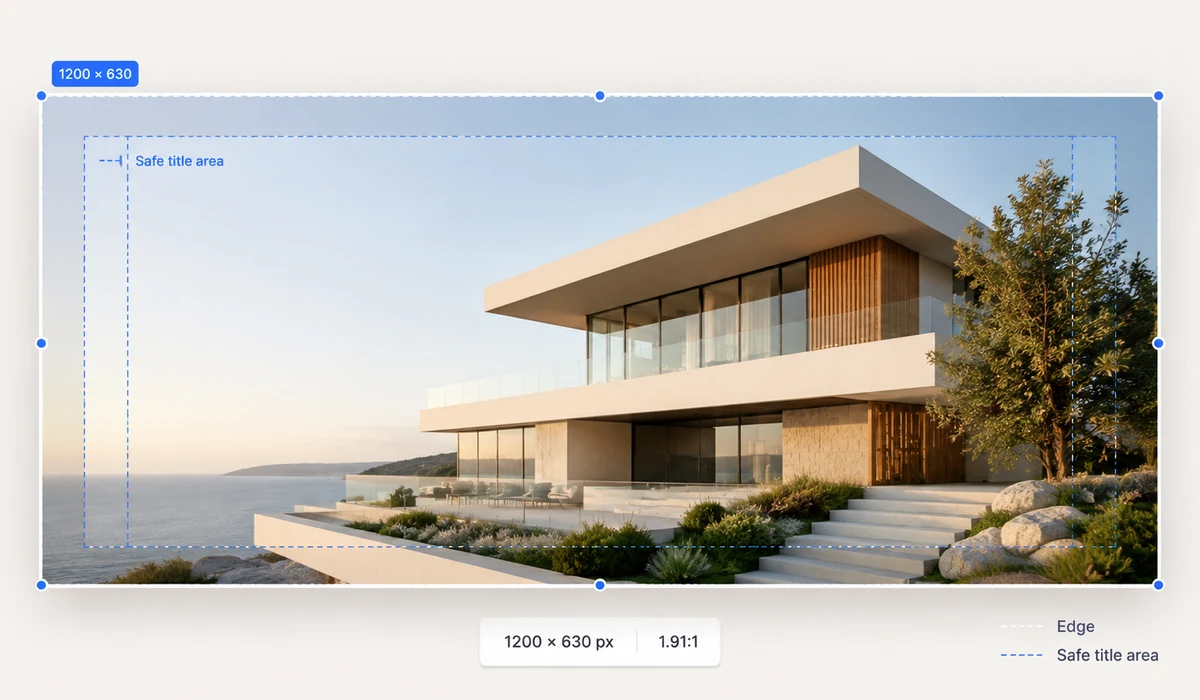
Links without an Open Graph image get skipped in feeds. This generator gives you a clean, typographic cover in the exact size each platform wants — OG 1200×630, Twitter/X, YouTube thumbnail, square post or vertical story — with automatic text wrapping that handles both English and CJK text.
Pick one of eight gradient backgrounds, set title, subtitle and your domain, and download the PNG. The live preview is the actual canvas that gets exported, so what you see is exactly what you ship.
How to use
- Pick a sizeOG, Twitter, YouTube, square or story.
- Write the textTitle, optional subtitle, and your brand or domain in the corner.
- Download the PNGThe preview is the file — exact pixels, ready to upload.
Design social covers in the browser
This generator makes the cover images that show up when a link gets shared, the Open Graph card on Facebook and LinkedIn, the summary card on Twitter/X, and thumbnails elsewhere. Pick a preset and it sets the exact pixel size each platform wants: OG at 1200x630, Twitter/X at 1200x675, YouTube at 1280x720, a 1080x1080 square, or a 1080x1920 story. No guessing at dimensions.
You add a title, subtitle, and brand text over one of eight gradient backgrounds. The text wraps automatically and handles both English and CJK, so long headlines and Chinese titles both stay inside the frame. The live preview is the exact canvas that gets exported, so what you see is what downloads.
Ship the PNG straight to your meta tags
Once the cover looks right, download it as a PNG and point your og:image and twitter:image tags at it. A proper social share image is what turns a bare link into a card with a real picture, and that pulls far more clicks in feeds and chats than a plain URL.
Everything renders on your device, so you can make a link preview image for a blog post, a launch, or a video without design software or an account.
What people use it for
Blog post share card — Make a 1200x630 OG image with the post title so the link shows a real card on social.
Twitter/X card — Export a 1200x675 image sized for the X summary card instead of getting an awkward crop.
YouTube thumbnail — Build a 1280x720 cover with a bold title for a video thumbnail.
Product or feature launch — Create a branded 1200x630 cover so launch links look intentional when shared.
Instagram square post — Generate a 1080x1080 square with a headline and brand mark for a feed post.
Story or reel cover — Design a 1080x1920 vertical cover for a story or short.
Consistent brand covers — Reuse a gradient and brand text across posts so shared links stay visually on-brand.
Bilingual titles — Set an English or Chinese headline and let the auto-wrap keep it inside the frame.
Make the image that shows up when your link is shared
When you paste a link into Slack, iMessage, LinkedIn, or a tweet, the preview card is doing quiet work: the image on that card is often the single biggest reason someone clicks. It is the Open Graph image — 1200 × 630 for most platforms, a slightly different ratio for Twitter/X, 1280 × 720 for a YouTube thumbnail, a square or a 9:16 story for other feeds. Ship a page without one and the card falls back to a cropped logo or nothing at all, and your carefully written post looks unfinished in the feed.
The task is small but fiddly. You need the exact pixel size for the platform, a background that reads well at thumbnail scale, a title big enough to survive being shrunk in a timeline, and maybe a subtitle and your domain. Design tools can do all of it, but they make you set up the canvas, find a template, and export at the right dimensions — real overhead for something you might redo for every blog post. Dedicated OG-image generators streamline it, but many want an account, ask you to upload assets, or lock you into their template look.
OG Image generates the card in the browser. Pick a preset — OG / Facebook 1200 × 630, Twitter/X 1200 × 675, YouTube 1280 × 720, square 1080 × 1080, or story 1080 × 1920 — choose a gradient, type a title, subtitle, and brand or domain, and it composes everything on a Canvas at the exact size the platform expects. The title auto-wraps and scales, a light subtle decoration keeps it from looking flat, and a dark-text toggle handles light backgrounds. Nothing is uploaded, so a headline you have not published yet stays on your machine, and you get a clean PNG named for its size, ready to drop into your og:image tag.
What makes it different
- Right size, every platform. OG 1200 × 630, Twitter/X 1200 × 675, YouTube 1280 × 720, square, and story — exact pixels, no cropping surprises.
- Text that survives a thumbnail. Titles auto-wrap and scale, with a subtitle and a brand/domain line, plus a dark-text toggle for light gradients.
- Eight gradients, composed live. A subtle decorative touch keeps the card from looking like a flat color block, and every change previews instantly.
- Nothing uploaded. Your unpublished headline and any wording stay in the browser; no assets go to a server.
- Works offline. Cached after the first visit, so you can make cards on a flight.
- Free, no account, no watermark. Download a clean PNG named for its dimensions.
tools.faxianai.com vs other OG-image tools
Canva and dedicated OG generators are capable, but they carry more setup and usually route your work through their servers or templates.
| Aspect | Canva | Dedicated OG-image generators | tools.faxianai.com |
|---|---|---|---|
| Account required | Yes | Often | No |
| Uploads / server render | Server-side | Frequently | No, all in browser |
| Platform size presets | Manual or template | Yes | OG, Twitter/X, YouTube, square, story |
| Design flexibility | Very high | Template-bound | Focused: gradient + title/subtitle/brand |
| Speed to a finished card | Moderate | Fast but often gated | Type, pick, download |
| Offline | No | No | Yes, after first visit |
| Watermark | On some exports | Sometimes on free tier | None |
Canva wins when you want a fully custom card with photos, logos, and precise layout control — it is a real design tool and worth it for a hero graphic. Dedicated OG generators are quick and purpose-built, but many gate the good output behind an account, an upload step, or a fixed template style. OG Image sits at the fast, private end: fewer knobs, but the ones that matter — exact platform size, readable title, gradient, brand line — with no sign-in and nothing leaving your browser. For the routine job of giving each page a decent share card, that is usually all you need.
Why tools.faxianai.com
5 platform sizes
OG 1200×630 through 1080×1920 story.
8 gradients
Clean backgrounds that don't fight the text.
Smart wrapping
Handles long titles and CJK text correctly.
Instant
No canvas app, no template site, no login.