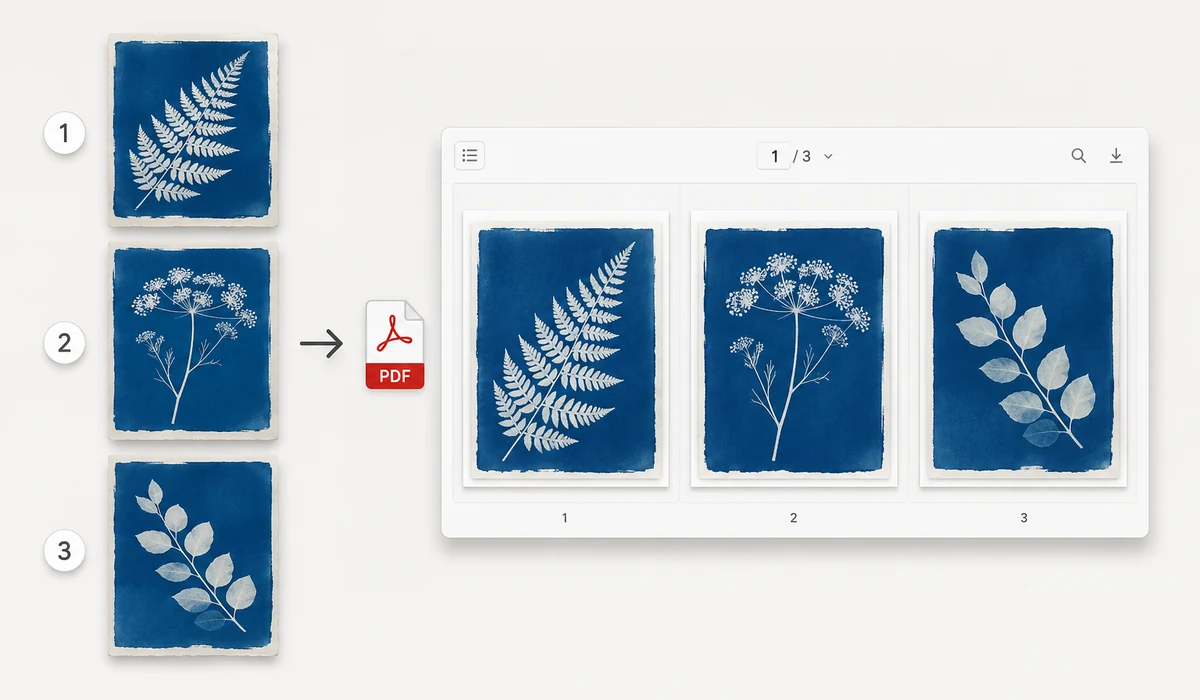
Bundle receipts, scans, or a set of photos into one tidy PDF. Add your images, drag them into the order you want, choose a page size (or let each page fit its image), and export a single document.
The PDF is assembled in your browser, so sensitive scans and documents are never uploaded.
How to use
- Add imagesDrop in the images that should become pages.
- Order and set upDrag rows to reorder, then pick page size, orientation and margin.
- Create PDFClick Create PDF to download the combined document.
Turn photos into one clean PDF
Drop in your JPGs or PNGs, drag the rows to set the order you want, and export them as a single PDF. You choose the page size (fit each page to the image, or use a standard size like A4/Letter), orientation (auto, portrait, or landscape), and margin, so the result looks intentional instead of stretched. The conversion runs in your browser with jsPDF, so your documents and scans never get uploaded.
The order matters most when you're building a multi-page document from phone photos, so the drag-to-reorder step is worth doing before you export. Fit-to-image keeps each page tight to the picture with no white gaps; a standard page size is what you want when the PDF has to print or match other paperwork.
From scattered images to a shareable file
A folder of loose images is awkward to send and easy to lose track of; one PDF is a single file that opens the same way on any phone or computer. Combining receipts, scanned pages, or ID photos into one PDF also keeps a set together in the right sequence.
If you scan documents with your phone camera, this is the last step: crop or straighten in your camera app, then merge the shots here into a document you can email or upload as a single attachment.
What people use it for
Merge scanned pages — Combine phone-camera scans of a multi-page contract or form into one ordered PDF to email.
Submit receipts as one file — Turn a set of receipt photos into a single PDF for an expense report or reimbursement.
Send ID and documents together — Bundle a passport, visa, and supporting photos into one attachment for an application.
Build a simple photo book — Fit-to-image each shot and export a clean PDF to share a trip or event album.
Package a portfolio — Arrange design or artwork images in order and export a single PDF to send to a client.
Convert screenshots to PDF — Merge a sequence of screenshots into one document for a bug report or walkthrough.
Prepare printable handouts — Use A4 or Letter with margins so images print cleanly on standard paper.
Archive image sets — Roll a batch of related images into one PDF so they stay together in the correct sequence.
Turn a pile of images into one PDF — without a daily limit or an upload
The need shows up constantly and rarely feels important enough to think hard about. Someone asks for your ID "as a PDF," a landlord wants photos of the apartment in one file, a professor accepts assignment scans only as a single PDF, an expense system rejects loose JPGs. So you go looking for a converter, and the good-looking ones ask you to upload the images, then quietly mention you've used 2 of your 3 free conversions for the day. The files in question are often exactly the ones you'd rather not scatter across the internet: passports, bank statements, medical forms, signed contracts photographed on a phone.
Combining images into a PDF is, mechanically, a simple job — lay each image on a page, in order, at a chosen size. There's no reason it needs a round trip to a server, and tools.faxianai.com doesn't make one. The tool assembles the PDF entirely in your browser: images are read locally, placed on pages, and encoded into a PDF file your browser hands back as a download. Because nothing leaves the machine, there's no daily quota to hit, no queue, and no privacy tradeoff — the sensitive document you were trying to package never travels anywhere.
Local assembly has a practical bonus beyond privacy: speed and reliability that don't depend on the network. A twenty-page scan doesn't crawl behind an upload bar, and once the PWA is cached the whole thing works offline. Free, no account, no watermark stamped across page one.
What makes it different
- Reorder by dragging. Photos rarely land in the right sequence. Drag thumbnails into the order you want before exporting — no re-uploading to fix a mistake.
- Page size and orientation. Choose A4, Letter, or fit-to-image, portrait or landscape, so the result prints and shares cleanly.
- No conversion caps. Do one file or forty; there's no "3 per day" ceiling because there's no server keeping count.
- Handles the sensitive stuff safely. IDs, statements, and contracts are assembled locally and never uploaded.
- Clean output. The PDF contains your pages and nothing else — no promotional watermark.
tools.faxianai.com vs other image-to-PDF tools
| Aspect | Typical online tool (iLovePDF) | Desktop app (Adobe Acrobat) | Web suite (Smallpdf) | tools.faxianai.com |
|---|---|---|---|---|
| Files uploaded | Yes, to their servers | No, local | Yes, to cloud | No, stays in browser |
| Daily/size limits | Free tier capped per day | No | Free tier capped | None |
| Price | Free tier; Premium subscription | Paid subscription | Free tier; Pro subscription | Free |
| Works offline | No | Yes | No | Yes, after first visit |
| Drag to reorder | Yes | Yes | Yes | Yes |
| Account required | For full features | Yes | For full features | No |
| Adds watermark | No (but caps usage) | No | No (but caps usage) | Never |
Credit where due: iLovePDF and Smallpdf are genuinely good, do far more than image-to-PDF (merge, split, compress, sign, OCR), and are the right tool when you need that broader toolbox or want to keep an editable cloud workflow. Adobe Acrobat is the professional standard and, importantly, also processes locally on your machine. If you already pay for one of these, keep using it. tools.faxianai.com isn't trying to replace a full PDF suite — it does one common task, does it without uploads or daily limits, and asks nothing in return. For "I just need these images as one PDF, right now, and they're private," that's usually the whole requirement.
Why tools.faxianai.com
Multi-page
Many images into one PDF.
Reorder
Drag pages into any order.
Page control
A4, Letter or fit-to-image.
Private
Documents stay on your device.