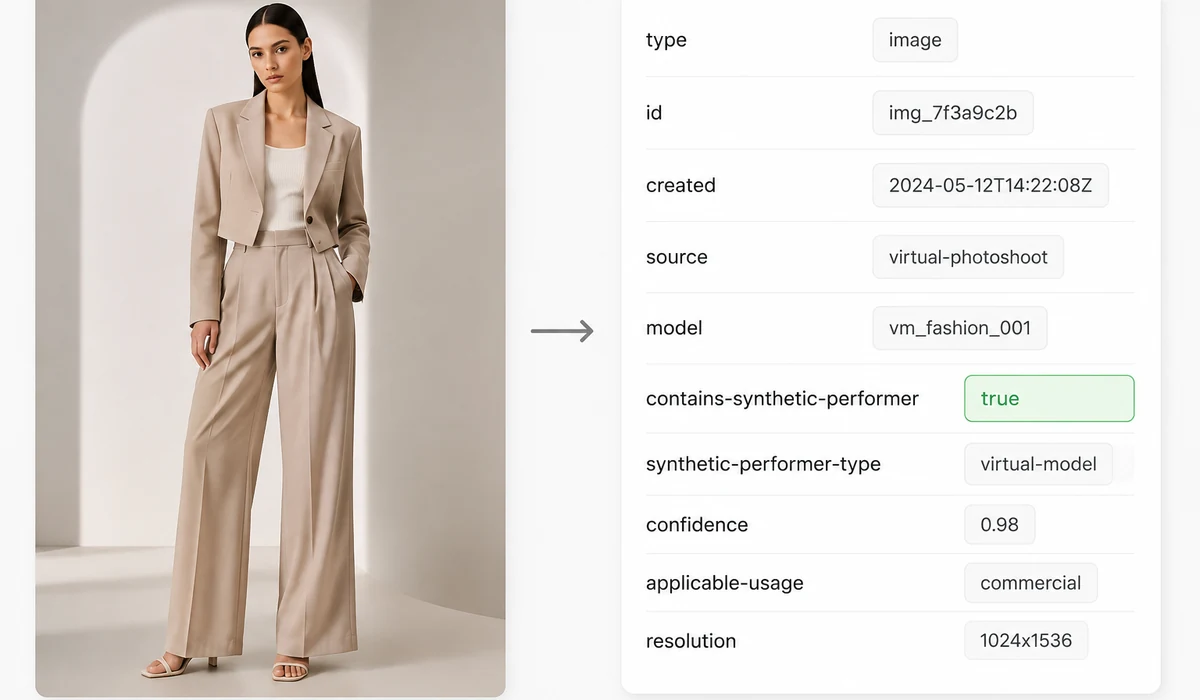

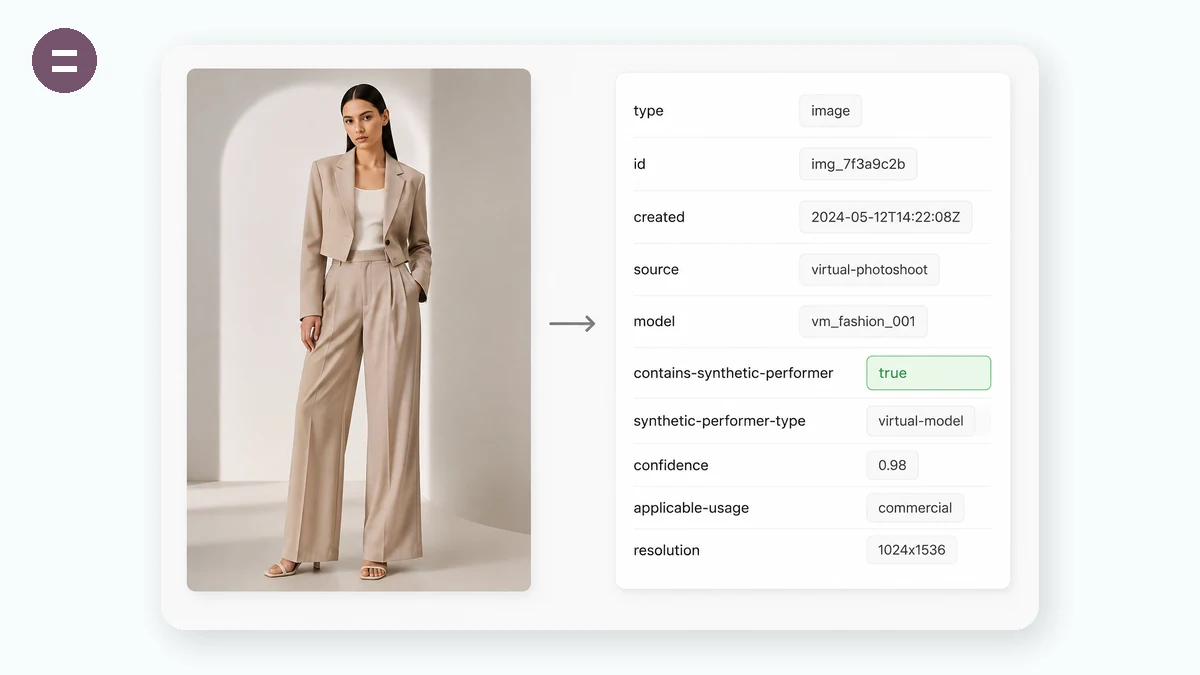
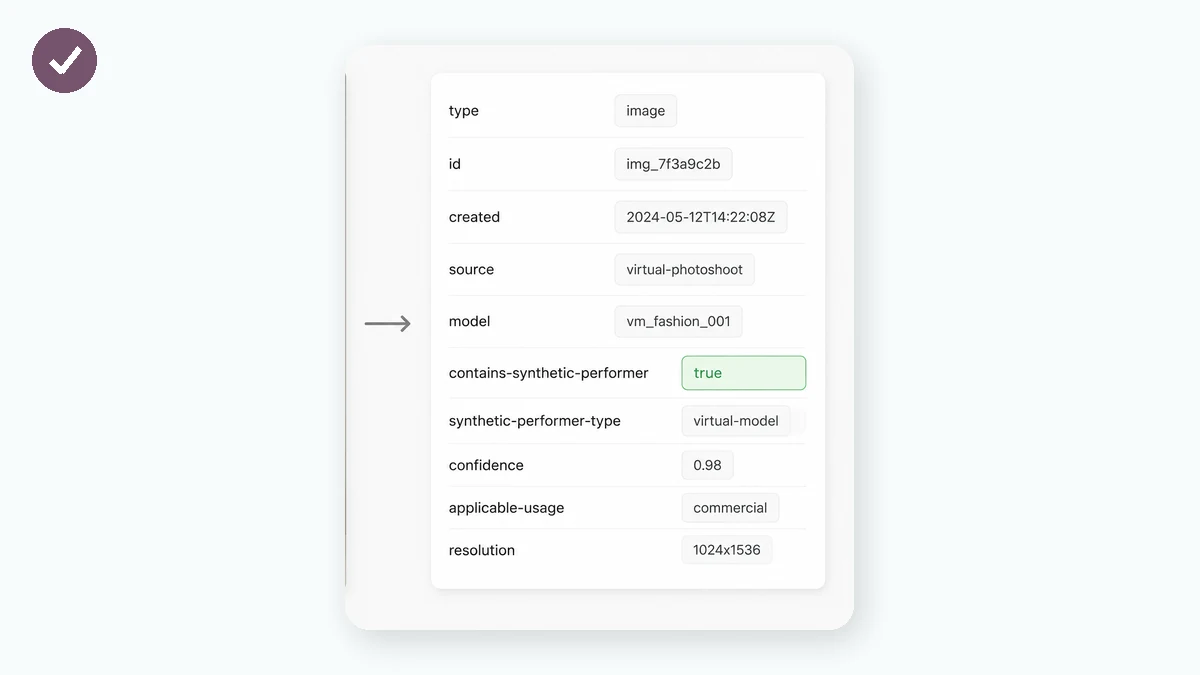
In July 2026, following New York's new “synthetic performer” disclosure law, Amazon began requiring sellers to label listing images and A+ content that contain AI-generated people. The mechanism is metadata: before you upload, a specific keyword — contains-synthetic-performer — must be written into the file. That is exactly what this tool does: it batch-writes that tag into the XMP (dc:subject) and IPTC (Keywords) fields of your JPG and PNG files — the same “Tags” field you see under Windows' Properties → Details.
Everything runs in your browser; the images are never uploaded. Drop a whole folder to process in bulk, watch each file's write-and-verify status, then download images one by one or as a ZIP. To spot-check, right-click → Properties on Windows, or use ExifTool / mdls on macOS.
How to use
- Set the compliance tagIt's pre-filled with contains-synthetic-performer — usually leave it as is.
- Add your AI people imagesJPG and PNG, whole folders or multi-select.
- Write & downloadOne click writes the metadata; each file is verified, then download singly or as a ZIP.
Why AI people images now need the contains-synthetic-performer tag
In July 2026 Amazon announced it would follow New York's newly effective “synthetic performer” disclosure law: seller images, videos and A+ content that feature AI-generated people must carry a compliance marker, and Amazon will show shoppers an indicator that the content contains AI-generated people. In practice that means writing a specific keyword — contains-synthetic-performer — into the image metadata before upload.
For cross-border sellers this is a hard compliance step, not a nice-to-have. An untagged image detected as using an AI model can trigger manual review, image rejection or search suppression. Tagging on the way out — right after you generate the image — turns compliance into a drag-and-click.
Which metadata field contains-synthetic-performer is written to
An image's tags/keywords live inside the file, not in its name. The two standard fields are XMP dc:subject and IPTC Keywords — the modern Adobe-era standard and the long-standing photo/press field. Different systems read different fields, so this tool writes both to maximise correct detection.
To verify, on Windows right-click → Properties → Details and read the Tags row; on macOS use mdls or ExifTool. The process only appends text in the metadata section — pixels, size and sharpness are untouched.
What to tag and what not to tag
Tag: virtual models generated with tools like Midjourney or PixPix, AI face/outfit swaps, fully synthetic human product shots. The test is whether the person in the frame is digitally generated to look like a real human.
Don't tag: photos of real human models (even AI-retouched), and TV, video-game or movie characters — Amazon's announcement explicitly exempts both. When unsure: if the person was conjured by AI, tag it; if a real person was photographed, don't.
The right way to batch-tag hundreds of AI product images
Editing metadata one file at a time isn't realistic. This tool takes a whole folder dropped in at once, or multi-select; each file is read back and verified after writing, with a live Tagged / Verify-failed status. Download singly, or grab everything as one ZIP.
Crucially, it's private: all processing happens in your own browser in JavaScript, and images are never uploaded. Pre-launch product shots are confidential, so local processing matters.
What people use it for
Cross-border e-commerce sellers — Batch-write contains-synthetic-performer into a whole set of AI model shots before listing — hundreds at once.
AI image studios / agencies — Deliver AI product images already tagged, so clients don't have to redo compliance.
Amazon agencies — Back-fill tags on a store's existing AI images to avoid search suppression and rejections.
Independent / multi-platform sellers — Tag once; the metadata travels with the file to Shopify, TikTok Shop and beyond.
Why tools.faxianai.com
Right fields
Writes both XMP dc:subject and IPTC Keywords, so Amazon reads it either way.
Batch & ZIP
Drop a folder to process in bulk, download everything as one ZIP.
Verified writes
Each file is read back and verified right after writing.
No upload
Images stay in your browser; the server never sees a byte.