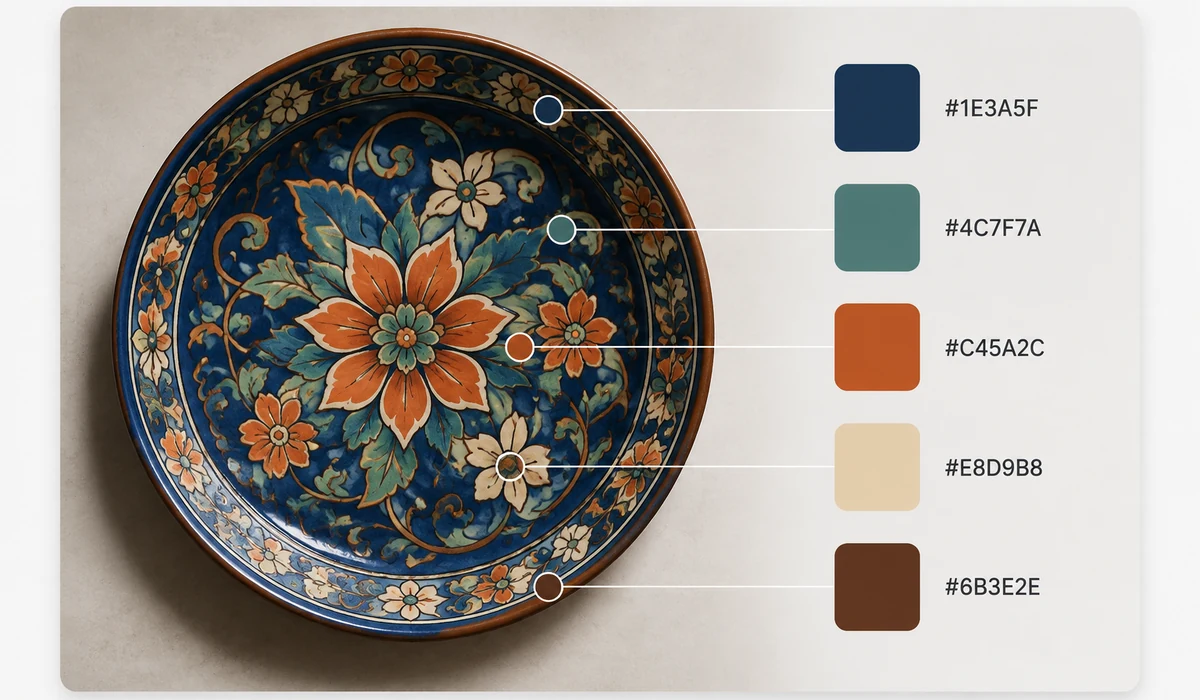
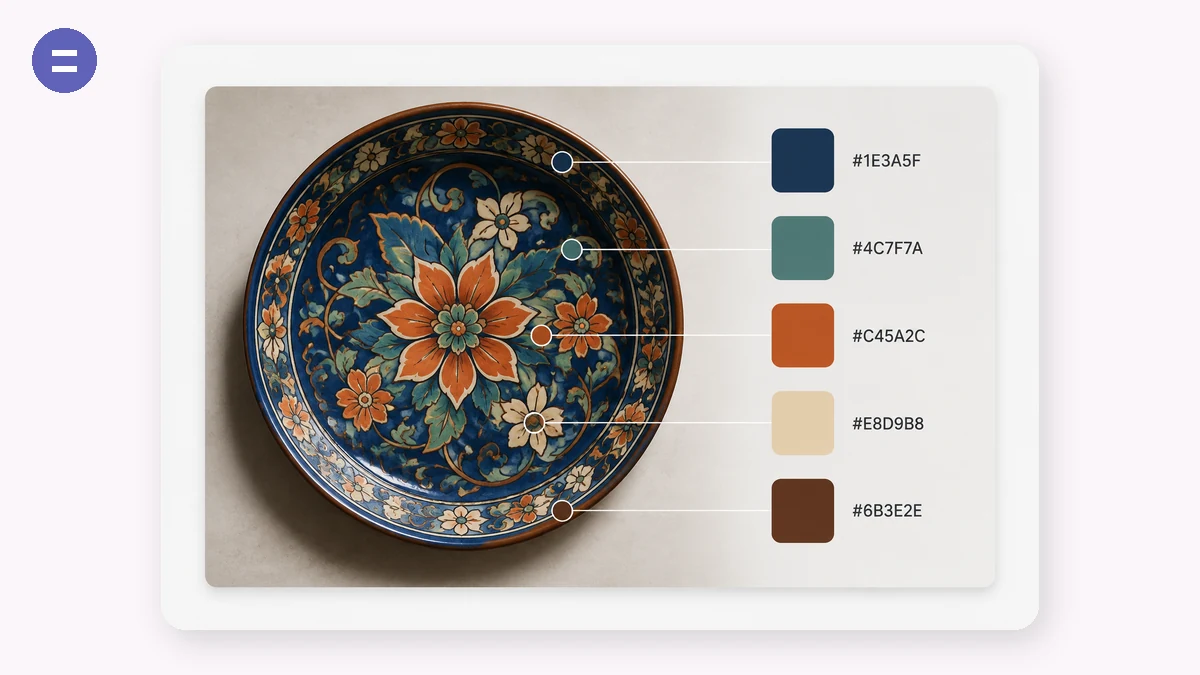
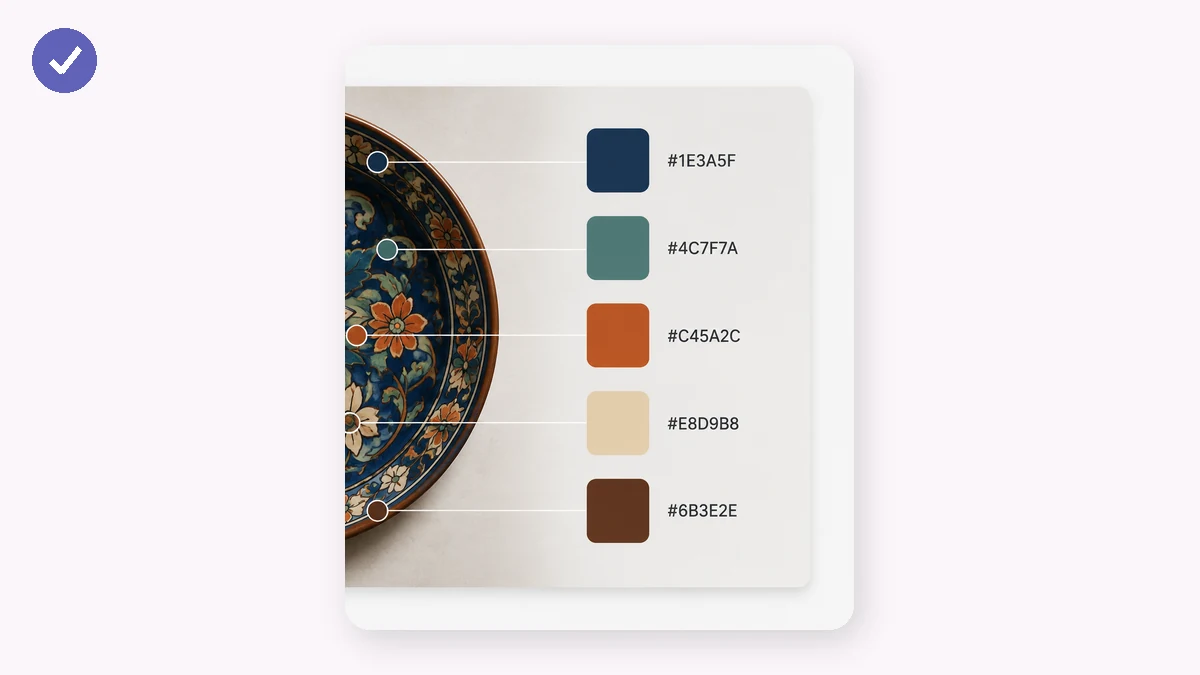
Building a design around a product photo, a brand shot or a mood image starts with its colors. Drop the image in and get its dominant palette, sorted light to dark, each swatch one click away from a copied hex code.
The extraction uses median-cut quantization on the actual pixels — the same family of algorithm image editors use — so the palette reflects the real color distribution, not just a blurred average.
How to use
- Add an imageAny photo, logo or artwork.
- Adjust the palette sizeFrom 3 to 12 colors — watch the swatches update live.
- Copy the codesClick any swatch for its hex, or copy the whole palette at once.
Pull a real palette from any image
This extractor reads the actual pixels of your image and finds its dominant colors using median-cut quantization, the same approach behind good color reduction. That means the palette reflects what's genuinely in the photo, not a guess or a filtered average. Load a picture and you get a set of hex swatches drawn straight from the source.
You choose how many colors to pull, anywhere from 3 to 12. Fewer swatches give you a tight brand-style palette; more give you a fuller color scheme for design work. Identical swatches are deduped, so you never get the same hex twice.
Copy hex codes in one click
Every swatch shows its hex value, and clicking a swatch copies that code to your clipboard. When you want the whole set, one button copies the entire palette at once, ready to paste into CSS, a design tool, or a style guide. The palette is sorted light to dark so it reads like an ordered scale rather than a jumble.
Because it all runs in the browser on your own image, you can extract a color palette from a photo, a screenshot, or a logo without uploading anything.
What people use it for
Building a brand palette — Pull the dominant colors from a logo or hero image to anchor a consistent color system.
Matching a design to a photo — Extract the color scheme from a product shot so your layout feels part of the same image.
Web and UI theming — Grab hex codes from a mood image to seed CSS variables for a site's accent and background colors.
Picking colors from artwork — Sample the real colors in an illustration or painting to reuse in your own work.
Presentation and slide themes — Extract a few dominant colors from a cover image to theme the whole deck.
Fashion and interior mood boards — Get the palette from an inspiration photo to match fabrics, paint, or accessories.
Data viz color sets — Pull a distinct set of colors from a reference image to build a chart palette.
Quick hex lookup — Drop in a screenshot and click the swatch you need to copy its exact hex code.
Pull the colors straight out of an image
You have a photo, a screenshot, a piece of packaging, a movie still — and you want the colors in it as hex codes. Maybe to match a website to a brand photo, to build a slide theme around a product shot, or to figure out what that gradient in a poster actually is. Reading colors by eye is unreliable; a color that looks navy on your monitor might be #1B2A4A or #14233F, and guessing costs you time and a slightly-off result.
The instinct is to open a palette site and rebuild the colors from scratch, but that inverts the task. Tools like Coolors and Adobe Color are excellent at generating palettes — you lock a swatch, hit space, and explore harmonies — but when the color you want already exists inside an image, generating from nothing is the long way around. You end up eyedroppering the image in one app and pasting hex codes into another.
Palette does the direct thing. Drop an image in and it extracts a set of dominant colors using median-cut quantization — the same family of algorithm used to reduce an image to its most representative colors — then shows them as swatches sorted light to dark. Click any swatch to copy its hex code, or copy the whole set at once. A slider takes you from three colors up to twelve, so you can pull a tight accent pair or a full theme. It runs entirely in your browser: the image is read locally and never uploaded, which matters when the source is an unreleased design, a client's photo, or anything you would rather not send to a server just to sample a color.
What makes it different
- Extracts, not generates. It reads the colors already in your image instead of asking you to build a palette from scratch.
- Median-cut quantization. A real algorithm picks representative dominant colors rather than sampling a few random pixels.
- Adjustable count. Slide from 3 to 12 colors — an accent pair or a full theme — and it re-extracts live.
- Click to copy. Tap any swatch for its hex, or copy all codes in one click, ready to paste into CSS, a design tool, or a slide theme.
- Sorted for use. Swatches are ordered by brightness so the palette reads naturally.
- Private and offline. The image never leaves your device, and it keeps working after the first visit with no connection.
- Free, no account, no watermark.
tools.faxianai.com vs other color tools
Coolors and Adobe Color are strong tools with a different center of gravity. The honest split is generate-a-palette versus pull-colors-from-an-image.
| Aspect | Coolors | Adobe Color | tools.faxianai.com |
|---|---|---|---|
| Core strength | Generating & exploring palettes | Color harmonies, Adobe integration | Extracting colors from an image |
| Extract from image | Yes (upload / feature-gated on free) | Yes | Yes, core function |
| Uploads image to server | Typically yes | Yes | No, stays in browser |
| Account required | For saving / some features | Adobe account for full use | No |
| Adjustable color count | Yes | Fixed sets | 3–12, live |
| Copy hex | Yes | Yes | Click a swatch, or copy all |
| Offline | No | No | Yes, after first visit |
| Cost | Free tier + paid | Free with Adobe account | Free, no limits |
If your job is to design a palette from nothing — explore harmonies, lock and shuffle, save collections — Coolors and Adobe Color are the better home, and Adobe Color is hard to beat if you live inside Creative Cloud. Where they turn heavier is the exact case this tool is built for: you already have an image and just want its colors, privately, without an upload or a sign-in. Palette pulls the hex codes out in one drop, lets you dial the count, and copies them for you — then gets out of the way.
Why tools.faxianai.com
Real dominants
Median-cut over actual pixels, not a blurry average.
One-click copy
Each swatch copies its hex instantly.
3–12 colors
Set exactly how detailed the palette is.
Private
The image never leaves your device.