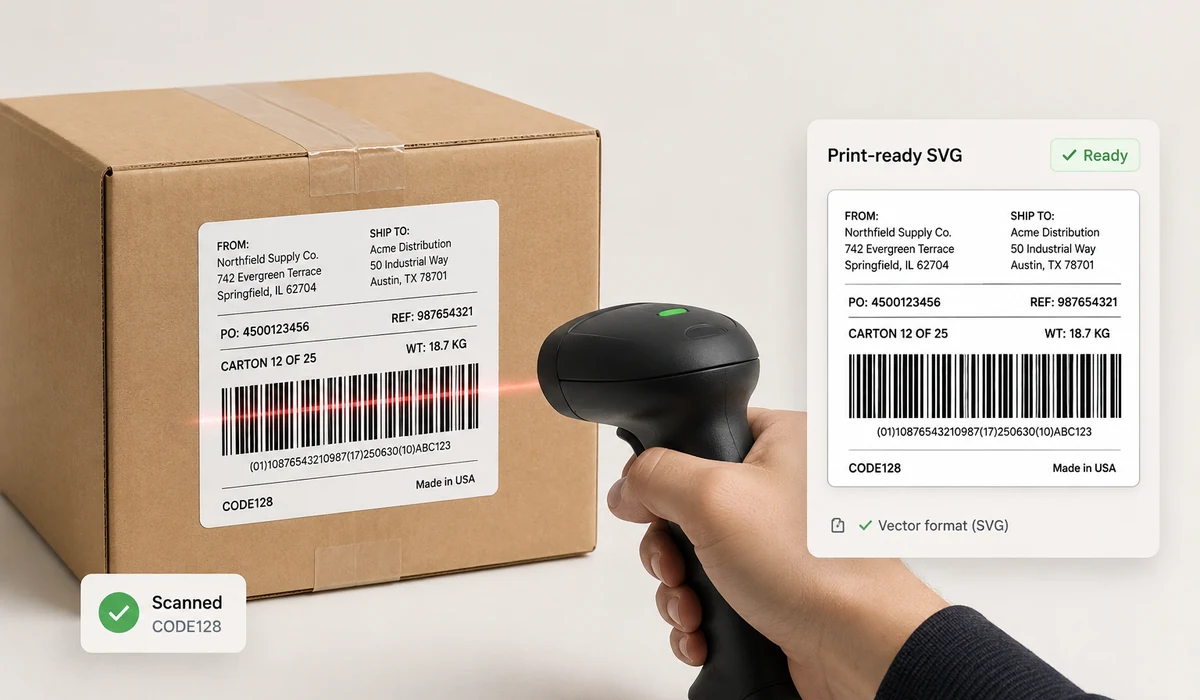
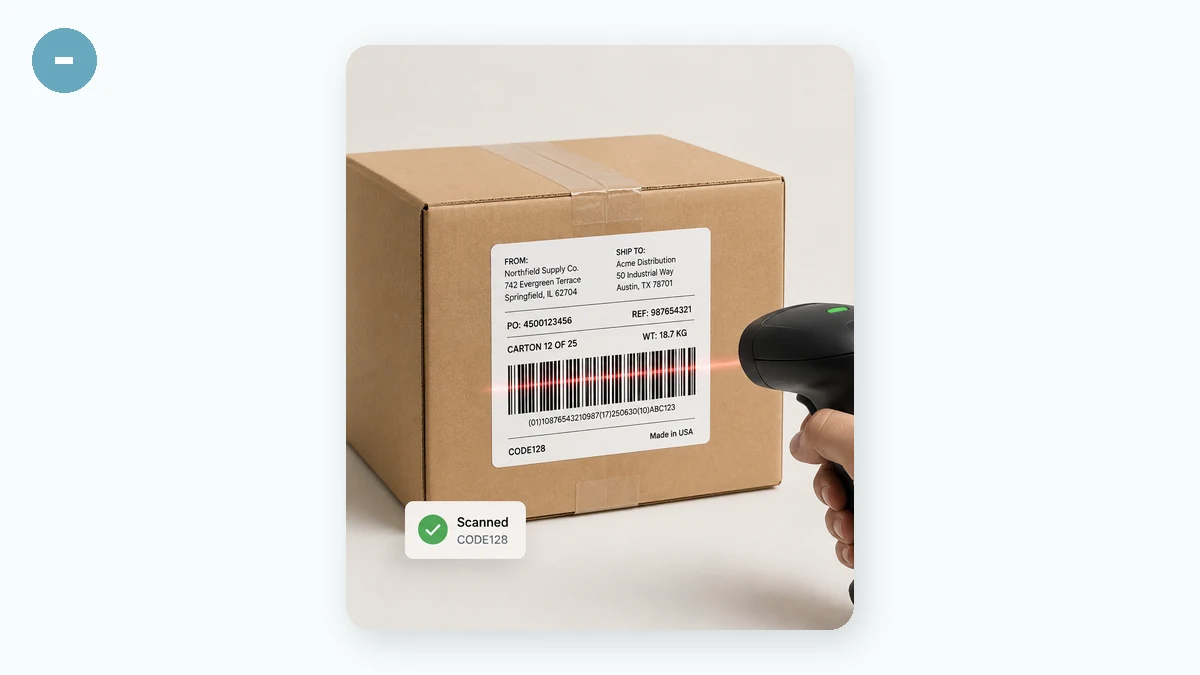
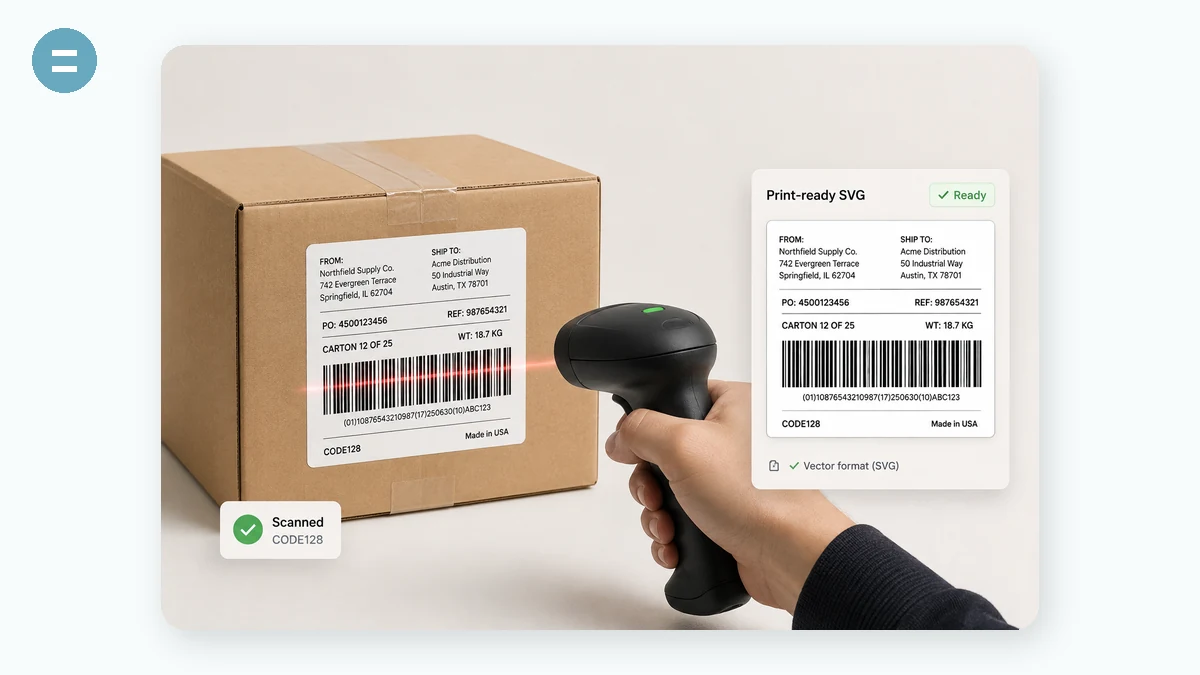
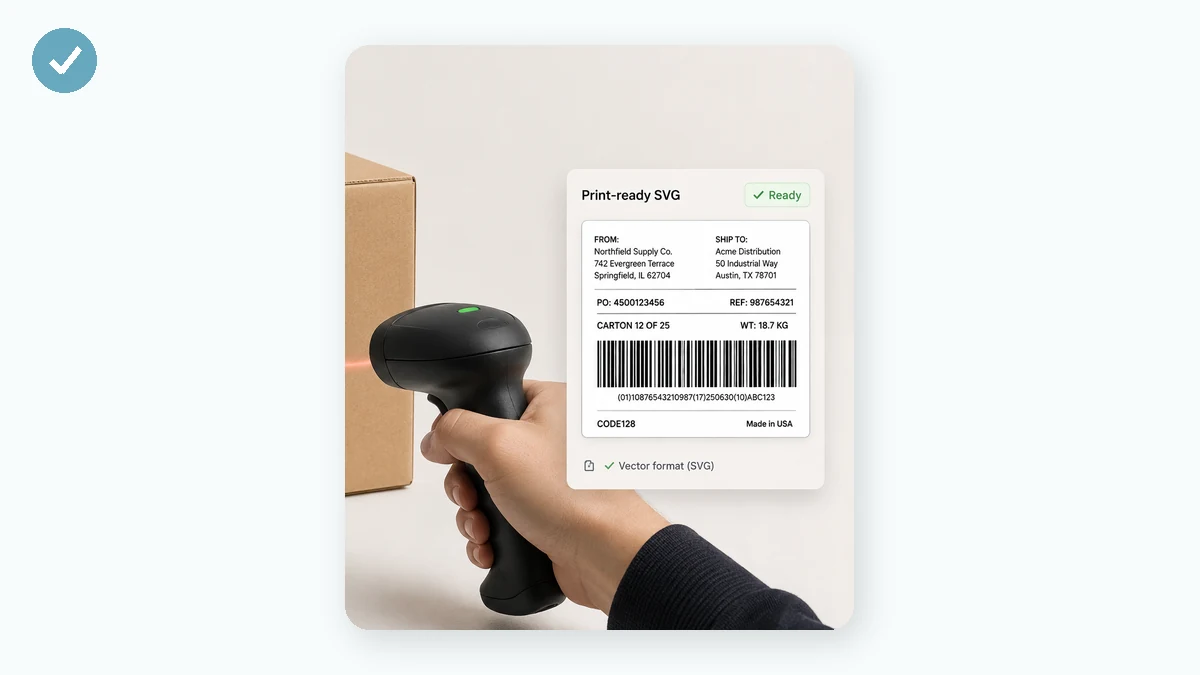
Need a barcode for a product label, an inventory sheet, or a shipping box? Pick a format, type the value, and this tool draws a standards-correct barcode you can download. It supports the common retail and logistics symbologies, with live validation so you know immediately if a value fits the format.
Everything is rendered on your device. Export an SVG for print-perfect labels or a PNG for quick use — and your product data never leaves the browser.
How to use
- Choose a formatCODE128 handles any text; EAN-13, EAN-8 and UPC are for retail; CODE39, ITF-14 and others for logistics.
- Enter the valueType the data. Invalid input for a strict format (like a short EAN) is flagged right away.
- Style and exportAdjust bar height, width, colours and the caption, then download PNG or SVG.
A barcode generator draws a row of bars that a scanner turns back into text — a SKU, an asset ID, a batch number. This one runs entirely in your browser using JsBarcode, and covers the formats that come up in real work: CODE128 for anything letters-and-numbers, EAN-13, EAN-8 and UPC-A for retail, plus CODE39, ITF-14, MSI, Pharmacode and Codabar for the industries that use them. You set the bar height and width, choose the colours, and show or hide the readable text under the bars. Nothing you type is uploaded, and the page keeps working offline once it has loaded.
The important choice is format. If the code is for your own use — inventory, asset tags, internal tracking — CODE128 is the right pick and needs no registration. Retail codes are different: EAN and UPC numbers are official GS1 numbers you have to own to sell in stores, and rendering invented digits doesn't make them legitimate. The tool validates as you type, so a value that breaks a strict format is flagged instead of exported. Export PNG for a quick image, or SVG when the barcode is going to print — vector bars stay crisp at any size and DPI, which is what labels need.
What people use it for
Print CODE128 asset tags for office laptops and monitors
Label warehouse bin and shelf locations like A7-03
Mock up EAN-13 retail packaging before you register a real GS1 number
Generate crisp SVG barcodes to drop into a label-sheet template
Encode internal work-order or batch numbers for the production floor
Make a Codabar or CODE39 code for a library or membership card system
A barcode is just a number a scanner can read fast
A 1D barcode is a row of black bars and white gaps that encodes a short string — usually a product number, a SKU, or an asset ID. A laser or camera scanner reads the widths of the bars and turns them back into text far faster and more accurately than anyone typing it in. You see them on retail packaging, warehouse shelves, library books, shipping cartons, blood-sample vials, and the sticker on the underside of your office laptop. This tool draws those codes in your browser with JsBarcode, an MIT-licensed library, and supports the formats that actually matter in practice: CODE128, EAN-13, EAN-8, UPC-A, CODE39, ITF-14, MSI, Pharmacode, and Codabar.
The one decision that trips people up is which format to use, and it comes down to a fork. If the barcode is for your own use — inventory, asset tags, internal tracking, a shelf label in your own stockroom — you want CODE128. It encodes any letters and numbers, packs them densely, and every scanner reads it. If instead the barcode has to be scanned at a real retail checkout somewhere in the world, you need an EAN-13, EAN-8, or UPC-A — and here's the honest part: those are official GS1 retail numbers. The number itself has to be registered to you (or your manufacturer) through GS1. This tool will happily render any 13 digits into a valid-looking EAN-13, but a made-up number is not a legitimate retail code; a store's system may reject it or, worse, collide with someone else's product. Render invented EANs for mockups and testing, not for the shelf. For anything internal, CODE128 sidesteps the whole registration question.
The tool validates as you type. Strict formats have rules — EAN-13 needs exactly 12 digits plus a check digit, UPC-A its own length — and if you give an invalid value it flags the problem immediately with a message instead of exporting a broken image. That's deliberate: a barcode that looks fine but won't scan is worse than an obvious error.
Making it actually scan
Two settings decide whether a scanner reads your code on the first pass. Bar width (the module width) is the thickness of the narrowest bar; go too thin and a printer or screen blurs the bars together. Bar height just needs to be tall enough for the scanner to catch a clean line across it. The third thing isn't a control at all — it's the quiet zone, the blank margin on the left and right of the code. Scanners need that empty space to find where the barcode starts and stops, so never crop tight against the bars or paste them onto a busy background. Keep strong contrast too: dark bars on a light background. You can set the foreground and background colours here, but very light bars or dark backgrounds are a common reason codes fail to read. Leave the human-readable text caption on unless you have a reason to hide it — it lets a person key the number by hand when a scan fails.
Why SVG, and why local
Export to PNG when you need a quick raster image. Export to SVG when the barcode is going to print. SVG is vector, so the bars stay razor-crisp at any size and any DPI — you can drop it into a label template, a sheet of Avery stickers, or a packaging design and it prints sharp instead of pixelating. For real label runs, SVG is the one to use.
Everything happens on your machine. Your product SKUs, asset numbers, and batch codes are business data, and here they never leave the browser — no upload, no account, and the page keeps working offline once loaded. Plenty of online barcode makers gate CODE128 or SVG export behind a sign-up or a paywall, or watermark the output; this doesn't. Two honest limits: it makes 1D barcodes only — for QR and other 2D codes use the QR tool — and it renders one barcode at a time, not printed sheets or rolls of labels.
Why tools.faxianai.com
9 formats
CODE128, EAN-13/8, UPC, CODE39, ITF-14, MSI, Pharmacode, Codabar.
Live validation
Wrong-length or invalid values are caught instantly.
PNG + SVG
Vector output for crisp printed labels.
Private
Barcodes are generated locally, never uploaded.