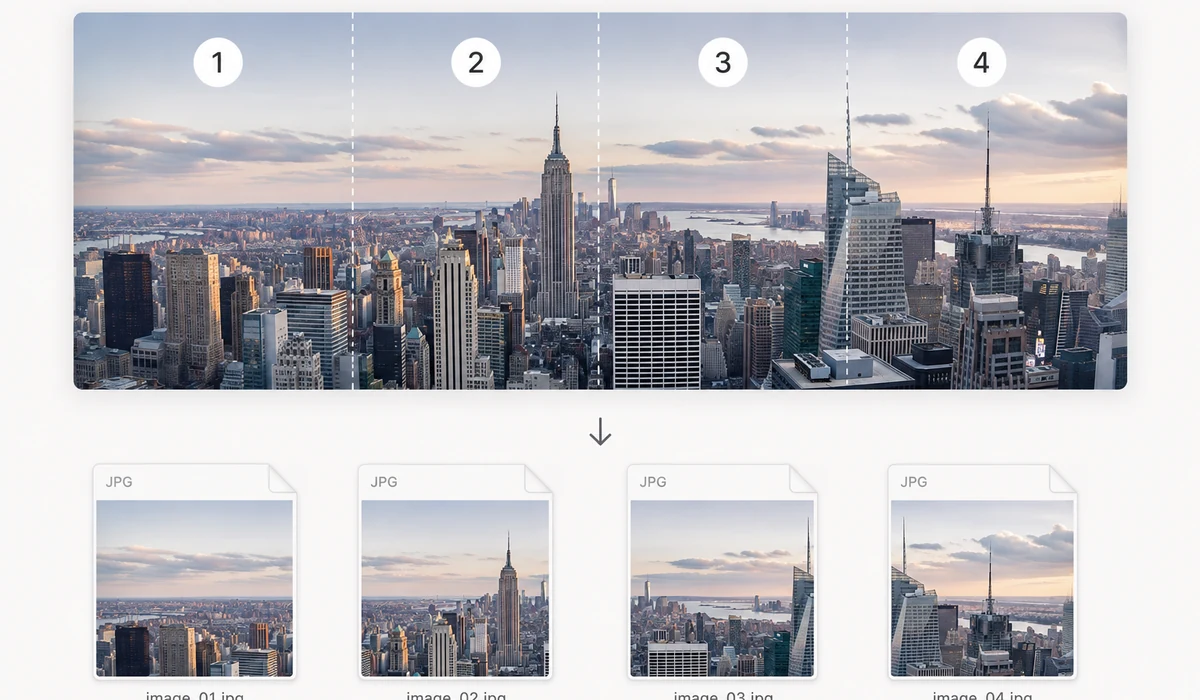
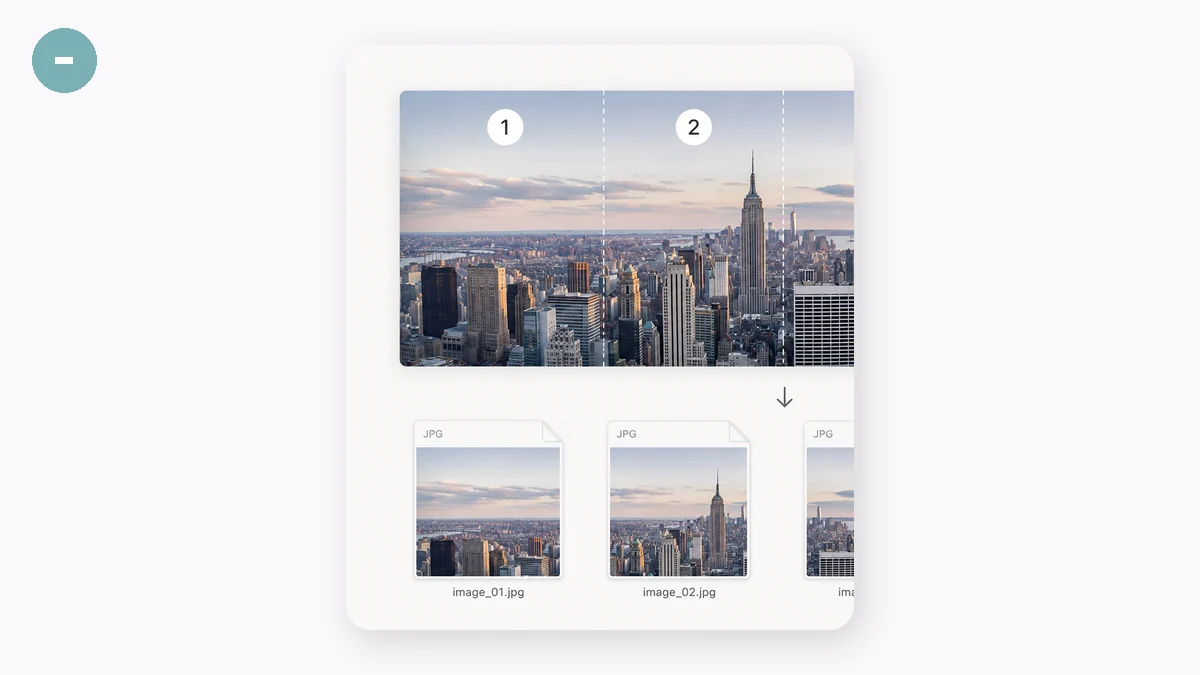
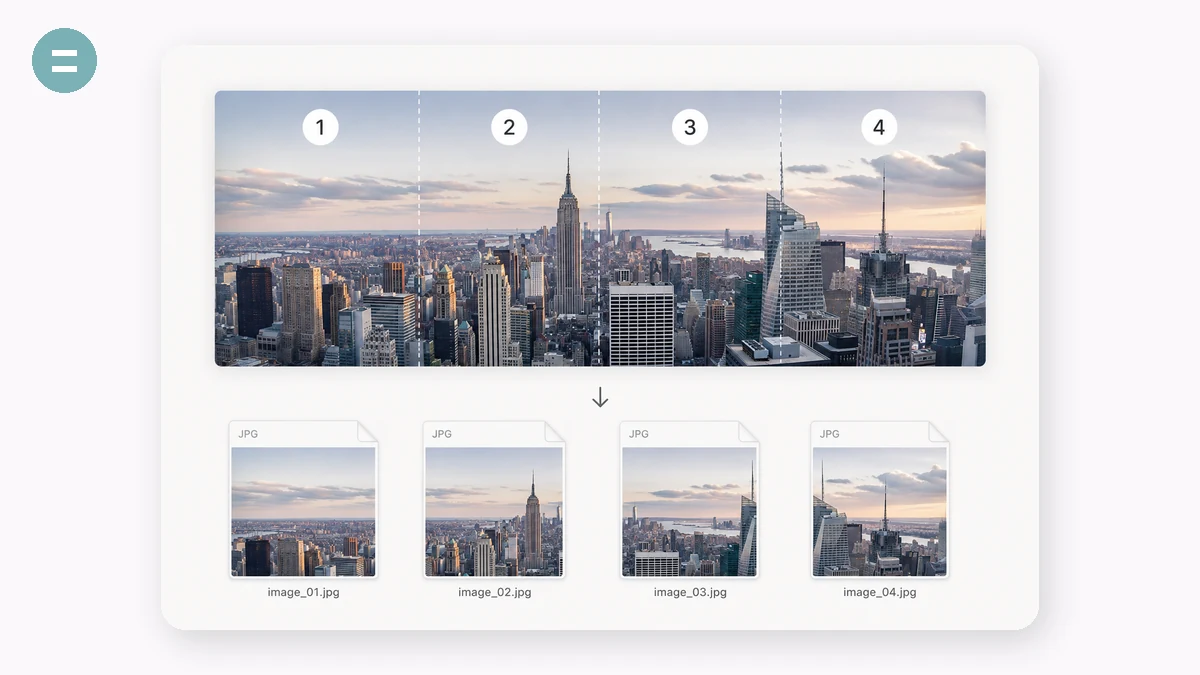
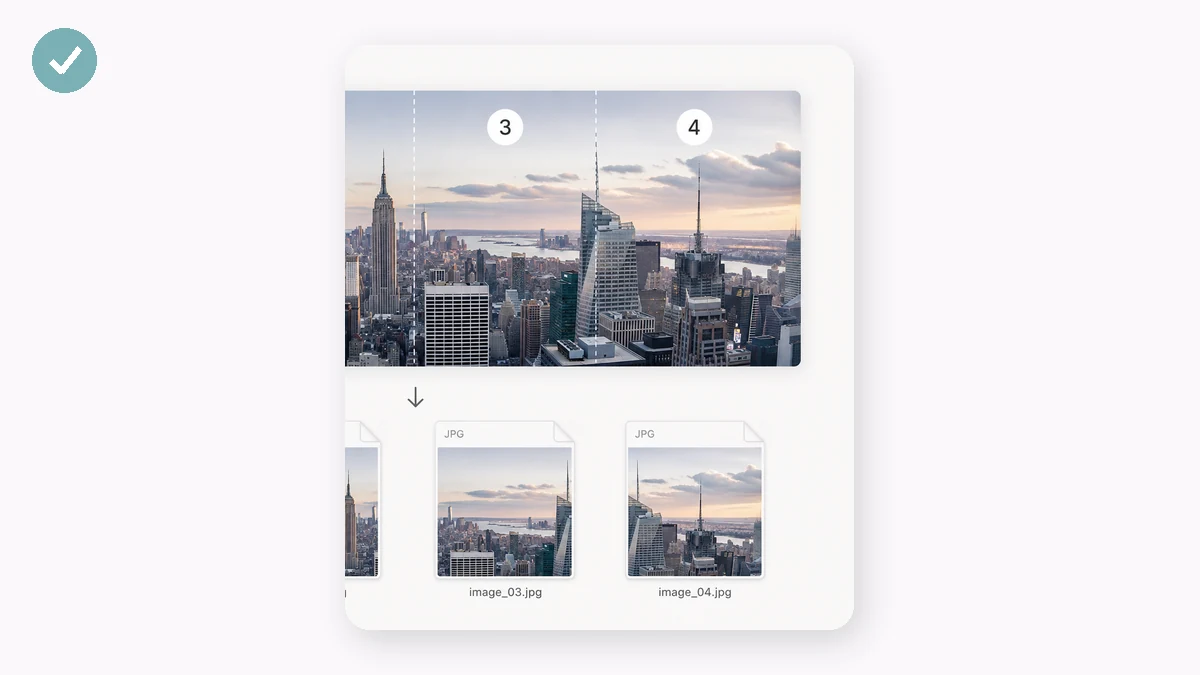
Long product-detail images and tall screenshots often need to be cut into sections — store platforms limit single-image height, and chat apps compress giant images badly. Choose equal parts or a fixed slice height, check the dashed cut lines on the preview, and download all slices in one ZIP.
Slices are numbered in order (…-01, -02, -03) so they re-assemble correctly wherever you paste them. Wide images can be split vertically the same way.
How to use
- Add the long imageDrop in the tall screenshot or detail image.
- Set the cutEqual parts (pick how many) or fixed height in pixels. Cut lines preview live.
- Download the ZIPAll slices, numbered in order, in one archive.
Cut a long image into clean, equal pieces
Long screenshots, chat exports, and tall product-detail pages are awkward to share in one shot. This splitter takes a tall image and cuts it into equal parts, or into fixed-height slices, whichever fits how you plan to post. You set the number of pieces or the slice height and it does the math.
Everything runs in the browser, so the image isn't uploaded anywhere. You see live cut lines before you commit, and each slice keeps the original resolution, no re-scaling or quality loss.
Numbered slices, one ZIP, and wide images too
Slices come out numbered in order, so re-assembling or posting them in sequence is straightforward. When you're done, everything downloads as a single ZIP instead of one file at a time. You can split up to 50 pieces from a single image.
It's not just for tall images. Wide panoramas or long horizontal banners can be split the same way, so a single graphic becomes a set of tidy, evenly divided parts ready for a carousel or a print run.
What people use it for
Long e-commerce detail pages — Cut a tall product-detail image into segments so each uploads cleanly to a listing that limits image height.
Splitting a long screenshot — Break a full-page screenshot into readable chunks for a chat, ticket, or document.
Instagram or social carousels — Divide a tall graphic into equal frames that swipe together as one continuous image.
Chat and thread exports — Slice a very long conversation capture into pieces that are easy to send or archive.
Fixed-height printing — Use fixed-height slices to fit a long design onto multiple pages or panels at exact dimensions.
Wide panorama splitting — Split a horizontal panorama into evenly sized sections for a grid post or gallery.
Comics and webtoon strips — Cut a tall strip into numbered panels while keeping every panel at full resolution.
Batch-ready delivery — Grab all slices in one ZIP so you can hand off a full set without downloading files one by one.
One tall detail image, many small slices — that's how marketplaces actually serve it
Cross-border sellers build gorgeous long detail pages: a single tall image, sometimes 800 px wide and 10,000+ px tall, that tells the whole product story in one scroll. But few platforms and templates want to serve that as one enormous file. Taobao and JD detail modules, Amazon A+ content, Shopify sections, and email builders all render better when a long image is cut into a stack of shorter slices — it loads progressively, avoids per-image height limits, and drops into fixed-height content blocks cleanly. So the real task isn't designing the long image; it's slicing it precisely and consistently every time you finish one.
Doing that by hand is tedious and easy to get wrong. In Photoshop the slice tool works, but you set up guides, name outputs, and export — a real chore across a catalog, and overkill if slicing is the only thing you need. Online long-image splitters exist, but they ask you to upload your artwork to a stranger's server, and a detail page often contains pricing, unreleased bundles, or design you'd rather not hand over. And a mis-cut slice — one that lands in the middle of a headline or splits a product shot awkwardly — means redoing the whole export.
This splitter cuts a long image into equal parts or into fixed-height pieces, right in your browser. Choose how many equal slices you want, or set an exact pixel height and let it slice top to bottom, and it packs everything into a ZIP ready to upload in order. Because it runs on Canvas locally, the artwork never leaves your machine, there's no size cap imposed by an upload form, and after your first visit it works offline. No account, no watermark, free.
What makes it different
- Two modes for two real needs. Split into N equal parts when you just want an even stack, or into fixed-height slices when a template or module requires an exact pixel height per block.
- Nothing uploaded. Your detail page — pricing, bundles, unreleased design — is sliced locally on Canvas and never sent anywhere.
- Clean ZIP output in order. Every slice comes back named and packed so you upload them top-to-bottom without shuffling.
- No upload-size ceiling. A 12,000 px-tall image is fine; you're limited by your own machine, not a service's cap.
- Offline after first visit. Cut slices on a flight or in a warehouse with no signal.
- Free, no sign-up, no watermark.
tools.faxianai.com vs other splitting tools
| tools.faxianai.com Split Image | Online long-image splitters | Photoshop slice tool | |
|---|---|---|---|
| Price | Free | Often free, ad-supported | Subscription |
| Uploads your image | No — runs in browser | Yes | Local |
| Equal-parts mode | Yes | Usually | Manual guides |
| Fixed-height mode | Yes | Sometimes | Manual guides |
| Output | ZIP, ordered | Varies | Manual export |
| Large tall images | No service cap | May cap size | Handles it |
| Offline | Yes, after first visit | No | Yes |
| Setup | None | None | Guides + export setup |
Photoshop's slice tool is the right choice when slicing is one step inside a larger design job you're already doing in the app, and it gives you total manual placement of every cut. Free online splitters are fine for a one-off if you don't mind uploading. This tool wins the repeated, privacy-sensitive case: slice a long detail page into even or fixed-height pieces, packed in order, without uploading your artwork and without opening a heavy editor — free, and offline once loaded.
Why tools.faxianai.com
Two modes
Equal parts or fixed height.
Live preview
See exactly where cuts land.
Both directions
Split tall or wide images.
Private
Runs entirely locally.