

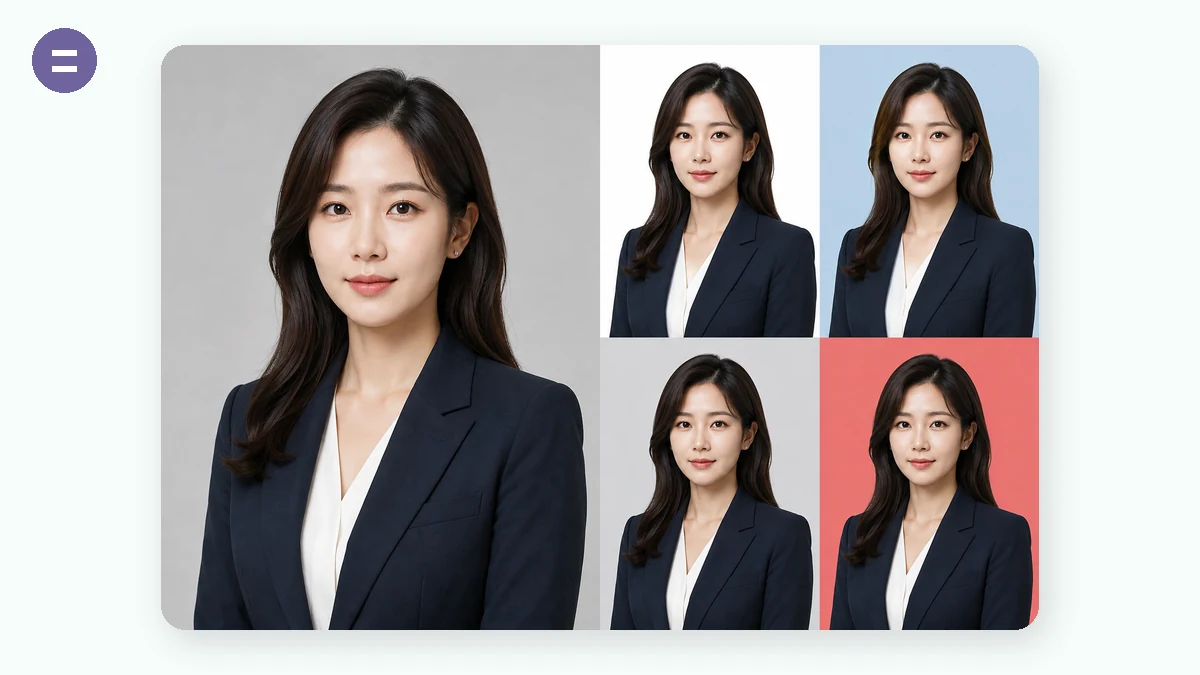
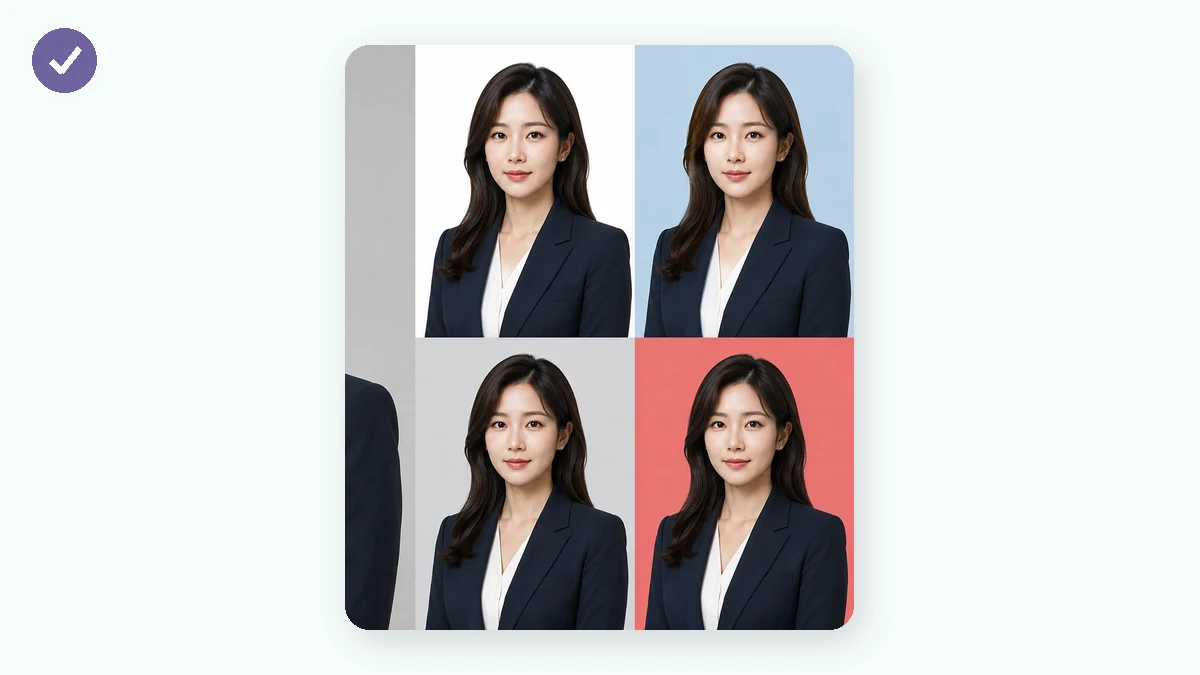
A studio charges you for three things: framing your head at the right size, putting a clean color behind you, and printing a sheet. This tool does all three in your browser. Pick a spec (1-inch, 2-inch, CN/US passport, common visa sizes or custom millimetres), drag and zoom your photo into the guide, and let the built-in AI segmentation swap the background to white, blue, red or gray.
Then download the single photo at print resolution (300 DPI), or a ready-to-print 4×6-inch / A4 sheet with cutting guides. The photo never leaves your device — which matters, because an ID photo is exactly the kind of image you don't want on a random server.
How to use
- Pick a size1-inch, 2-inch, passport, visa specs, or custom mm.
- Position your faceDrag to move, scroll or slide to zoom; pick a background color — AI cuts you out locally.
- DownloadSingle photo, or a 4×6"/A4 print sheet with cut lines.
Why making your own ID photo actually works
An ID photo has to get three things right: exact dimensions, a clean background, and a properly framed face. The first two are machine work — at 300 DPI a 1-inch photo is exactly 295×413 pixels and white is #FFFFFF — a browser computes that more precisely than a studio. The third is a viewfinder problem, solved by dragging your photo inside a guide.
What used to stop people was the background: cutting hair cleanly needed pro software. Now an AI segmentation model runs right in the browser, separating the subject from any background in seconds and compositing it over standard white, blue or red — no software, no upload.
Common specs at a glance
Frequent sizes: 1-inch 25×35mm (resumes, badges), 35×45mm (the world's most widely accepted visa/ID size), 2-inch 35×49mm, Chinese passport 33×48mm, US passport & visa 51×51mm (2×2"), Japan visa 45×45mm.
Everything is rendered at true 300 DPI print resolution, ready for any photo lab. When in doubt, pick 35×45mm — it is accepted almost everywhere.
The print-sheet money trick
Order 'ID photos' at a lab and you pay ID-photo prices. Order one ordinary 4×6" print and you pay pennies. Tile eight 1-inch photos onto a 4×6" sheet, cut along the lines, and you've paid a tenth of the price.
That's what the sheet export does: it tiles your photo onto a 4×6" or A4 canvas with dashed cutting guides. Print at 100% scale — don't let the printer 'fit to page' or the dimensions drift.
Why privacy matters extra here
An ID photo is tied to your real identity and often submitted next to passport or ID numbers — the last image you should hand to an unknown server. Many online ID-photo services process in the cloud with unclear retention.
Here the segmentation model runs via WebAssembly inside your browser; the photo never leaves your device from load to export. Once the model is cached it even works offline — the simplest proof of 'truly local'.
What people use it for
Job applications — A 1-inch white-background photo, made the moment you need it.
Visa applications — US 2×2", Schengen 35×45, Japan 45×45 — size and background in one pass.
Exam / registration portals — Custom pixel sizes to match whatever the upload form demands.
Family batch printing — Everyone's ID photos tiled onto one A4, printed in a single order.
Why tools.faxianai.com
Real specs
Common CN/US/EU/JP photo sizes at true 300 DPI.
AI background
White, blue, red or gray — segmented in your browser.
Print sheets
4×6" and A4 layouts with dashed cutting guides.
Private
The most sensitive photo you own never gets uploaded.