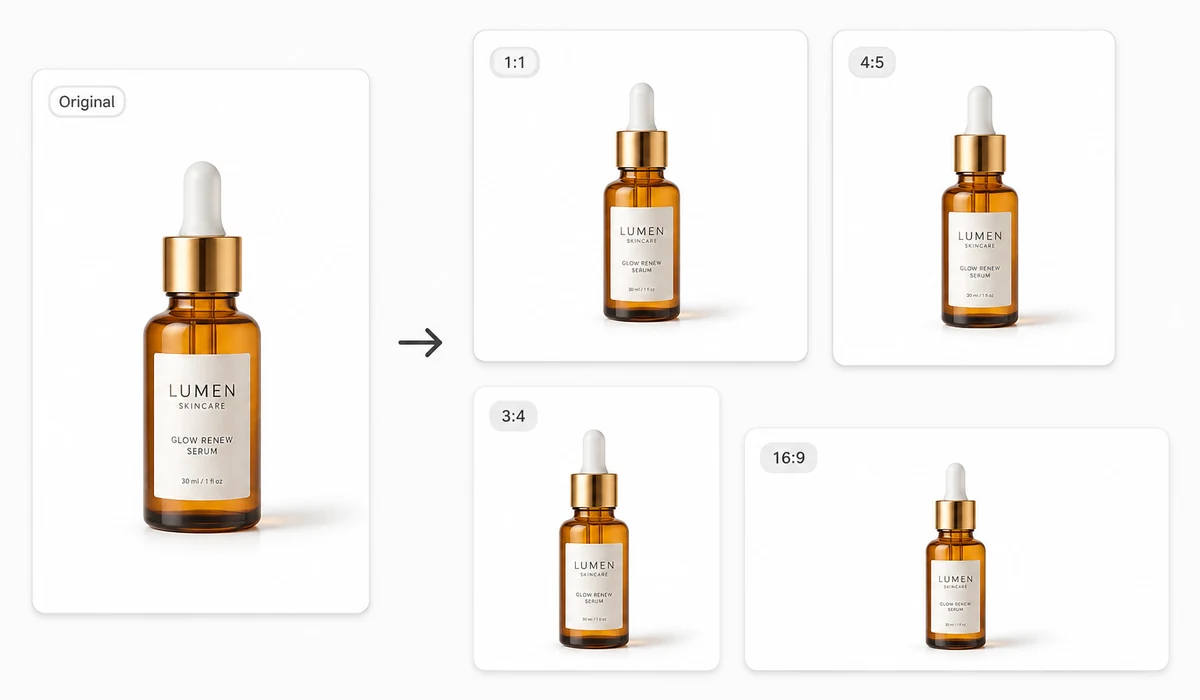
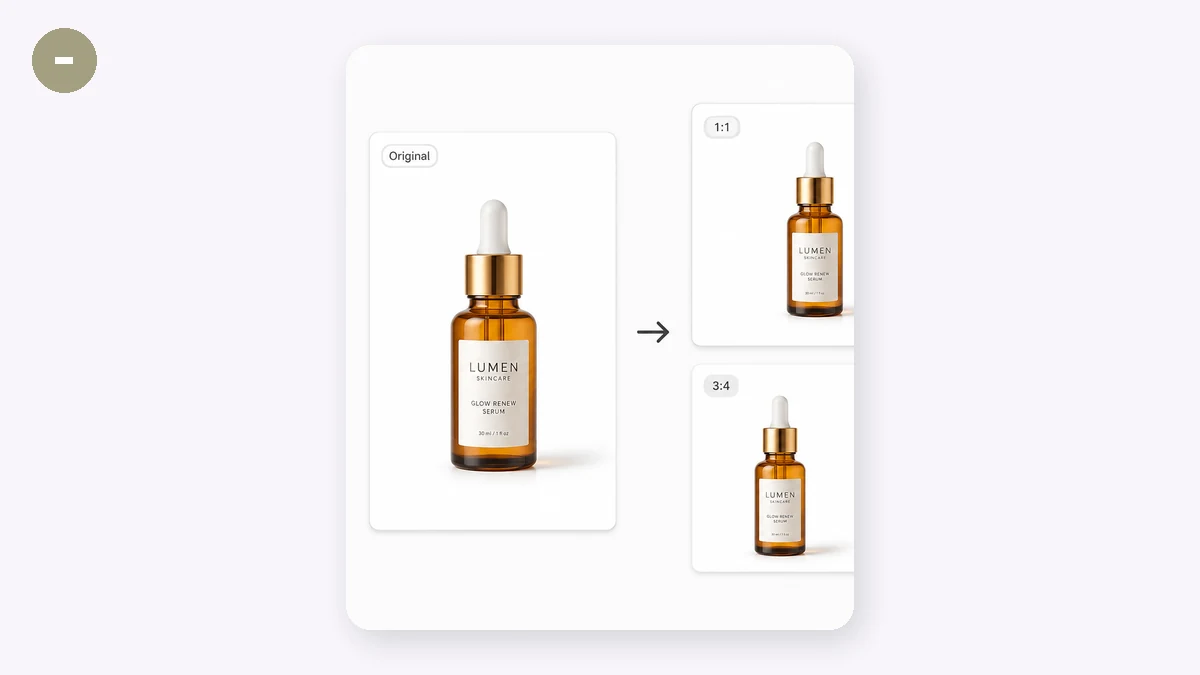
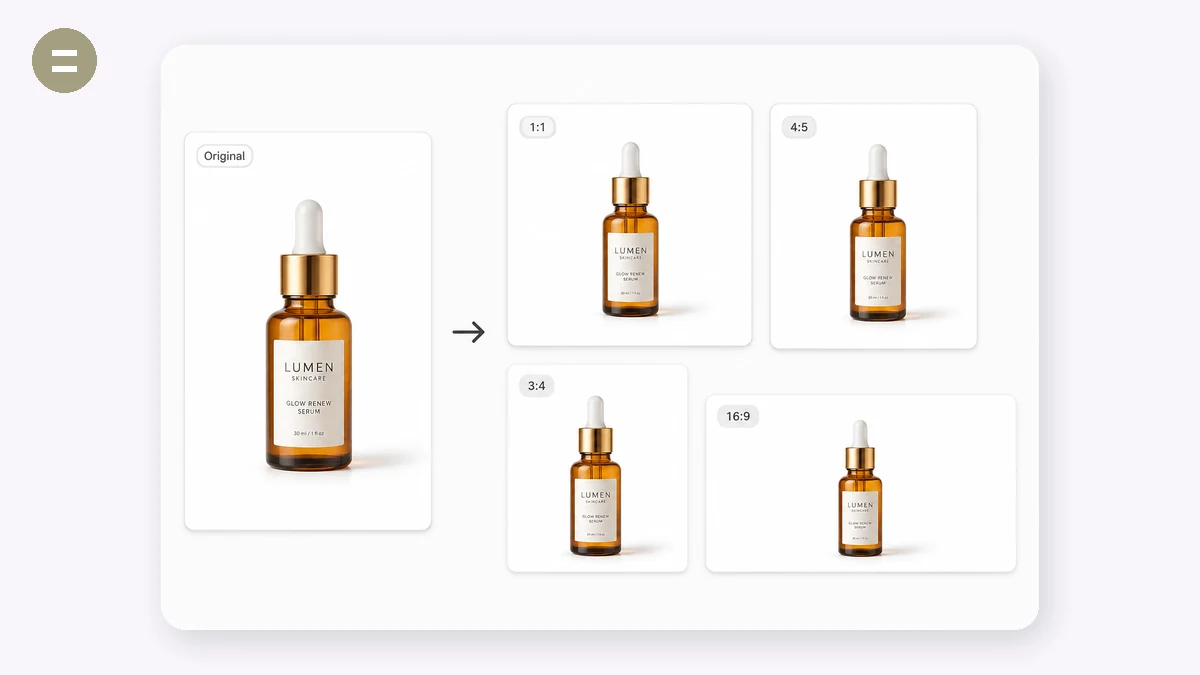
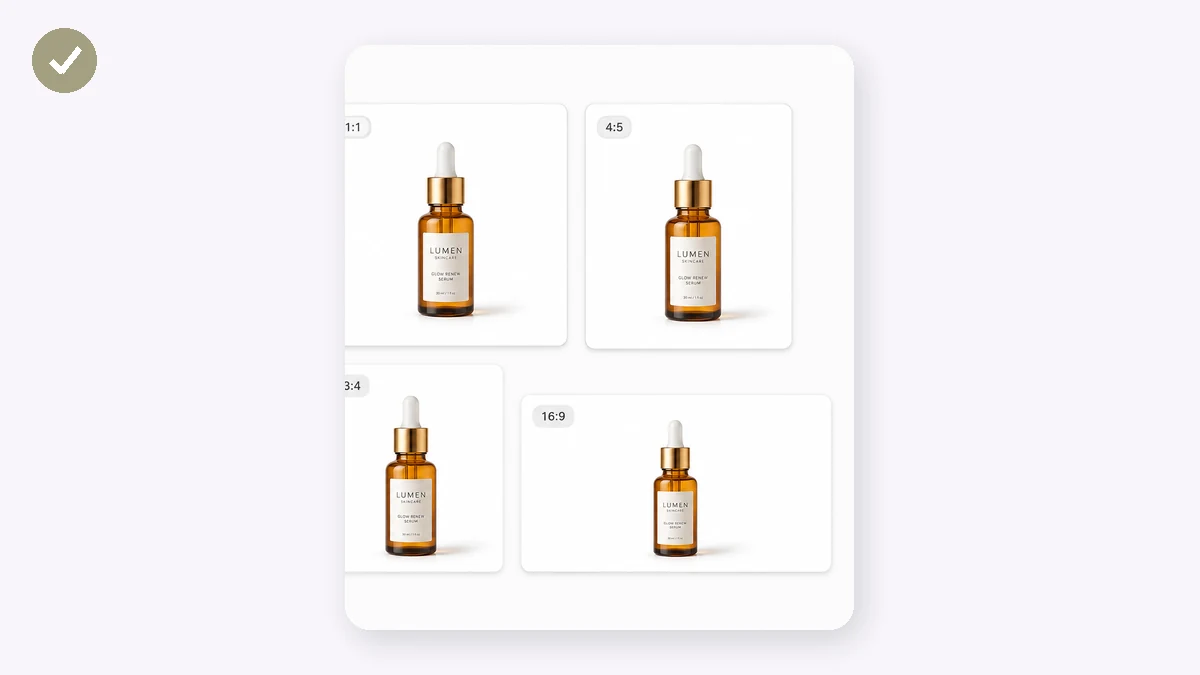
Every marketplace wants a different main image: Amazon asks for 2000×2000 on pure white, Shopify recommends 2048×2048, eBay wants at least 1600px. Redoing that by hand for every SKU is busywork. Pick a platform preset, drop in a batch of product photos, and download a ZIP of correctly sized, centered, white-background JPGs.
The product is scaled to fit with an adjustable margin and centered on the canvas — nothing is stretched or cropped off. As always on tools.faxianai.com, the photos never leave your device.
How to use
- Pick the platformChoose Amazon, Shopify, Taobao, eBay, Etsy or a custom size.
- Add product photosDrop in the whole batch — dozens at a time is fine.
- Download the ZIPEvery image comes back resized, centered on white, named with the platform and size.
Product photos at the exact size each marketplace wants
Every platform has its own main-image spec, and getting it wrong means a rejected listing or a blurry thumbnail. This tool batch-resizes your product shots to the right dimensions — Amazon 2000×2000, Shopify 2048×2048, Taobao/Tmall 800×800, JD 800, eBay 1600, Etsy 2000, or a custom size — and centers each product on a clean white background with a margin you set. The set exports as a ZIP named per platform, so you're not renaming files by hand.
Amazon and most marketplaces require the product to sit on pure white and fill most of the frame; a square canvas with a small, even margin gets you there without cropping into the product. Because it processes a whole folder at once, prepping a full catalog for a new channel is a single pass instead of an afternoon in Photoshop.
Consistent white-background images across a catalog
When every listing photo shares the same size, framing, and white background, your store page looks professional and the products read as a set. Inconsistent margins and off-white backgrounds are the tell of a rushed listing, and some marketplaces reject images that aren't on a clean background.
Set a margin so the product breathes inside the frame rather than touching the edges, and the same photo can be exported to several platform specs at once. Since it runs in your browser, your unreleased product shots stay on your machine until you upload them yourself.
What people use it for
Meet Amazon's 2000×2000 spec — Resize product photos to Amazon's recommended square size on pure white so listings pass and zoom works.
Prep Shopify product images — Batch every shot to a consistent 2048×2048 so your storefront grid lines up cleanly.
Make Taobao/Tmall 800 main images — Center products on white at 800×800 to match the standard main-image size for Chinese marketplaces.
List the same product across channels — Export one photo set to Amazon, eBay, Etsy, and Shopify sizes in a single run.
Turn a photo into a white-background image — Place products on a clean white canvas with even margins for a catalog-ready look.
Bulk-prep a new catalog — Resize a whole folder of product shots to one marketplace's spec and download as a named ZIP.
Fix rejected listing images — Re-export at the correct dimensions and white background when a marketplace bounces your photo.
Standardize margins across SKUs — Apply the same product margin to every image so the whole catalog frames consistently.
Marketplace specs are non-negotiable, and every marketplace has a different one
Selling the same product across Amazon, Shopify, Taobao, JD, eBay, and Etsy means preparing the same photo six different ways. Amazon wants roughly 2000 × 2000 px for zoom, a pure-white background, and the product filling most of the frame. Shopify's theme grids look best around 2048 × 2048. Taobao and JD lean on 800 × 800 squares. eBay rewards a long side of at least 1600 px; Etsy likes 2000. Miss the square aspect on a marketplace that expects one and your product renders letterboxed, off-center, or cropped in the thumbnail — the single most important pixel of the whole listing.
The usual fixes are all friction. Photoshop actions can batch-resize, but you have to build and maintain the action, keep the app open, and re-record it every time a marketplace tweaks its guidance. Paid services like Pixc do beautiful work but charge per image and turn a five-minute task into a next-day turnaround. Manual resizing in any editor is where most sellers actually live, and it's slow, error-prone, and quietly compounding: one mis-sized batch of forty SKUs is forty re-uploads.
The E-commerce Resizer treats this as what it is — a repeatable geometry problem. Pick the marketplace preset, drop your photos in, and each one is placed centered on a true-white (RGB 255, 255, 255) canvas at the exact target size, with a margin you control so the product breathes instead of touching the edges. A whole product line goes in at once and comes back as a ZIP. Because it all runs in your browser on Canvas, the photos are never uploaded — an unreleased SKU or an exclusive colorway never touches anyone's server — and after your first visit it works offline on a plane or in a warehouse with no signal.
What makes it different
- Presets that match real marketplace targets. Amazon 2000², Shopify 2048², Taobao/JD 800², eBay, and Etsy are built in, so you're not memorizing numbers or guessing whether "large enough for zoom" means 1600 or 2000.
- True white, not almost-white. The canvas fills with exact RGB 255,255,255, which is what automated main-image checks actually look for. A photo shot against a white wall is usually a slightly warm gray and can fail those checks even when it looks fine to your eye.
- Centered with a margin you set. The product is centered and you decide how much padding surrounds it, so a mug and a wristwatch both sit comfortably in the frame instead of one filling it and the other floating.
- Batch to ZIP. Drop a folder, get every image sized and packed. Fifty products take about as long as one.
- Private by construction. No upload endpoint exists. The processing is Canvas in your own tab, so there's nothing to leak.
- Free, no sign-up, no watermark, offline-capable after the first load.
tools.faxianai.com vs other resizing tools
| tools.faxianai.com E-commerce Resizer | Photoshop actions | Pixc / paid services | Manual resizing | |
|---|---|---|---|---|
| Price | Free | Subscription | Per-image fee | Free |
| Marketplace presets | Built in (Amazon/Shopify/Taobao/JD/eBay/Etsy) | You build them | Done for you | You look them up |
| True-white background | Automatic (255,255,255) | Manual setup | Yes | Manual |
| Center + margin control | Yes | Scriptable, more setup | Yes | Manual per image |
| Batch | Yes → ZIP | Yes, once recorded | Yes | No |
| Turnaround | Instant | Instant after setup | Hours to a day | Slow |
| Privacy | Nothing uploaded | Local | Photos sent to a service | Local |
| Offline | Yes, after first visit | Yes | No | Depends on editor |
| Skill required | None | Photoshop fluency | None (you outsource) | Editor knowledge |
Photoshop actions win when your workflow already lives in Adobe and you want them folded into a larger retouching pipeline. Pixc and similar services genuinely earn their fee when you also need retouching, ghost-mannequin work, or human quality control at volume. This tool wins the specific, repeated job most sellers face daily: take a clean product shot and output it centered on true white at the exact size six marketplaces each demand — for free, instantly, without sending your catalog anywhere.
Why tools.faxianai.com
Real marketplace specs
Amazon 2000², Shopify 2048², eBay 1600², Etsy 2000² and more.
Clean white background
Product centered with an adjustable margin.
Batch + ZIP
Process a full catalog in one pass.
Private
Product shots never uploaded.