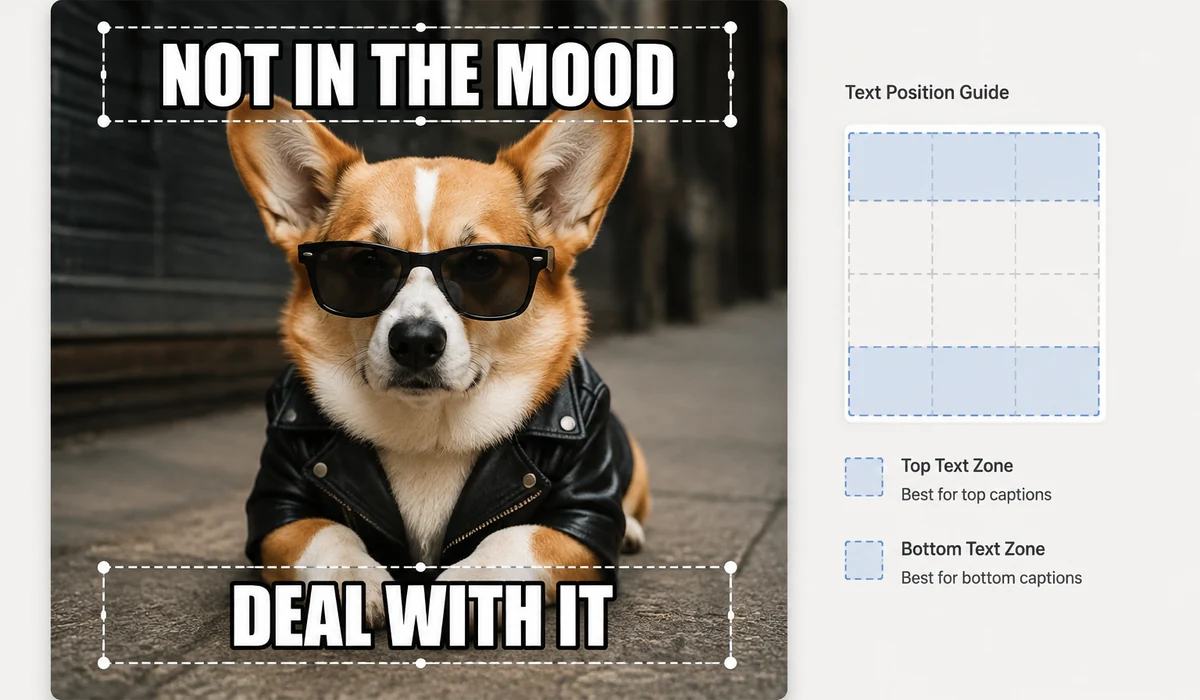
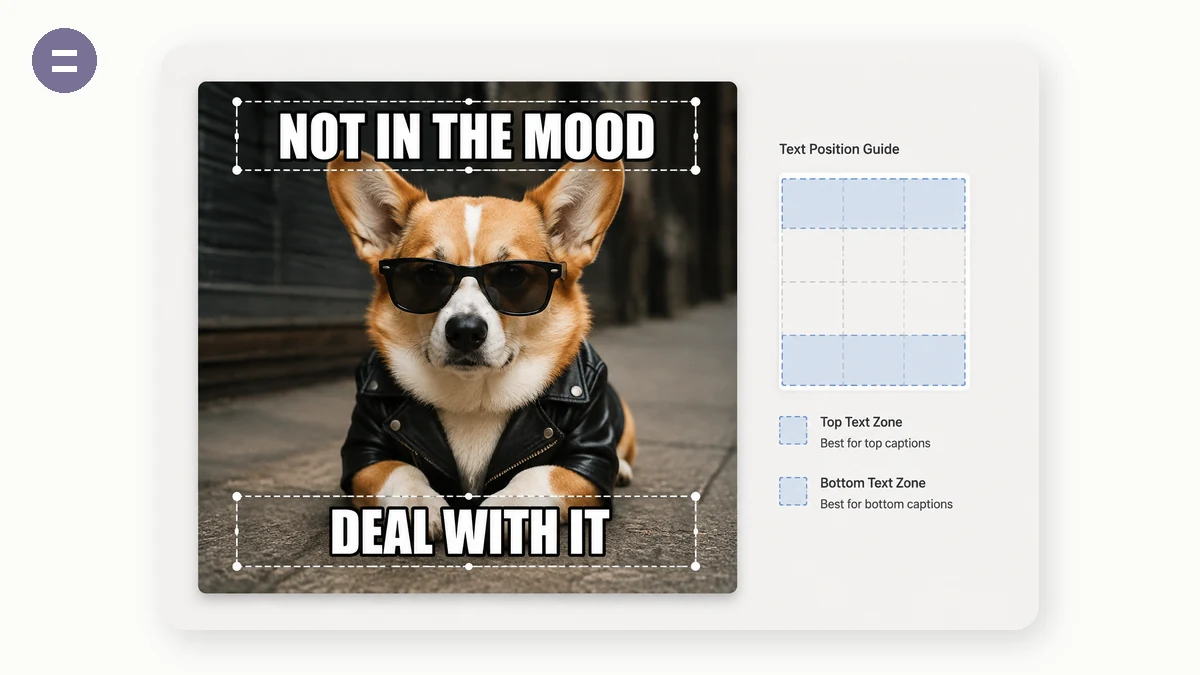
Drop in a picture, type a top and a bottom line, and get the classic white-Impact-with-black-outline meme look instantly. The caption auto-wraps to fit, and you can tune the text size, colour and outline for readability on any image.
It renders on your device at the picture's full resolution, so there is no watermark, no sign-up, and nothing is uploaded — the image and your caption stay with you.
How to use
- Add an imageDrop, paste or pick the photo you want to caption.
- Type your linesEnter top and/or bottom text — it auto-wraps and centres. Toggle UPPERCASE for the classic look.
- DownloadExport a PNG at full resolution, ready to share.
The Meme Generator adds the classic top and bottom captions to any image you supply, drawn onto a canvas right in your browser. The look is the familiar one: bold Impact-style text with a white fill and a black outline, so the words stay readable whether they land on a bright sky or a dark shadow. Long captions wrap and centre themselves automatically, there's an UPPERCASE toggle for the all-caps voice, and you can adjust text size, text colour, and outline colour when the default black-on-white doesn't sit right on a particular picture.
It renders at the image's full resolution and exports a clean PNG with no watermark, no sign-up, and nothing uploaded — the picture never leaves the tab, so a screenshot or personal photo stays on your device. Be clear on the scope so it fits your need: this captions an image you provide, top and bottom. It's not a template gallery with preloaded backgrounds, and there are no draggable text boxes to scatter labels around the image. Bring a picture, type two lines, download it at full quality with nothing stamped on top.
What people use it for
Caption a group-chat screenshot for an in-joke without it leaving your phone or getting a logo stamped on it
Turn a photo of a friend's blunder into a two-line meme for the six people who were actually there
Add a setup-and-punchline caption to a reaction image and export it at full resolution for posting
Make a private birthday-card meme from a family photo you'd never upload to a public site
Caption a screenshot of your own app's bug before sharing it with two teammates
Add bold white-outlined text to a pet photo and download a clean PNG with no sign-up
The two-line caption meme, made from your own image
You know the format even if you've never named it: a photo with a short line of bold white text jammed across the top and another across the bottom, both in that chunky condensed font, both outlined in black so they stay readable no matter what's behind them. It's the oldest meme layout on the internet and it still works. This tool does that one thing: you drop in an image, type a top line and a bottom line, and it draws them onto the picture on a canvas — right in your browser, no library, nothing sent anywhere.
The style isn't arbitrary. The bold Impact-style face (with a system fallback when Impact isn't installed) is heavy enough to hold its own over a busy photo, and the white fill with a black outline is what keeps every letter legible whether it lands on a bright sky or a dark corner. That outline is the whole trick — it means you never have to think about whether your caption will vanish into the background. Long lines wrap automatically and stay centred, so a wordy punchline won't run off the edge. There's an UPPERCASE toggle for the classic all-caps look, plus controls for text size, text colour, and outline colour if you want to stray from the default black-on-white.
It exports the real image, not a shrunk-down preview
Here's where a lot of meme sites quietly let you down. They downscale your export, or stamp a logo in the corner, or make you sign up before you can save. This one renders the caption at your image's full resolution and exports a clean PNG — same pixels you put in, no watermark, no account, no "upgrade to remove branding." What you make is yours to post anywhere, and nobody can tell which site made it because there's no site badge on it.
Your photo never leaves the tab
Because everything happens on a canvas in your browser, the image you caption is never uploaded. That matters more than it sounds. Half the good memes are in-jokes: a screenshot of a group chat, a photo of a friend mid-blunder, a work Slack thread you're roasting privately. You don't want any of that sitting on some meme site's server. Here it can't — there's no server to sit on. Load the page once and you can even go offline and keep making memes on a plane.
Chinese and other captions — an honest note
Impact is a Latin typeface, so Chinese, Japanese, and Korean characters don't render in Impact — no tool can make them, the glyphs simply aren't in the font. What you get instead is a bold system CJK font as the fallback, and the important part still holds: the same white-fill-plus-black-outline treatment renders cleanly on 表情包 and 梗图 captions too. Your 中文 text will be bold, centred, outlined, and legible over any image. It just won't be the exact Latin Impact shape, and now you know why.
What it is, and what it isn't
Be clear on the scope so it doesn't disappoint: this is a top/bottom caption maker. It captions an image you supply. It is not a full meme-template studio — there's no gallery of preloaded templates to pick from, no draggable text boxes you can drop anywhere on the image, no sticker library, no speech bubbles. If you need to place five labels at odd angles across a drama-panel template, this isn't that tool. If you have a picture and you want the classic two-line caption on it, fast, at full quality, with nothing uploaded and nothing stamped on it — this is exactly that.
Compared to the typical meme generator that watermarks your download, gates saving behind a login, and quietly uploads whatever you feed it, the trade is simple: you bring the image, you get the plain two-line format, and in return you keep full resolution, full privacy, and a clean file with no strings on it. Type your top line, type your bottom line, download the PNG.
Why tools.faxianai.com
Classic style
Bold Impact text with a clean black outline.
Adjustable
Text size, colour, outline and caps toggle.
Auto-wrap
Long captions wrap and centre automatically.
Private
No watermark, no upload, no account.