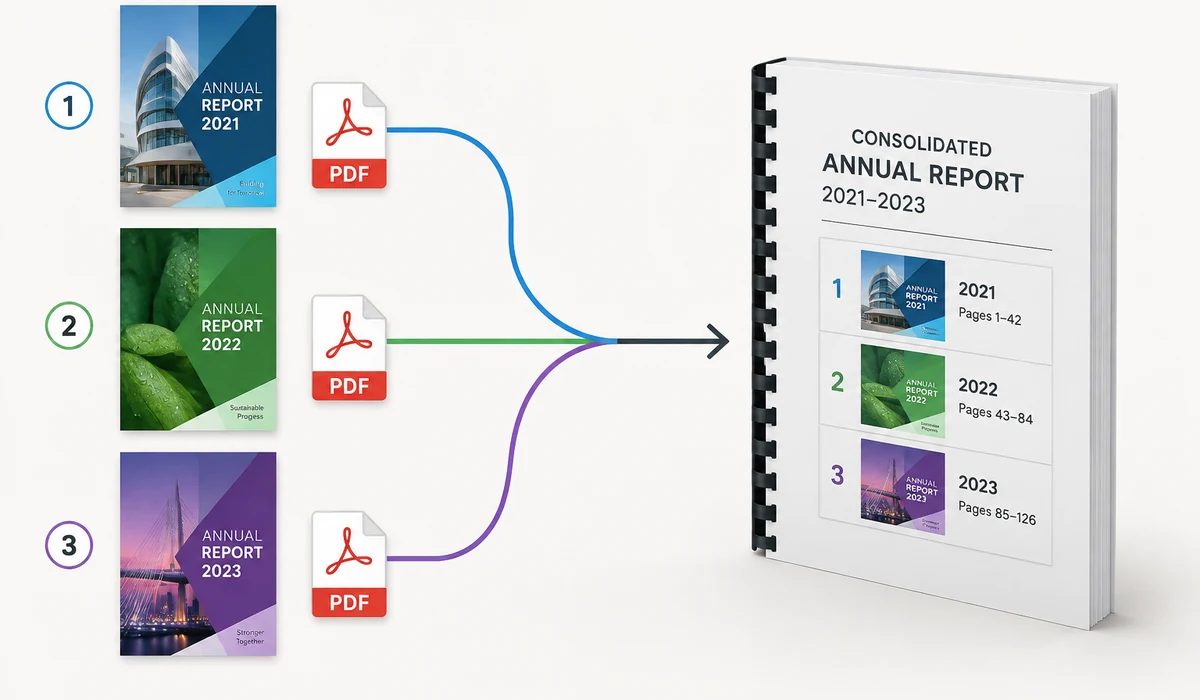
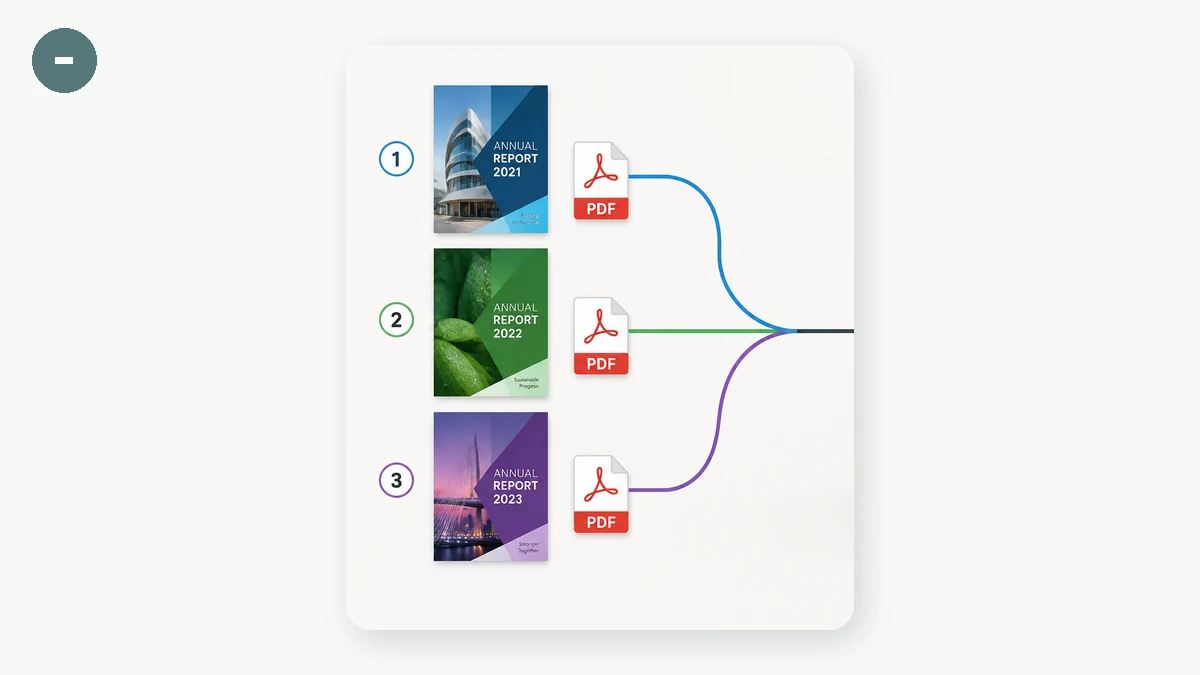
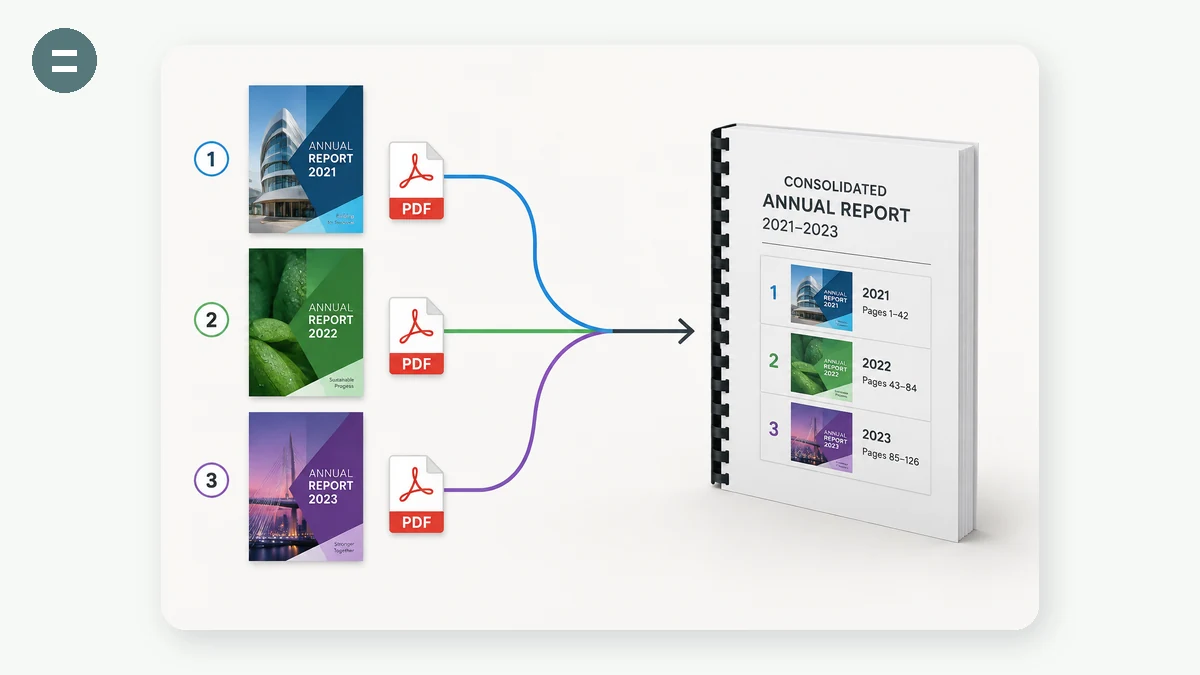
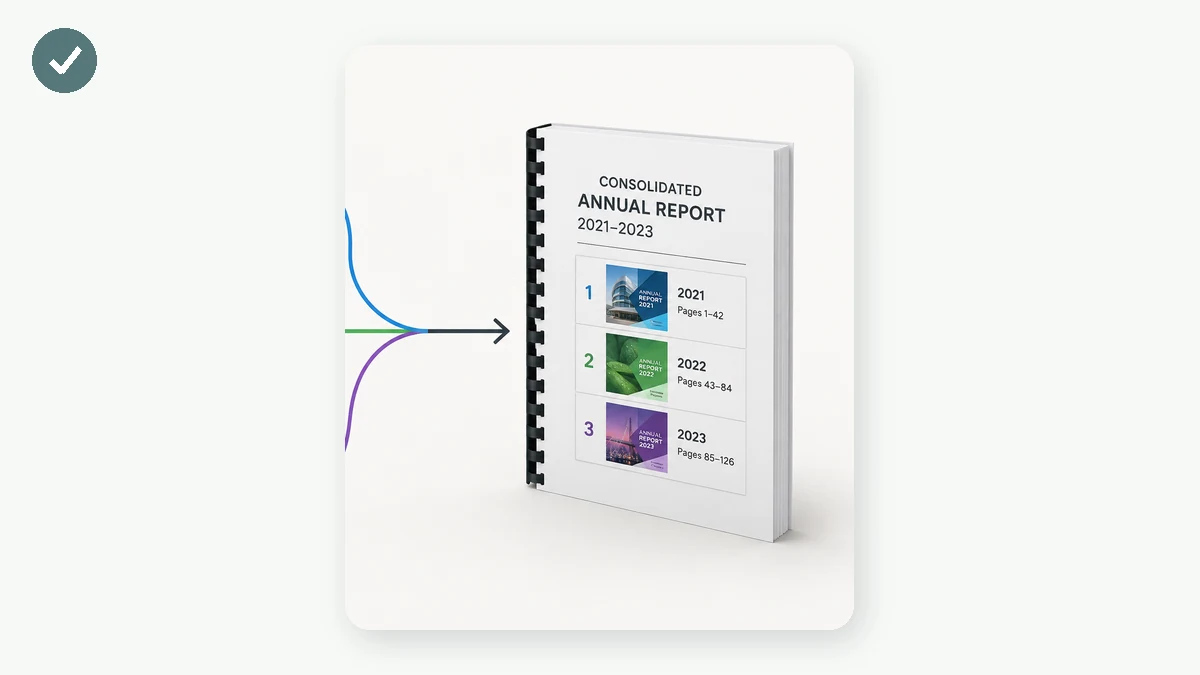
Join a stack of PDFs — invoices, scans, chapters, contracts — into one tidy document. Add your files, drag them into the right order, and download the merged PDF. Page counts and sizes are shown so you know exactly what you are combining.
Most online PDF mergers upload your documents to a server. This one does not: the merge happens in your browser using a local library, so even sensitive contracts and scans stay entirely on your device.
How to use
- Add PDFsDrop in or select two or more PDF files.
- Order themUse the up and down arrows to arrange the files; remove any you do not need.
- Merge and saveClick Merge and download a single combined PDF.
The convenient way to merge PDFs online has a catch almost no site mentions: your files get uploaded. Smallpdf, iLovePDF, Adobe's online merge and their many clones all combine your documents on their own servers, then send one PDF back. For a public report that's harmless, but people mostly merge contracts, tax forms, medical records, and scanned IDs — the exact files you'd least want copied onto someone else's disk, however briefly. This tool skips that entirely: it combines your PDFs inside your browser, so the documents never leave your device.
It runs on pdf-lib, an open-source library that a modern, WebAssembly-era browser can drive on your own CPU — no server, no account, no daily cap. You drop in several PDFs, see each file's page count and size, reorder them with up and down arrows, remove any you added by mistake, then merge and download a single file. It joins whole files in the order you set; it doesn't yet split, delete, or reorder pages within a file. Once the page is cached it works fully offline, which is useful when you're finishing paperwork on a plane.
What people use it for
Combine a signed contract's separate pages before emailing, without the file ever touching a server.
Merge phone-camera scans of a multi-page form into one document to upload to a portal.
Bundle a trip's receipts, boarding pass, and hotel folio into a single PDF for an expense claim.
Join front and back scans of an ID or bank statement into one file for an application.
Assemble chapters or lecture handouts into one PDF to read or print in order.
Put a medical record's separate result pages together into one file, entirely offline.
Combine several PDFs into one — without handing them to a server
The need is dull and constant. A contract comes back signed as three separate pages. A reimbursement wants the receipt, the boarding pass, and the hotel folio as a single attachment. A scanner app spat out each page as its own file. A visa portal accepts one PDF and one PDF only. So you go looking for a "merge PDF" tool, find one of the big names, and drag your files in — and in that moment the documents leave your device.
That last part is the thing almost nobody stops to notice. The overwhelmingly common online PDF tools — Smallpdf, iLovePDF, Adobe's online merge, and the dozens of clones — work by uploading your PDFs to their servers, combining them there, and sending one file back. It's an understandable design, and for a flyer or a public report it's harmless. But look at what people actually merge: employment contracts, medical records, tax returns, bank statements, a scan of a passport. These are, almost by definition, the exact documents you'd least want sitting on a company's disk, however briefly, however good their privacy policy reads.
This tool does the same job the other way. You drop in the PDFs you want to combine; it reads them in your browser and writes out a single merged file your browser hands back as a download. Nothing is uploaded — the documents never leave your machine. There's no account, no daily cap, and once the page is cached it works with the network off entirely.
How the workflow goes
- Drop in your files. Select or drag several PDFs. The tool lists each one with its page count and size, so you can confirm you grabbed the right documents before merging.
- Set the order. Move files up or down with the arrows, and remove any you added by mistake. The merged PDF follows the file order top to bottom.
- Merge and download. One click assembles the combined PDF locally and saves it. That's the whole loop.
Why an in-browser merge is possible now
For years, "process a PDF" meant a round trip to a server, because browsers simply couldn't do it. That changed. This tool is built on pdf-lib (an open-source MIT library) running in a modern, WebAssembly-era browser — capable enough to parse real PDF structure, copy pages between documents, and re-encode a new file, all on your own CPU. There is no upload step because there is no server doing the work. Your device is the machine.
Honest about the scope
This is a merge tool, and right now that's precisely what it does — it joins whole files, in the order you set. What it does not yet do is page-level editing: it won't split a PDF, delete or rotate individual pages, or reorder pages within a single file. Reordering happens at the file level, so if you need page 3 before page 2 inside one document, fix that document first, then merge. Being clear about this beats pretending to be a full PDF suite you'll fight with later.
One caveat worth stating plainly. A PDF locked with an open password (the kind that prompts you before the document will even display) can't be read in the browser — remove the password in whatever app you normally open it with, then merge the unlocked copy. The other kind, owner/permissions restrictions (which let you view but limit printing or editing), can usually still be merged without trouble. And very large documents lean on your device's memory, so a stack of huge scans may be slower on an old phone than on a laptop — a fair trade for keeping everything local.
For "I just need these PDFs joined into one, and they're private," that's usually the entire requirement — met without a single byte leaving your device.
Why tools.faxianai.com
Many into one
Combine any number of PDFs in your chosen order.
Reorder & remove
Arrange files before merging.
Page counts
See pages and size for each file.
Private
Documents are merged locally, never uploaded.