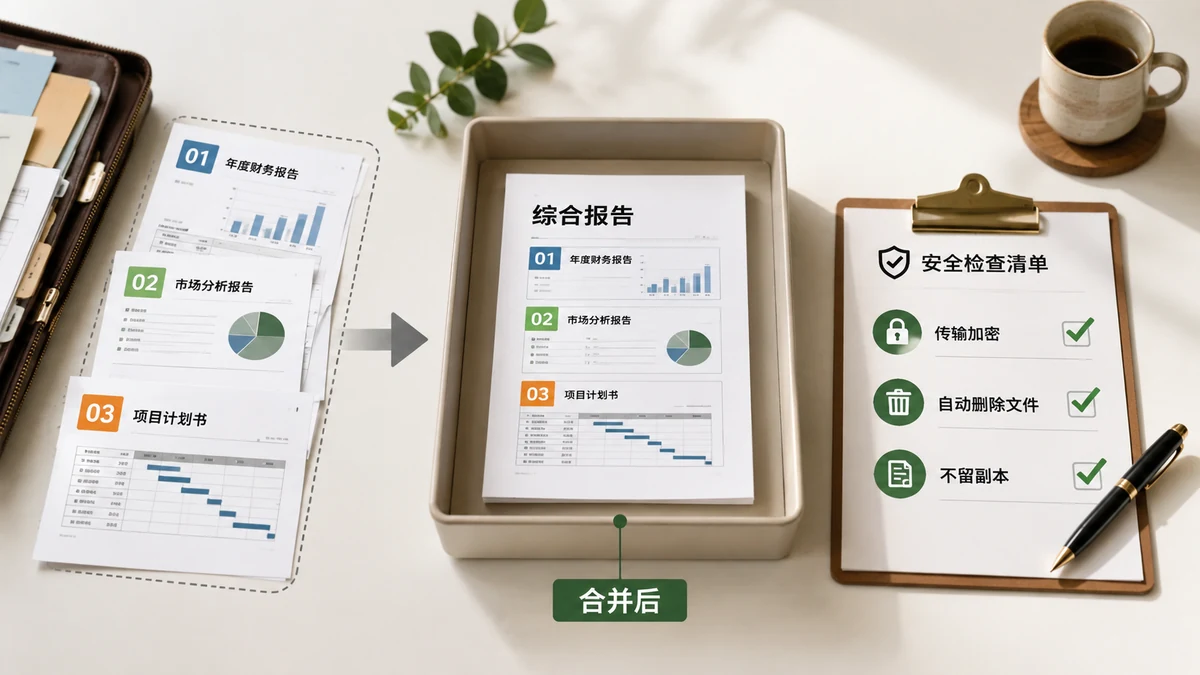
Short answer: it depends entirely on whether the site uploads your files — and most do. On a typical online merger, clicking "combine" sends every PDF across the internet to the company's server, which stitches them together and sends one file back. Whether that's "safe" comes down to how much you trust that company with the specific documents you're merging.
For a public PDF, fine. For the documents people actually merge — contracts, tax forms, medical records, bank statements, a scanned ID — you shouldn't have to take a marketing line on faith. Here's how to check for yourself, and how to skip the risk entirely.
What "unsafe" actually means here
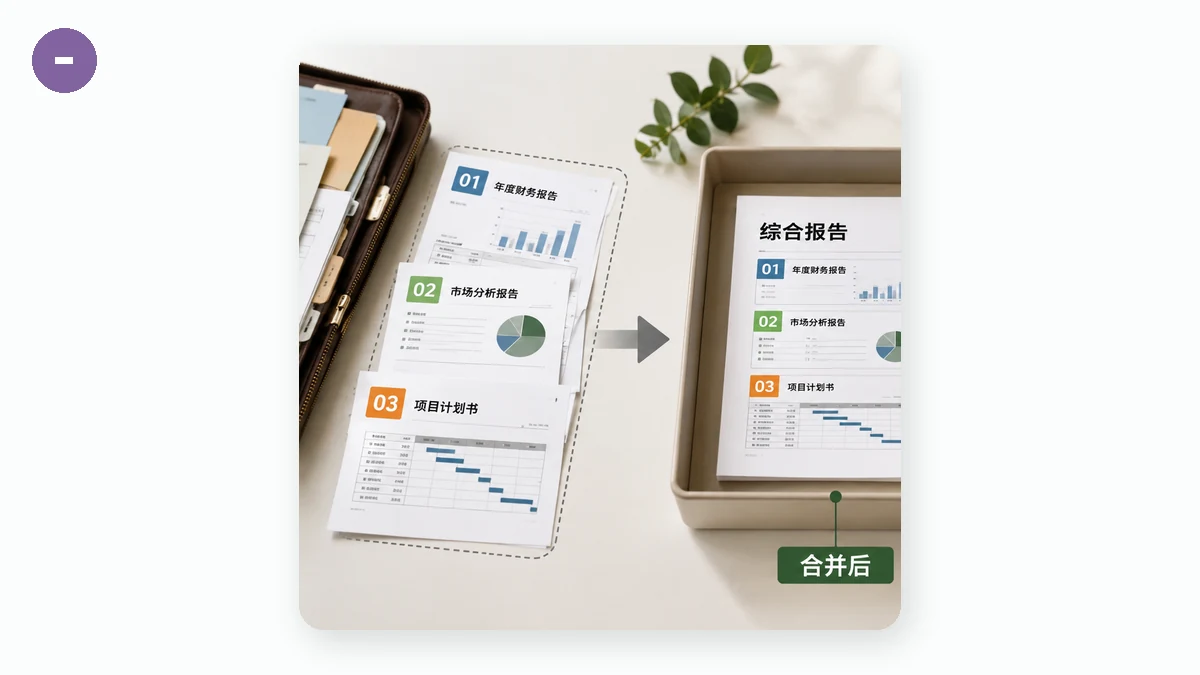
The risk isn't usually a movie-style hack. It's the mundane reality of an upload:
- Your file is transmitted across the network, where a weak or public connection can be intercepted.
- It's stored, at least briefly, on disks you don't control — "deleted after an hour" is a promise, not something you can verify.
- It may be logged or cached, and what's allowed is buried in a privacy policy almost nobody reads.
A trustworthy provider handles this responsibly. But the safest file is the one that never left your device in the first place — then there's nothing to intercept, store, or leak.
How to tell if a site is uploading your PDFs
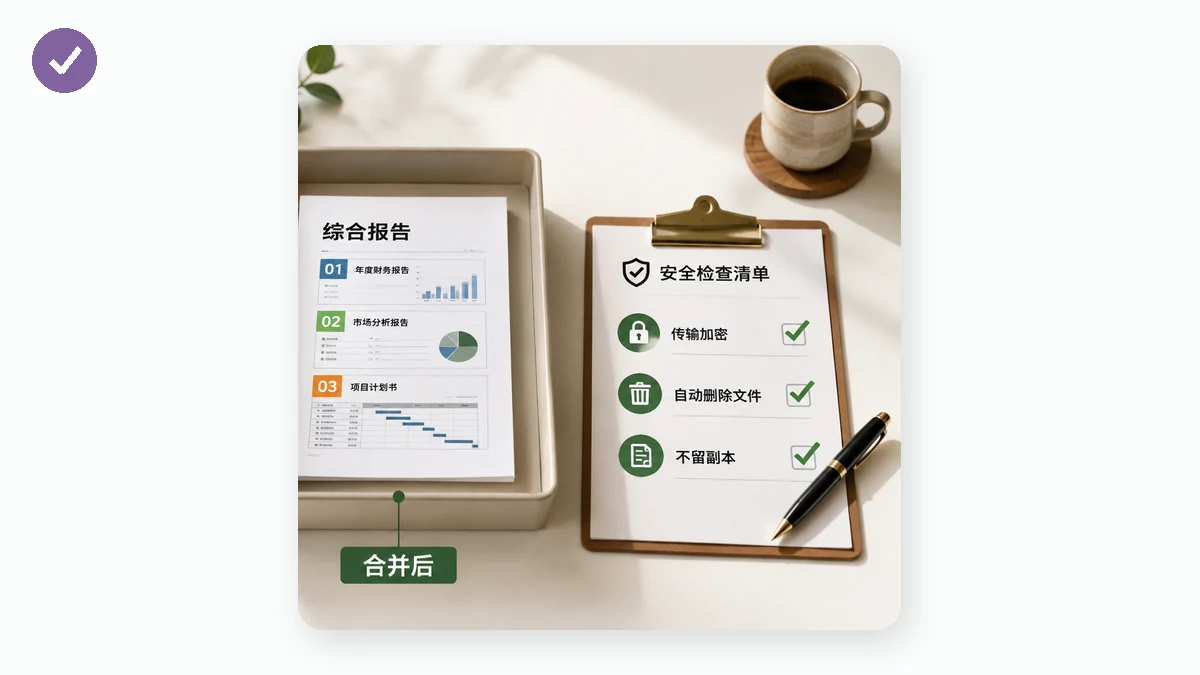
You don't have to guess. Three quick checks reveal the truth:
- Watch for an upload bar. A progress bar that fills at your connection's speed means bytes are leaving your machine. Genuinely local processing is near-instant regardless of file size.
- Try airplane mode. Load the page, disconnect from the internet (turn off Wi-Fi or flip on airplane mode), then try to merge. A server-based tool will stall or error. A truly local one keeps working, because everything it needs is already in your browser.
- Open the Network tab. In your browser's developer tools (F12 → Network), do a merge and watch. A large POST request carrying your file means it was uploaded. A local tool shows no such request — your files never hit the network.
The airplane-mode test is the most convincing because it's impossible to fake: if a tool finishes the job with the internet off, it physically cannot have sent your files anywhere.
The safe approach: don't upload at all
Modern browsers can parse and rewrite PDFs on your own device, using WebAssembly and open-source libraries. That's how tools.faxianai.com's Merge PDF works: you drop in your files, it shows each one's page count and size, you order them with up/down arrows and drop any you added by mistake, then it merges and downloads a single PDF. Nothing is uploaded — no account, no server, no daily cap — and once the page is cached it works with the network off. Try the airplane-mode test on it yourself; that's rather the point.
Honest limits, because trust cuts both ways
A tool that's straight about privacy should be straight about scope. This one merges whole files in the order you set — it doesn't yet split PDFs, delete or rotate single pages, or reorder pages within a file. And a PDF locked with an open password can't be read in the browser; remove the password first, then merge. Owner-only restrictions can usually still be merged. Very large documents lean on your device's memory, so a huge stack may be slower on an old phone.
The bottom line
"Is it safe to merge PDF online?" really means "do I trust this company with these files, on their servers?" You can dodge the question. Check with airplane mode or the Network tab, and for anything private, use a tool that merges in your browser — where there's no upload to trust, because there was no upload at all.