
You drag a photo into a website, wait a second, and get something back — a smaller file, a cutout, a caption. The transaction feels instant and self-contained. It usually isn't. The moment you hit "upload," a copy of your image leaves your device and lands on hardware owned by someone else. What happens next is up to them, not you.
Here's the honest version of where your files go, based on how these systems are actually built — not scare stories, just the mechanics.
The path a file takes when you upload it
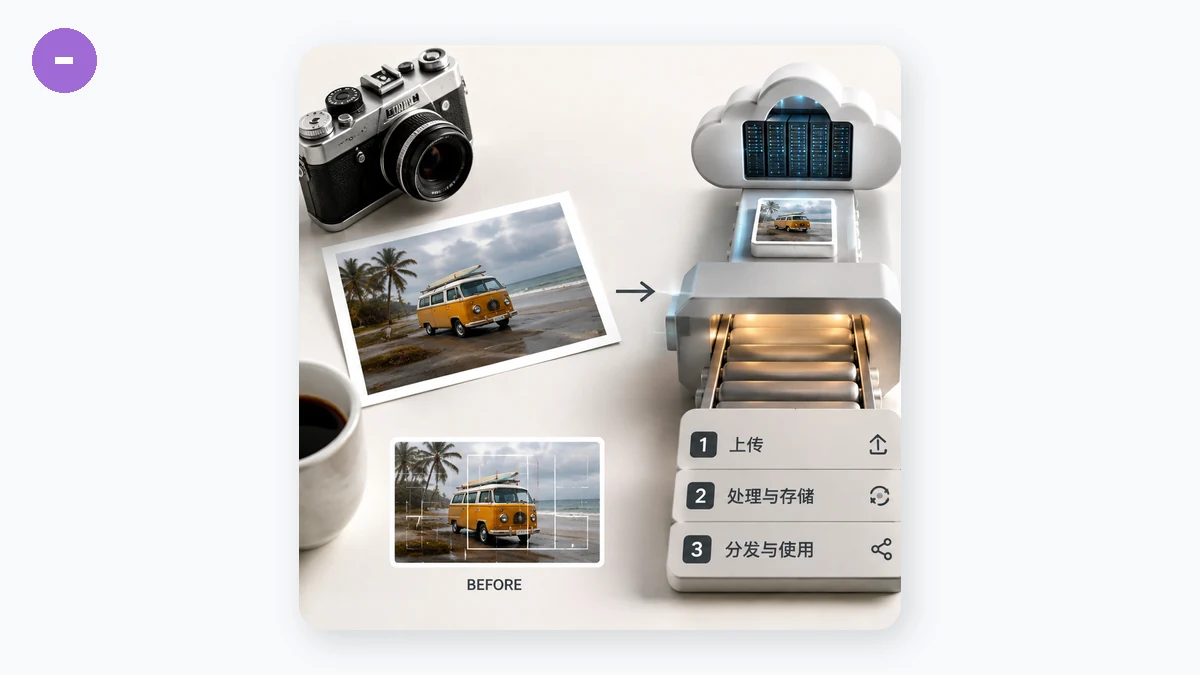
"Upload" is a literal description. Your browser reads the raw bytes of your image and sends them, over the network, to the site's server. That server writes the file to disk (or to cloud storage like S3), runs whatever processing you asked for, and sends a result back. Your original now exists in at least two places: your device, and theirs.
A few things follow from that design:
- The file is transmitted. Over HTTPS this is encrypted in transit, so a random eavesdropper on public Wi-Fi can't read it. That protects the journey, not the destination.
- The file is stored, at least briefly. Even "we delete after processing" tools hold the file long enough to work on it, and their definition of "after" varies wildly.
- The result and the original may be cached on CDNs, backup systems, or logs — copies that outlive the tab you closed.
How long files are kept, and who reads the policy
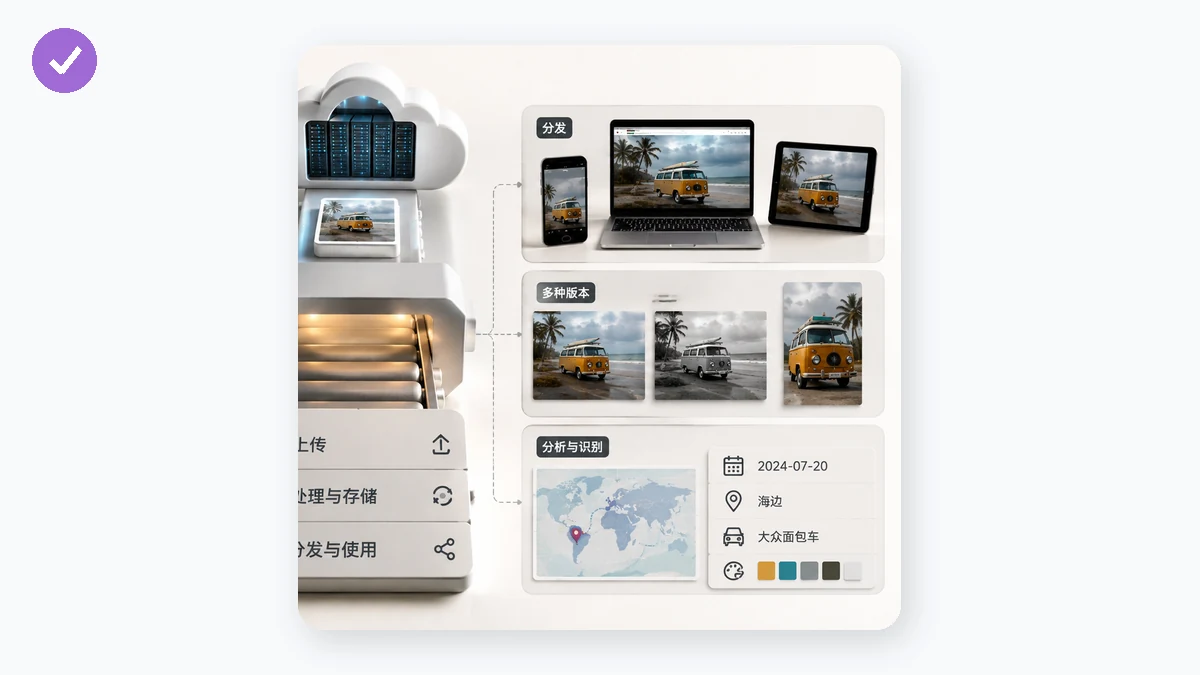
Retention is the part almost nobody checks. Some services delete uploads within minutes. Others keep them for hours "to improve performance," days for "abuse prevention," or indefinitely if you never delete your account. The only place this is written down is the privacy policy and terms of service — documents designed to be skimmed.
Two clauses are worth hunting for specifically:
- Retention period — a real number of hours or days, versus vague language like "as long as necessary."
- Rights granted — some terms give the service a broad license to "store, reproduce, and use" your uploads. Occasionally that includes using your content to train machine-learning models. This is legal because you agreed to it by clicking through.
None of this makes every online tool malicious. A reputable service with a tight retention window and no training clause is a reasonable choice for a meme. The problem is you rarely know which kind you're using, and the default assumption should be caution for anything sensitive: ID scans, contracts, medical images, or personal photos.
How to check for yourself
You don't have to trust marketing copy. Three checks tell you what's really happening:
- Watch for an upload bar. A progress indicator that tracks your connection speed means bytes are leaving your machine. Local processing finishes instantly regardless of file size.
- Try airplane mode. Load the tool, disconnect from the internet, then process an image. A server-based tool fails; a truly local one keeps working.
- Open DevTools → Network and process a file. A large POST request carrying your image is proof it was uploaded.
The metadata you're also handing over
It's not just pixels. A phone photo usually embeds EXIF metadata: camera model, exact timestamp, and frequently the GPS coordinates where it was taken. Upload that to a random tool and you may be sharing your home address as a side effect. You can view and strip that data before sharing anything — and if the check runs on your own device, the sensitive part never travels at all.
The alternative: don't upload in the first place
Modern browsers can compress, convert, resize, and clean images entirely on your own device using Canvas and WebAssembly. That's how Image Compressor on tools.faxianai.com works — the code runs in your browser, your CPU does the processing, and the file is never transmitted or stored anywhere. No upload step exists because no server is involved. There's nothing to retain, nothing to cache, and nothing to leak.
The bottom line
When you upload a photo online, you're making a copy on someone else's computer and trusting their policy about what happens to it. For plenty of low-stakes images, that's fine. For anything you'd rather keep private, ask whether the file needs to leave your device at all. For compressing, converting, resizing, and cleaning metadata, it doesn't — and tools that run in your browser do the same job while keeping your images exactly where they belong.