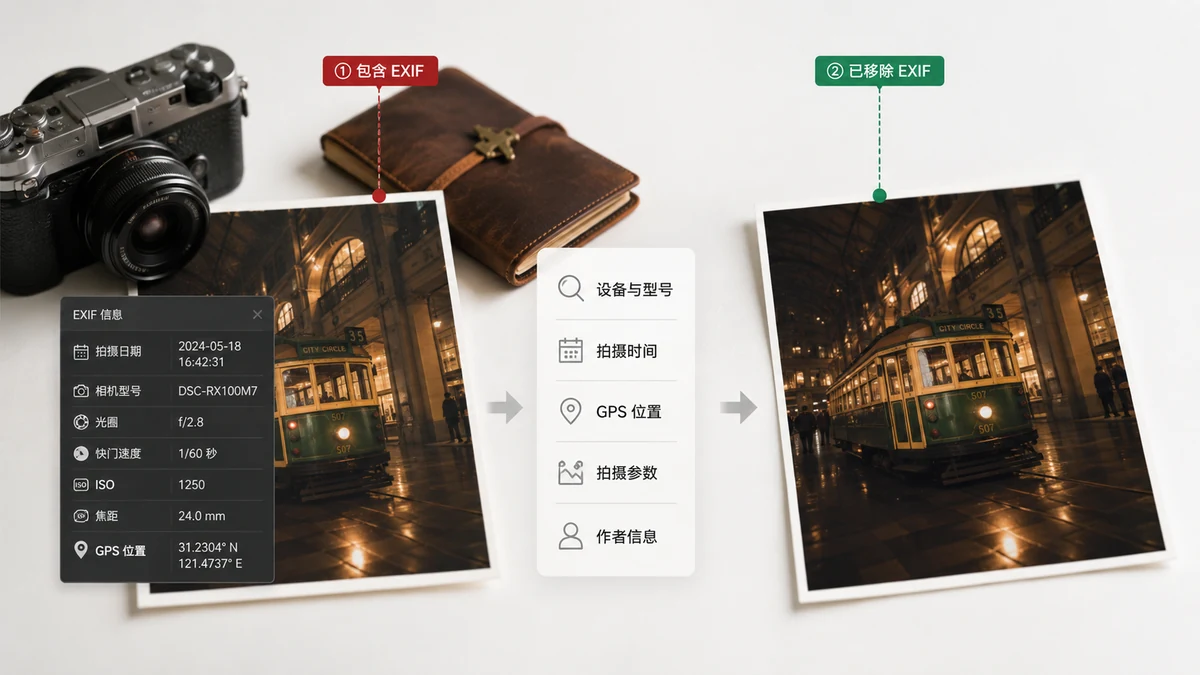
Every photo you take carries a hidden passenger. Tucked inside the file, invisible when you look at the picture, is a block of data describing how, when, and often where the shot was made. That's EXIF — and once you know it's there, you'll want to decide when it should ride along and when it shouldn't.
What EXIF actually is
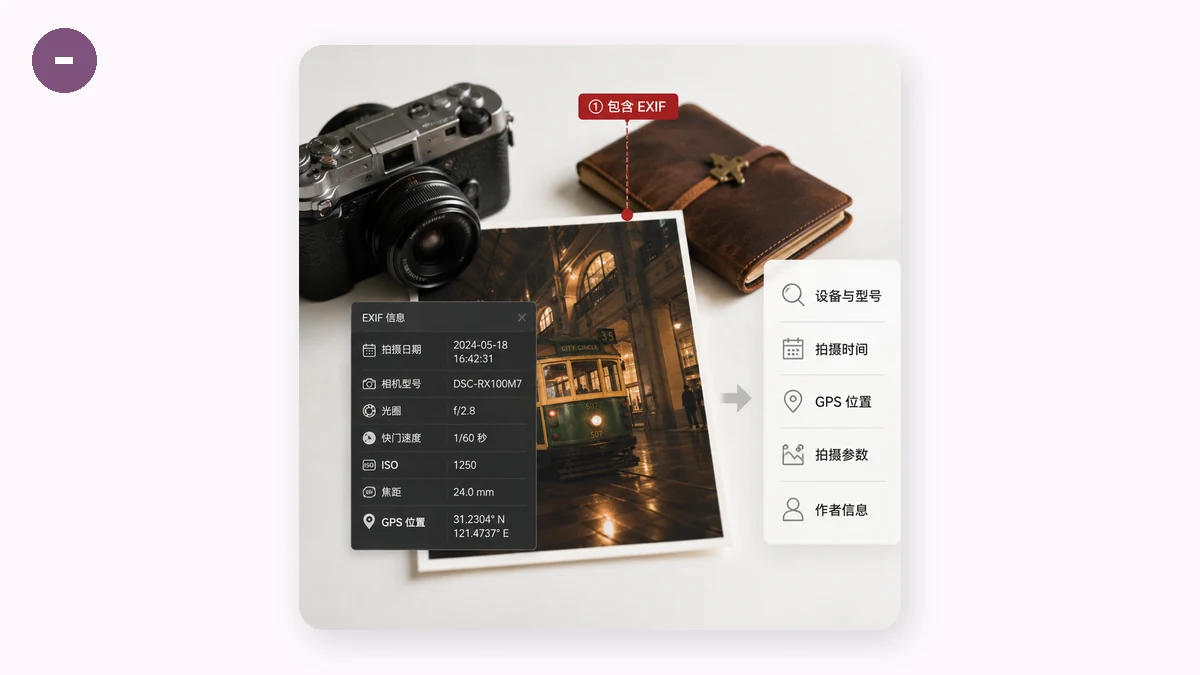
EXIF stands for Exchangeable Image File Format. It's a standard way for cameras and phones to record information about a photo, stored right inside the same file as the pixels. It was designed to be useful: photographers can see exactly which settings produced a shot, and software can sort and organize by it.
A typical EXIF block can include:
- Camera and lens — make, model, and sometimes the device's serial number.
- Capture settings — shutter speed, aperture, ISO, focal length, flash on or off.
- Timestamp — the exact date and time, down to the second.
- GPS coordinates — latitude and longitude, if location services were on.
- Software — the app or editor that last touched the file.
You never see any of this when you open the image. It's metadata: data about the data. Which is exactly why it's easy to forget it's there.
The real risks of leaving it in
Not every risk applies to every photo, but each one is genuine.
Location exposure
The big one. If GPS was recorded, your photo knows where it was taken — often within a few meters. A picture snapped at home carries your home coordinates. Share it while selling an item, posting about family, or listing a rental, and you may be handing strangers a map to your door. This is the single most common way people are unintentionally located from a photo.
Timeline and pattern leakage
Timestamps across a set of photos reveal patterns: when you're usually home, when you travel, your daily rhythm. Combine timestamps with locations and a handful of images can sketch a surprisingly detailed picture of your movements.
Device fingerprinting
A camera serial number embedded in EXIF can link together every photo you've ever posted from that device — even across different accounts that were supposed to be separate. It's a quiet identifier you never agreed to broadcast.
Assuming platforms clean it — when they don't
Some services strip EXIF on upload; many don't. Email attachments, "send as file" in chat apps, cloud-drive share links, and marketplace listings frequently preserve the entire block. Betting that "the platform handles it" is how metadata leaks.
When you should clear EXIF — and when to keep it
Removing EXIF isn't always the goal. Keep it when it's working for you: your own photo library, where camera settings and timestamps help you organize, or a portfolio where the shooting data is part of the point.
Clear it before a photo goes to people or places you don't fully control:
- Anything posted publicly — marketplaces, forums, dating profiles, social feeds.
- Photos of or from your home, your children, your workplace, your routine.
- Files sent to strangers or shared over channels that preserve EXIF.
- Any image where you'd rather not reveal where or when it was taken.
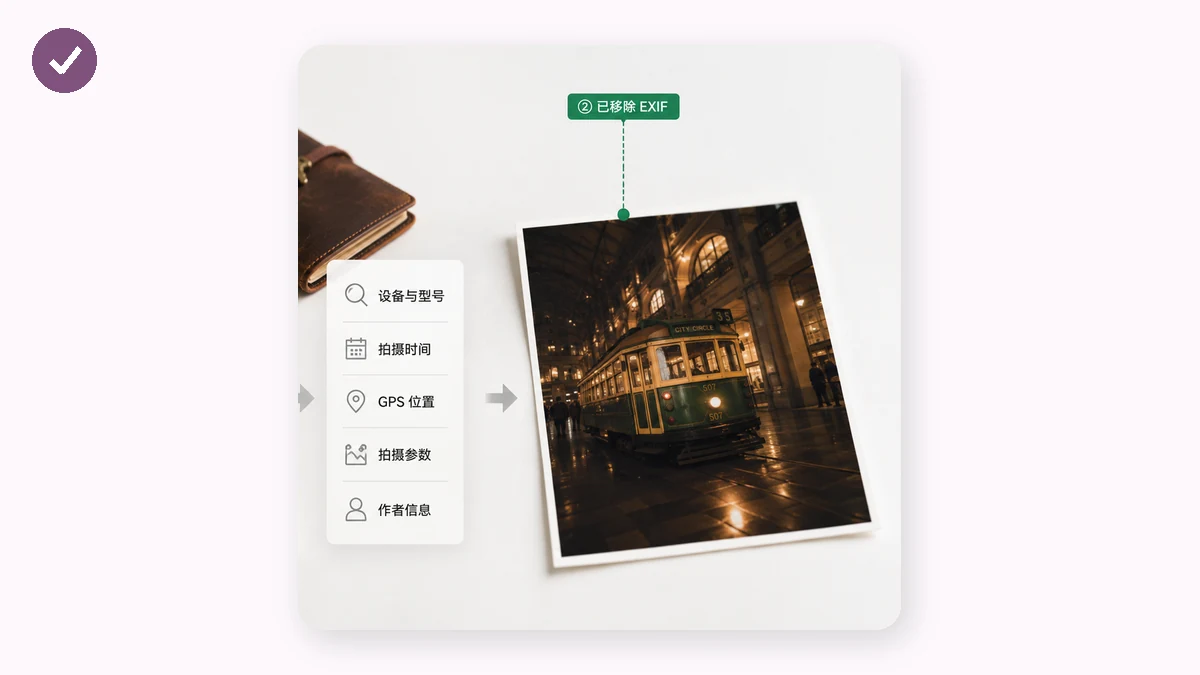
When in doubt on a sensitive image, strip it. The picture looks identical; only the hidden baggage is gone.
How to remove it without uploading
Cleaning metadata shouldn't mean handing a sensitive photo to an unknown server. Use a browser-based EXIF remover that runs on your own device. On tools.faxianai.com, the EXIF tool reads and shows you the metadata first — camera, timestamp, GPS — so you can see exactly what's hiding in your file, then hands back a clean copy with all of it stripped. Nothing is uploaded; the work happens in your browser, and because it's a PWA, it works offline once loaded.
EXIF is a useful feature that quietly became a privacy liability. You don't have to fear it — you just have to know it's there, and clear it on the photos where it matters.