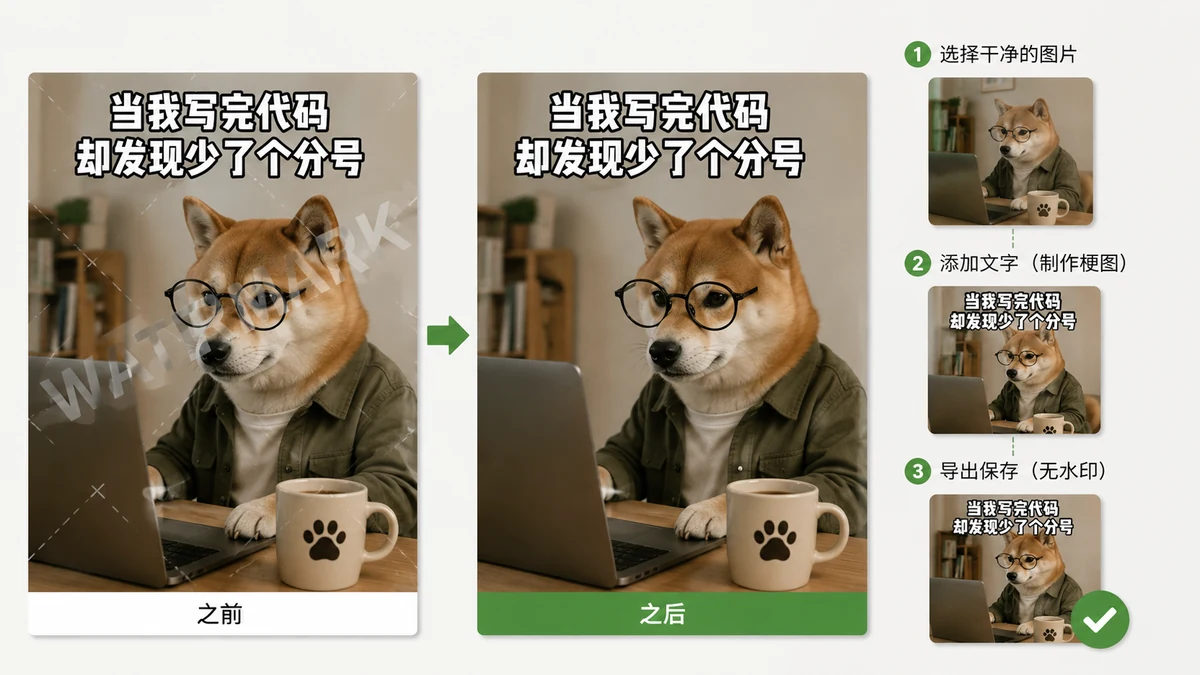
You find the perfect image, add the perfect caption, hit download — and there it is, a little logo baked into the bottom corner advertising the site you used. Sometimes it's worse: the file comes out fuzzy because the export was shrunk, or you can't save at all until you make an account. For a throwaway joke you'll post in the next thirty seconds, that's a lot of friction for something that should take ten seconds.
This guide is about skipping all of it: captioning an image at full quality, with no watermark, no login, and nothing uploaded to anyone's server.
Why the watermark is worse than it looks
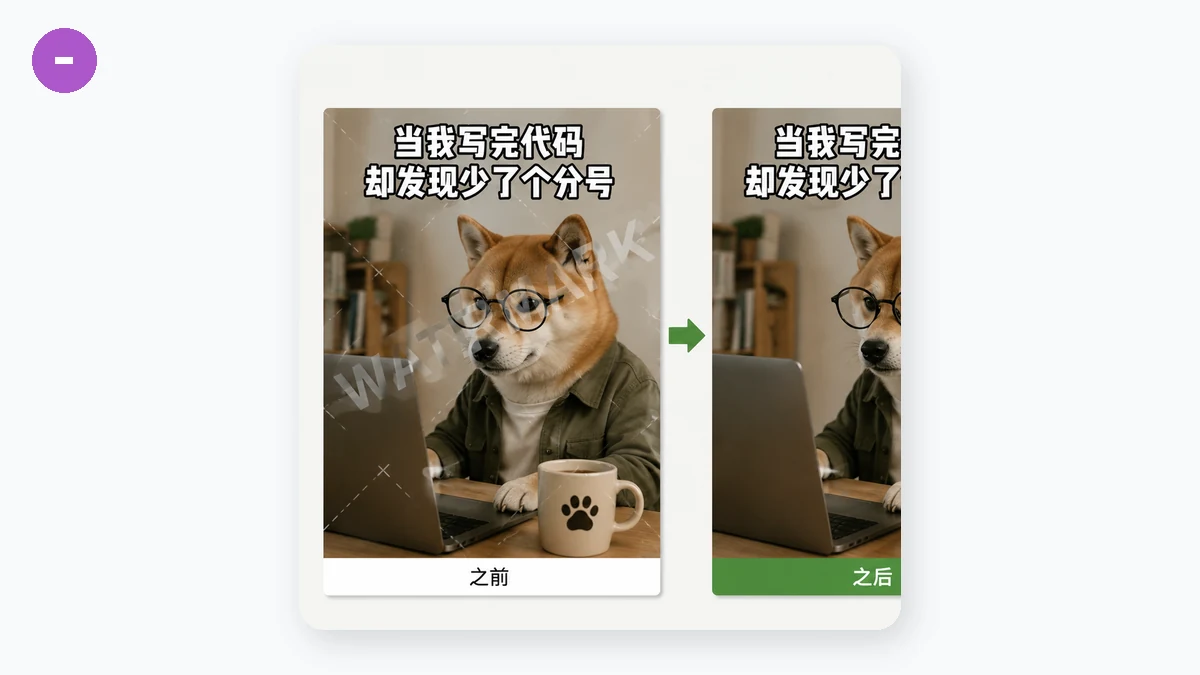
A corner logo isn't just ugly. It tells everyone who sees the meme exactly which tool you used, which is a weird amount of advertising to do for free. It can cover part of your image. And on sites that stamp watermarks, the watermark is usually the point — it's how the free tier nudges you toward paying to remove it. The downscaling that often comes with it is the quieter problem: your crisp screenshot becomes a soft, over-compressed JPEG that looks cheap the moment someone opens it full-size.
The fix isn't a better watermark-removal trick. It's using a tool that never adds one in the first place.
Caption it in your browser, keep the full file
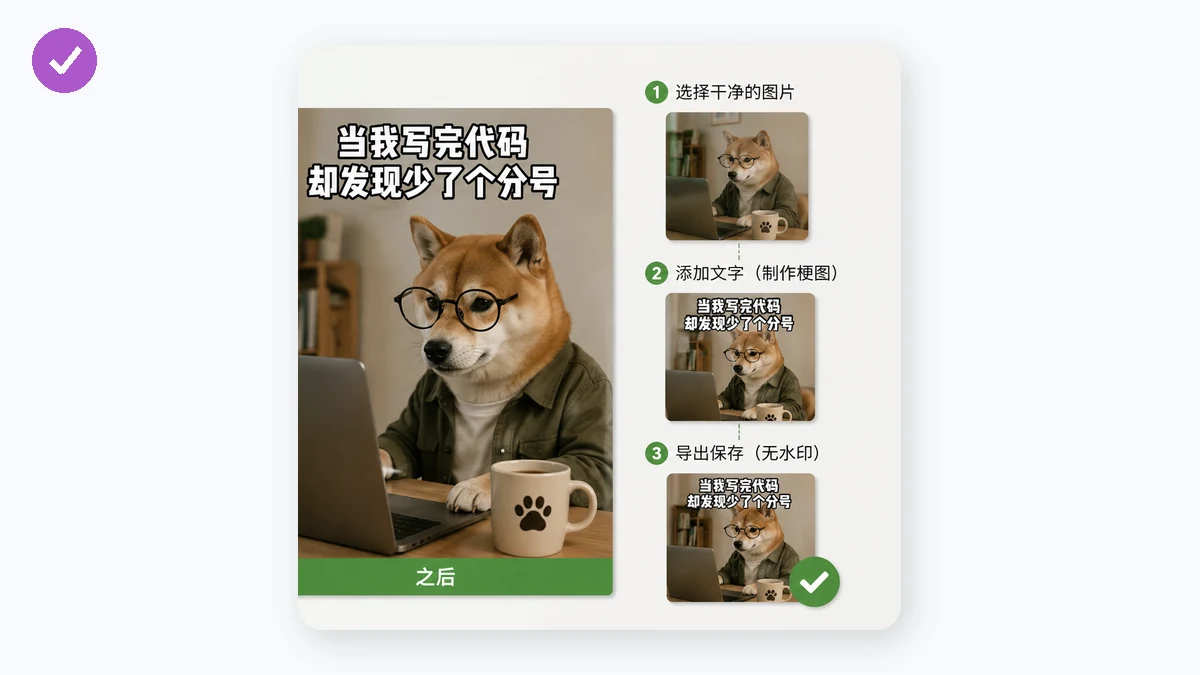
The clean approach is to do the whole thing on a canvas in your own browser. You supply the image, the tool draws the top and bottom captions onto it, and it exports a PNG at the image's full resolution — the same pixels you put in. No logo, because there's nothing trying to upsell you. No account, because there's no server keeping track of you.
The classic look is handled for you: bold Impact-style text with a white fill and a black outline, so the caption stays readable over any background. Toggle UPPERCASE for the all-caps look, or adjust the size and colours if you want. Long lines wrap and centre themselves, so a wordy caption won't run off the edge.
Step by step
- Open the meme tool and choose your image — a photo, a screenshot, whatever you're captioning.
- Type your top line. Type your bottom line. Leave either blank if you only want one.
- Flip UPPERCASE on for the traditional look, or leave it off for normal case.
- Nudge the text size until it fits, and change the text or outline colour if the default white-on-black isn't landing on this particular image.
- Download. You get a clean PNG at full resolution with no watermark and no branding of any kind.
That's the whole thing. No email, no "sign in to continue," no waiting on an upload bar.
Why "nothing uploaded" is part of the deal
Because the captioning happens locally, your image never leaves the tab. That's a privacy win on its own, but it's also why there's no watermark and no account: there's simply no server involved to stamp a logo or ask who you are. The two features people actually want from a meme maker — clean output and no gatekeeping — turn out to be the same thing as doing the work in the browser.
One honest note on scope: this makes the classic top-and-bottom caption on an image you provide. It's not a template gallery with hundreds of preloaded meme backgrounds, and there are no draggable text boxes to scatter labels around the image. If you've got a picture and you want the two-line format on it, clean and full-size, this is the fast path. Bring the image, type two lines, download — and post it without a logo pointing back at whatever made it.