← Back to AI Watermark Remover
AI watermark detector
Reads only, changes nothing. See what is actually in a file before deciding to touch it.
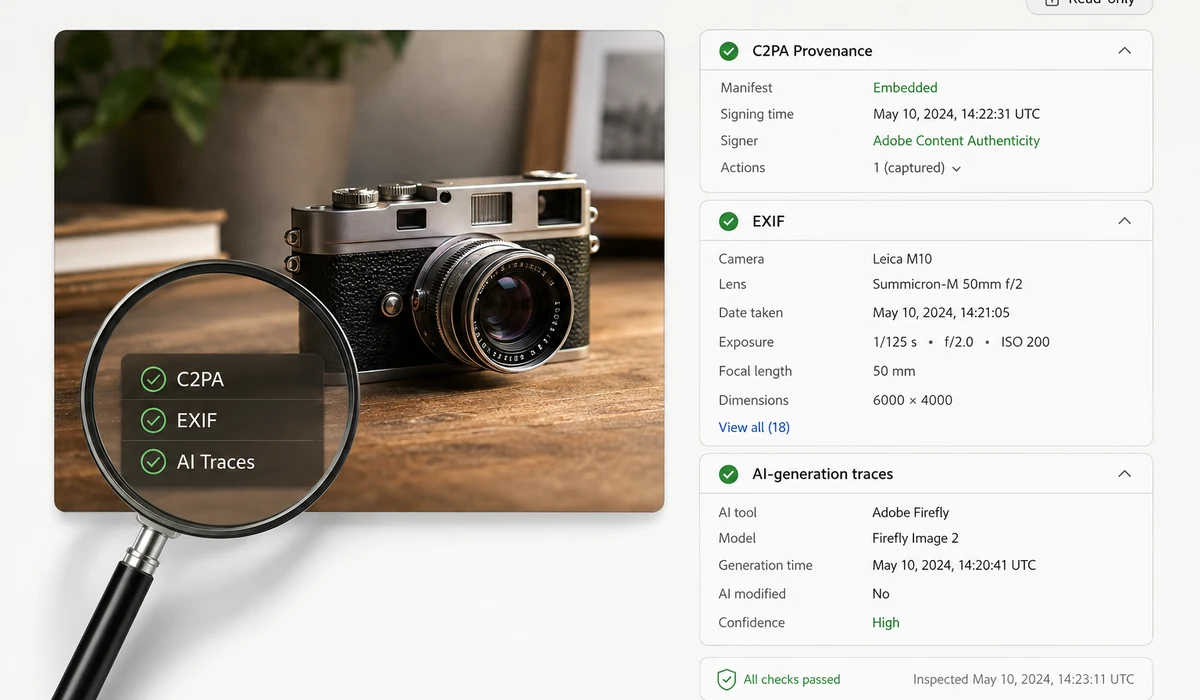
From input to result
Choose a file, process it locally, review the result, and export.
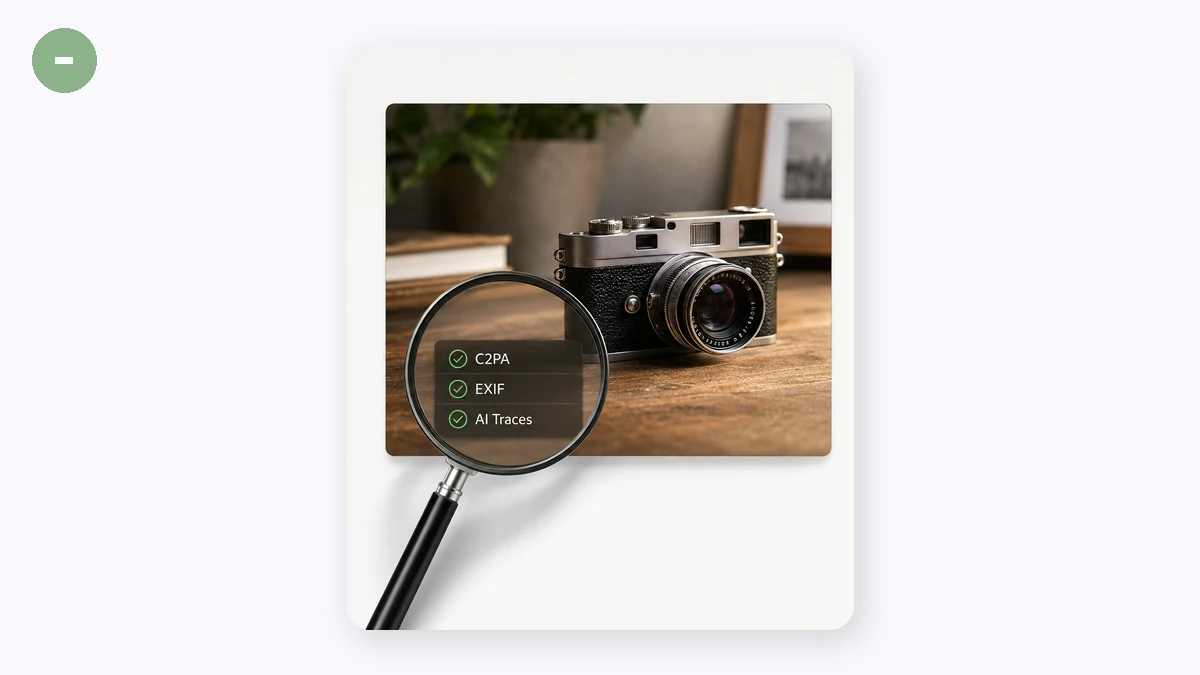
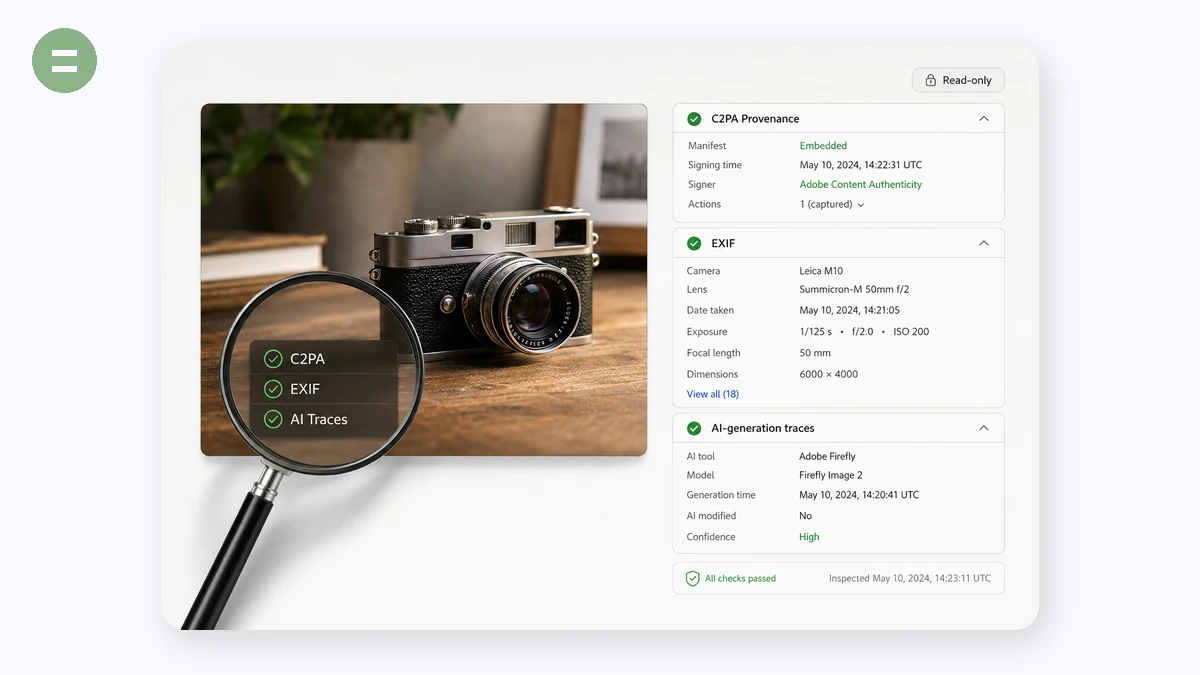
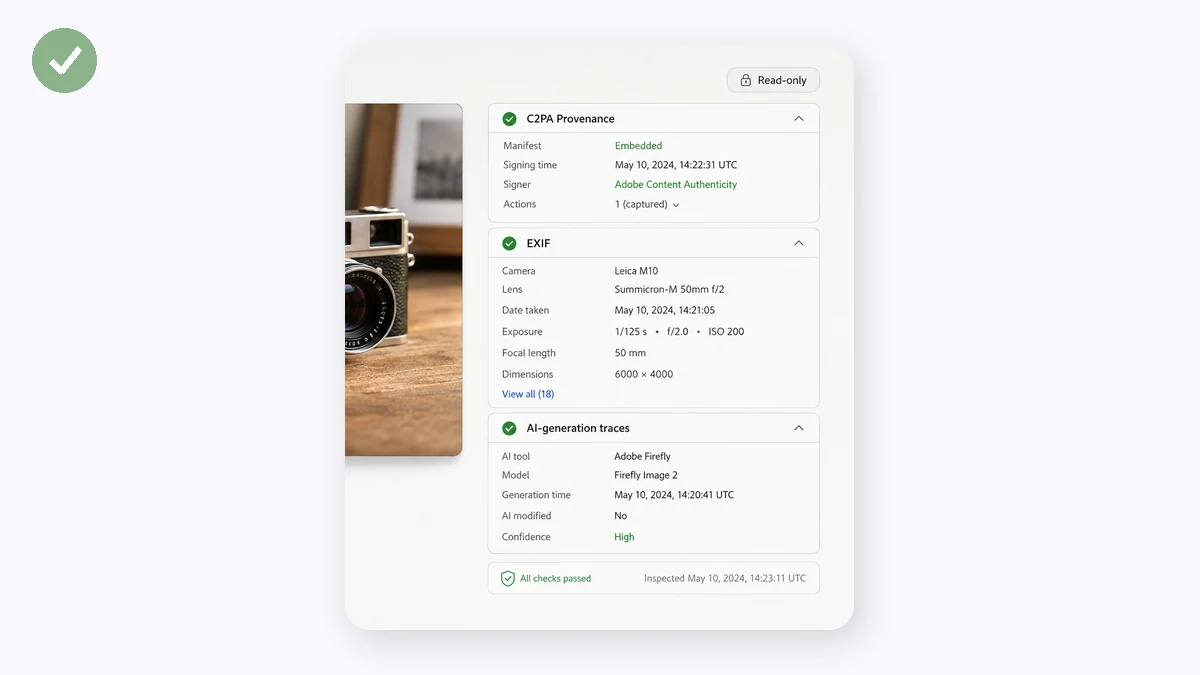
Looking before cleaning is a good habit. This page only inspects: it reads the file structure, lists the metadata fields, C2PA content credentials, AI traces and invisible characters it finds, and stops there — no new file, nothing modified.
For images it parses every PNG chunk and JPEG segment, flagging containers like APP11 that typically carry C2PA. For DOCX and ODT it reads the property parts inside the archive. For PDF it reads the info dictionary and XMP. For plain text it scans for invisible characters. It reports what is there and leaves the judgement to you.
What it cannot detect deserves saying plainly: watermarks embedded in image pixels (such as SynthID for images) and statistical text watermarks are both invisible to it. That is not an implementation shortcut — the former needs the vendor's detection model and the latter needs the vendor's key, and neither is publicly available. So "nothing found here" does not mean "this was definitely made by a human".
How to use
Drop in files
Images and documents alike, several at a time.
Read the report
Findings are tagged by type: C2PA credentials, AI traces, ordinary metadata, and items worth attention.
Decide what's next
If you want it cleaned, head to the image or document remover.
FAQ
Can it tell whether an image is AI-generated?
It can offer evidence, not a verdict. A C2PA manifest or a generator field naming an AI tool is strong evidence. The reverse does not hold — metadata is trivially stripped, and a screenshot, a format conversion or a round trip through a social platform erases it. Finding nothing does not mean it wasn't AI.
Can it detect SynthID?
No. SynthID's image watermark requires Google's detection model, and the text variant requires a key; neither has a public interface. Any tool claiming to detect SynthID in a browser is worth asking hard questions about.
Does inspecting modify my file?
No. This page is strictly read-only — there is no clean button on it.
Where is text invisible-character detection?
Plain text files can be dropped here. If you want to paste a passage instead, the text cleaner is easier and includes a visual preview.
Related searches
Other tools
AI text watermark & invisible character remover
Find and strip zero-width characters, tag characters, bidi controls and odd spaces. A visual preview lets you actually see what was invisible.
Image metadata & C2PA remover
Strip EXIF, XMP, C2PA content credentials and generator fields from PNG and JPEG, while optionally keeping the ICC profile so colours don't shift.
Document metadata remover
Clear author, company, last-modified-by and editing time from DOCX, ODT and PDF. Worth a pass before sending a CV or a deliverable.