← Back to AI Watermark Remover
AI text watermark & invisible character remover
Scan pasted text for zero-width characters, tag characters, bidirectional controls and odd spaces — and actually see them.
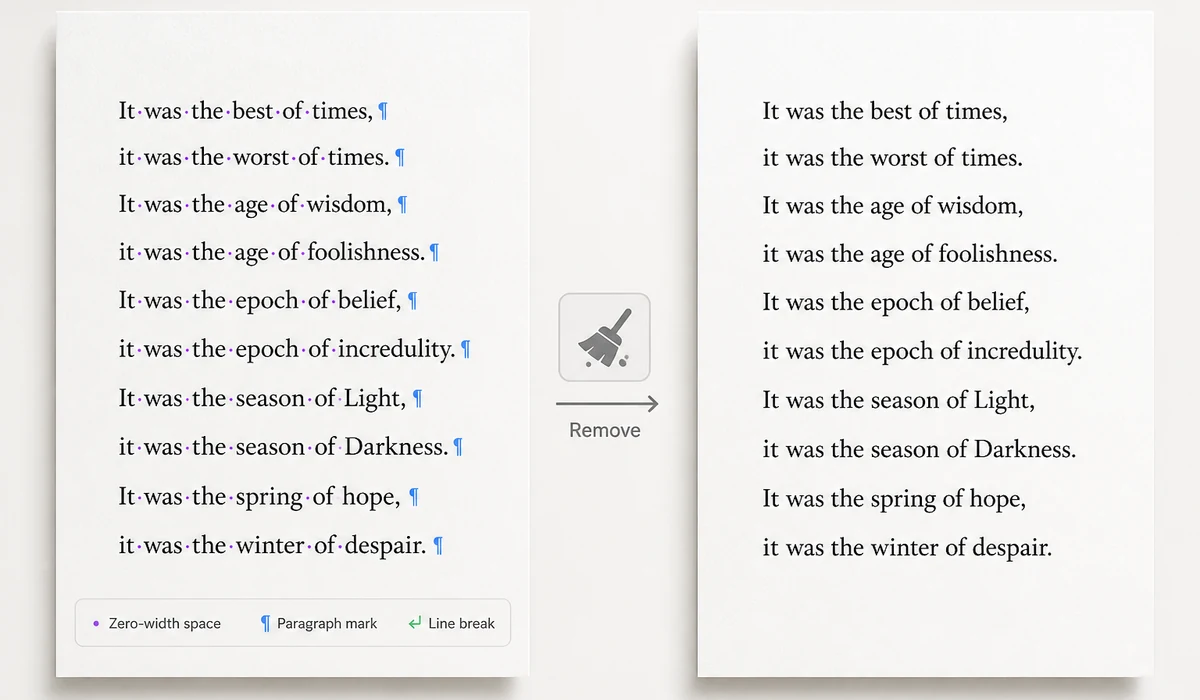
From input to result
Choose a file, process it locally, review the result, and export.
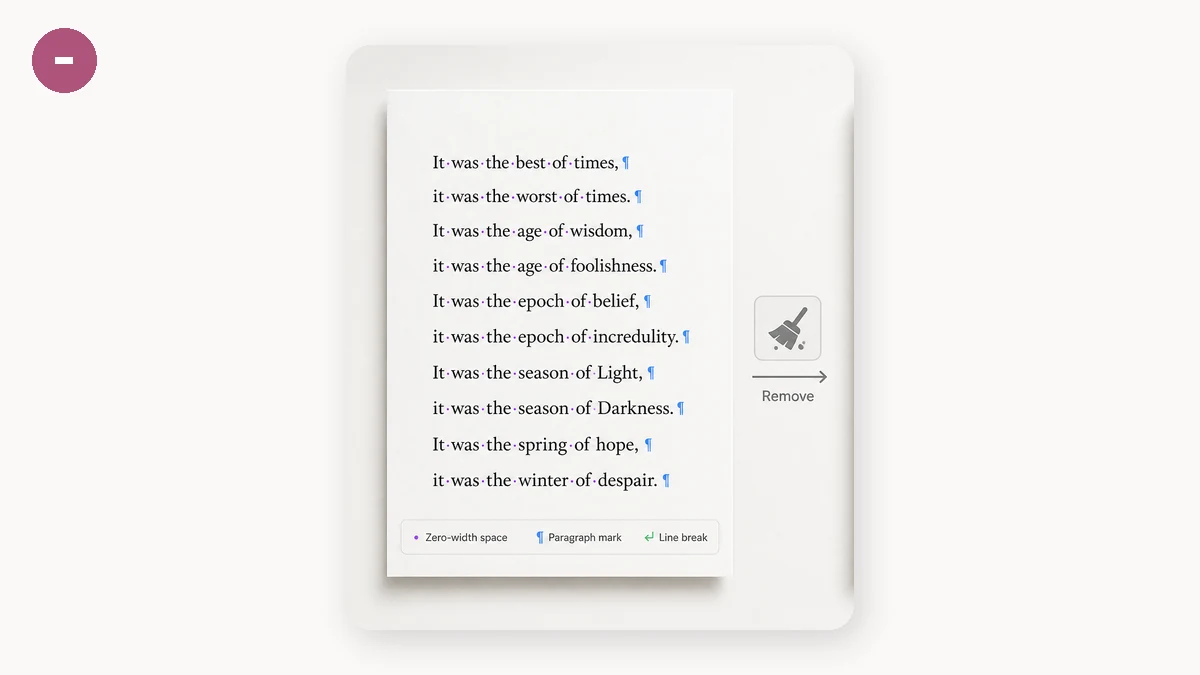
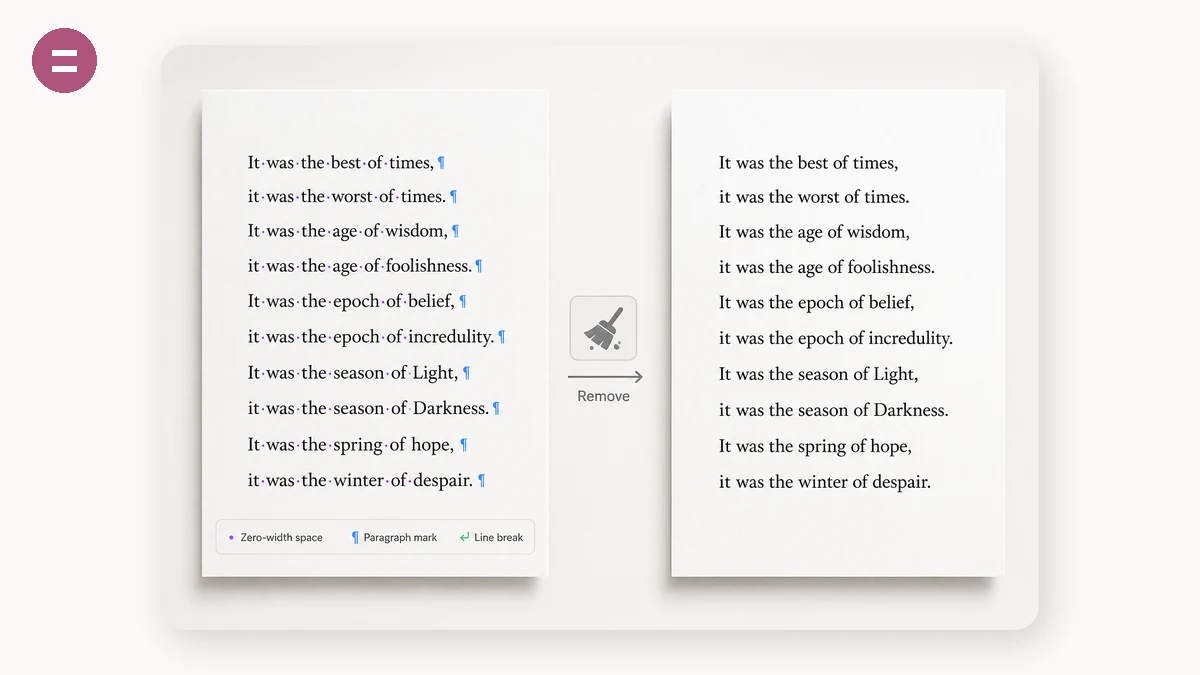
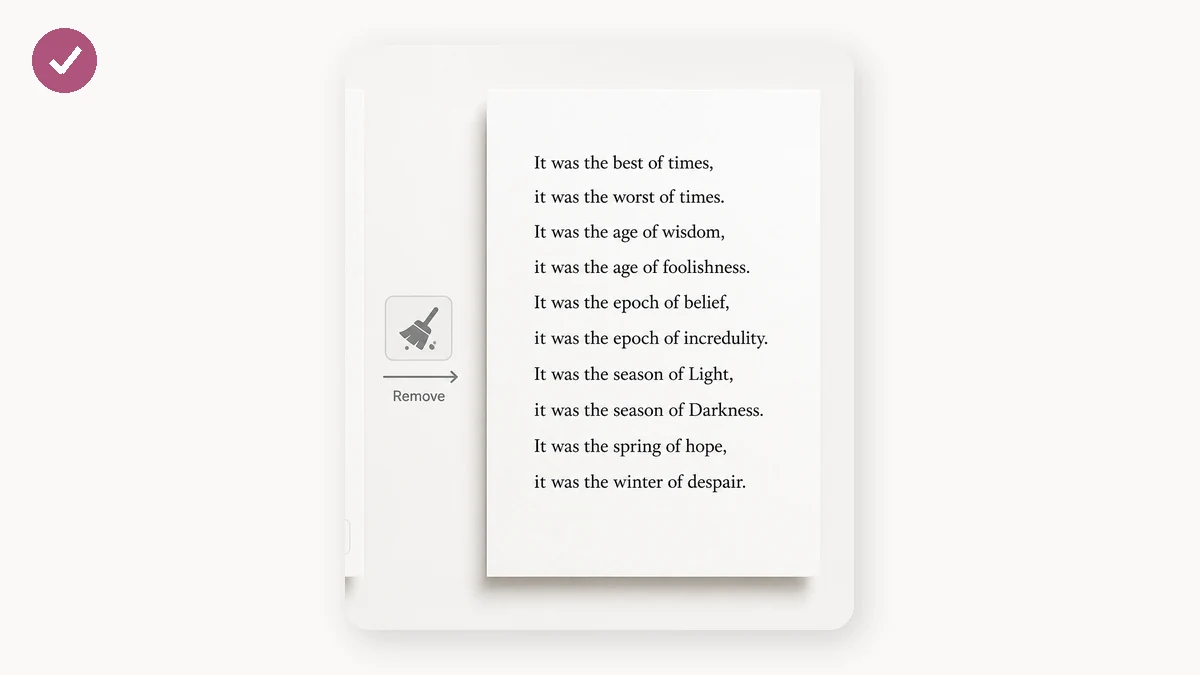
Text can hide things. Zero-width spaces, joiners and tag characters take up no width and render as nothing, yet they are really there in the bytes — they can encode a hidden payload, or they may simply be debris you dragged in when copying from a web page or a PDF. Either way they break code, fail form validation and defeat search, all while being invisible in your editor.
This tool surfaces them. Every suspicious character is listed with its codepoint, standard name, occurrence count and offsets, and the visual preview renders the invisible ones as coloured chips so you can see which sentence they are hiding in.
One thing works differently here than in most similar tools: we do not blind-strip every zero-width character. 👨👩👧 relies on zero-width joiners to fuse three people into a family, ❤️ needs a variation selector to render red, and Persian and Hindi depend on zero-width non-joiners for correct shaping. Those characters are part of the content, and deleting them corrupts it. The tool reads the context, keeps them by default, and labels them clearly — you can still force removal.
How to use
Drop in the text
Paste directly, or use "Paste from clipboard". Scanning starts as you type.
See what's in there
The table lists each suspicious character with codepoint, name, count and offsets; the preview marks them inline. Anything flagged as kept is required by the content.
Remove and take it
Set the options, hit Remove. Copy the result or download it as .txt — the breakdown shows exactly what was removed or replaced.
FAQ
Will cleaning get me past an AI detector?
The two have little to do with each other. Detectors mostly measure statistical features of writing style, not invisible characters. Stripping them fixes "there is something in this file that shouldn't be there", not "does this read like AI". Genuine statistical watermarks are out of our reach, and we won't pretend otherwise.
Why are some characters marked as kept?
Because removing them would corrupt the content. Emoji sequences and correct rendering of Arabic, Persian and Hindi all depend on zero-width characters in specific positions. The tool checks the context and keeps them only where they are actually doing work. Turn off "protect emoji and joiners" to remove them anyway.
Is my text sent anywhere?
No. Once the page has loaded it works offline, and no request ever carries your text away.
What does "fold lookalike letters" do?
Cyrillic а е о can pose as Latin a e o — identical on screen, different bytes, enough to slip past keyword filters and break search. This option maps them back to Latin. It is off by default because it would wreck genuinely Russian text.
What does NFKC normalisation change?
It expands compatibility characters such as ①, fi, ㈱ and fullwidth digits into their basic forms. That visibly changes the text, so it is off by default.
Related searches
Other tools
Image metadata & C2PA remover
Strip EXIF, XMP, C2PA content credentials and generator fields from PNG and JPEG, while optionally keeping the ICC profile so colours don't shift.
Document metadata remover
Clear author, company, last-modified-by and editing time from DOCX, ODT and PDF. Worth a pass before sending a CV or a deliverable.
AI watermark detector
Read-only. Lists the metadata, C2PA manifests and AI traces a file actually contains, so you can decide before changing anything.