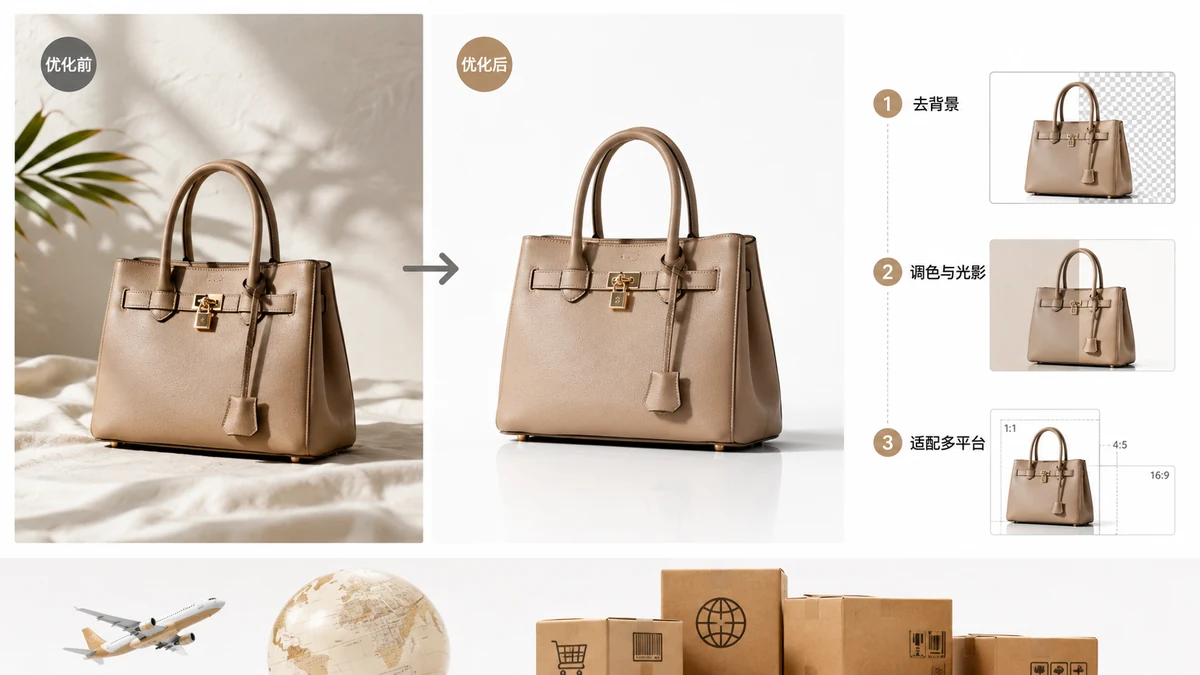
Selling one product across Amazon, Shopify, TikTok Shop, and Shein means the same photo has to satisfy four different sets of rules. Sizes differ, background expectations differ, and the way each platform displays a gallery differs. The efficient approach isn't to reshoot for every channel — it's to build one clean master image and derive every variant from it. Here's how.
Platform specs change and vary by region, so treat the numbers below as common, widely-cited baselines and confirm each platform's current policy before launch.
Size targets by marketplace
| Marketplace | Common main-image target | Shape | Background |
|---|---|---|---|
| Amazon | 2000 × 2000 px (≥1600 for zoom) | Square | Pure white required |
| Shopify | 2048 × 2048 px | Square (pick one ratio) | Flexible; white common |
| TikTok Shop | ~1000–1200 px, square | Square | White or clean/lifestyle |
| Shein | Square, high-res | Square | Clean, often white |
| eBay | 1600 px longest side | Flexible | Clean |
| Etsy | ~2000 px | Flexible | Flexible |
The pattern across all of them: a high-resolution square on a clean background is the safest master format. Build that once and you can down-size for any channel without reshooting.
Step 1 — one clean master cutout
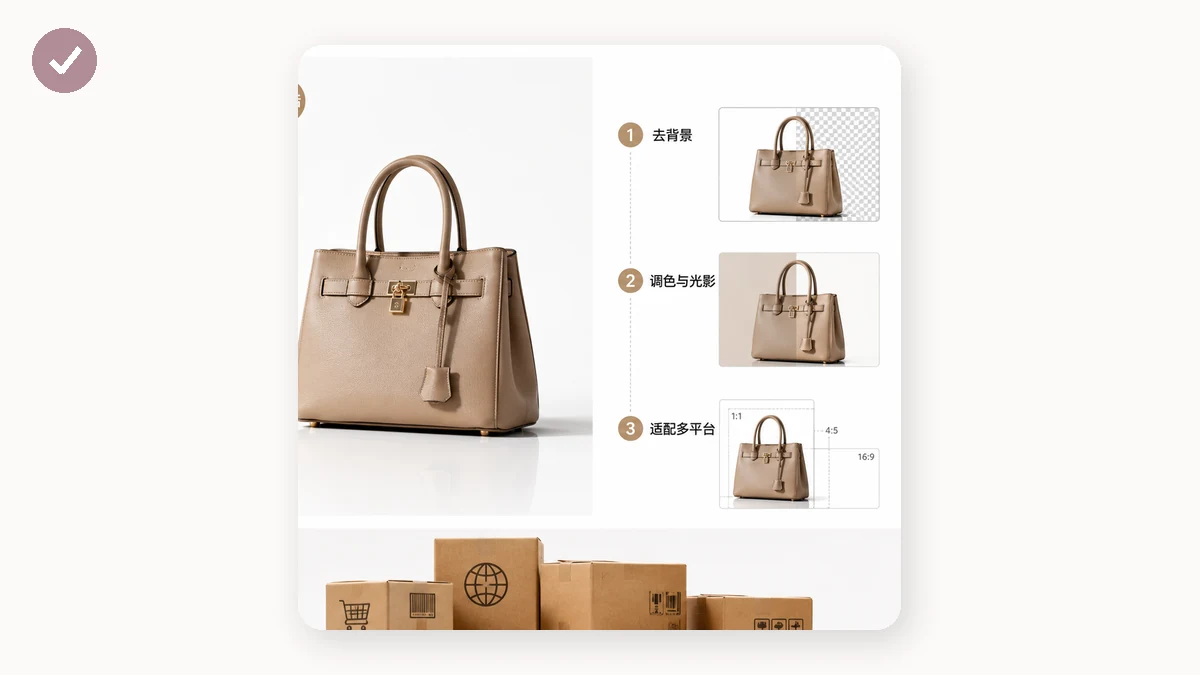
Start by separating the product from its background so you control what sits behind it on every platform. The Background Remover runs an AI cutout in your browser and exports a transparent PNG or a straight-to-white version. A transparent master is the most flexible: you can drop it on white for Amazon and Shein, or composite it into a lifestyle scene for TikTok.
Background removal runs in the browser and works offline after a one-time model download; that first download needs a connection.
Step 2 — derive per-marketplace sizes
From that master, generate every channel's size in one pass. The E-commerce Image Resizer has presets for Amazon, Shopify, eBay, Etsy, Taobao/JD and more — each outputs the product centered on white at the right dimensions, with an adjustable margin. Batch your catalog and it returns a ZIP per preset.
This is the core efficiency: one master, many compliant exports, no re-shooting per marketplace.
Step 3 — control file weight everywhere
Mobile-first platforms like TikTok Shop and Shein are unforgiving about slow images, and heavy galleries hurt conversion on every channel. Run every export through the Image Compressor: quality 75–85 for photos, automatic quantization for PNGs, and it never returns a file bigger than the original. Lighter images load faster on the exact devices your cross-border buyers are using.
Step 4 — handle long detail images
Marketplaces like Taobao, JD, and many mobile listings use tall "detail page" images — a single long strip stacking specs, close-ups, and usage shots. Some platforms and templates cap image height or split content into slots, so one enormous strip won't upload or display cleanly.
The Image Splitter cuts a long detail image into evenly-sized slices and packs them into a ZIP, ready to upload in sequence. Design the tall image once, slice it to fit each platform's limits, done.
The cross-border workflow, end to end
- Cut out the product once → transparent master PNG.
- Resize to each marketplace's preset → white-background, correctly-sized exports.
- Compress every file → fast loading on mobile-heavy channels.
- Split any long detail image → platform-friendly slices.
Four steps turn a single product shoot into a full set of channel-ready assets for Amazon, Shopify, TikTok Shop, and Shein.
Regional and privacy notes
Confirm each platform's current, region-specific image rules — requirements in the US, EU, and Asian storefronts of the same marketplace can differ. On privacy: the resizer, compressor, splitter, and background remover all run entirely in your browser with Canvas and WebAssembly. Nothing uploads, there's no account, and there's no watermark, so unreleased designs stay on your machine. After your first visit these tools are cached and keep working offline — so you can prep an entire global catalog on a long flight and upload once you land.