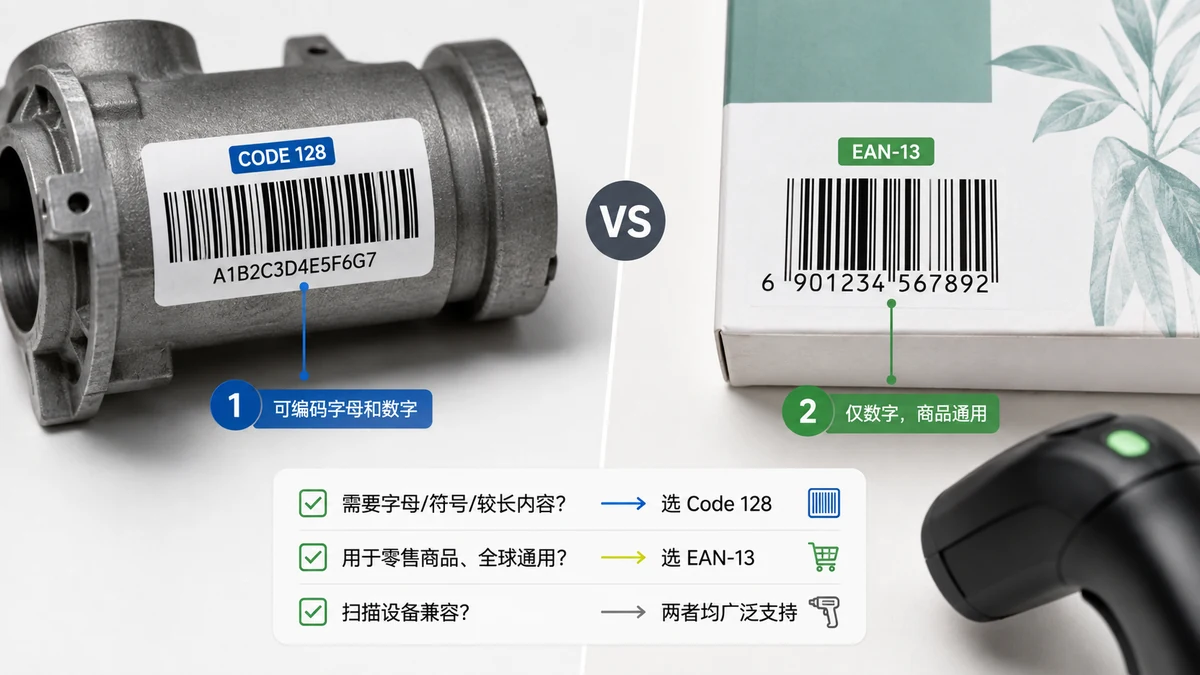
People open a barcode generator, see a dropdown with a dozen format names, and freeze. CODE128, EAN-13, UPC-A, CODE39, ITF-14... which one is right? Almost all of the confusion disappears once you ask a single question: is this barcode for your own use, or does it have to scan at a store checkout?
That's the fork. Everything else is detail.
For your own use: CODE128
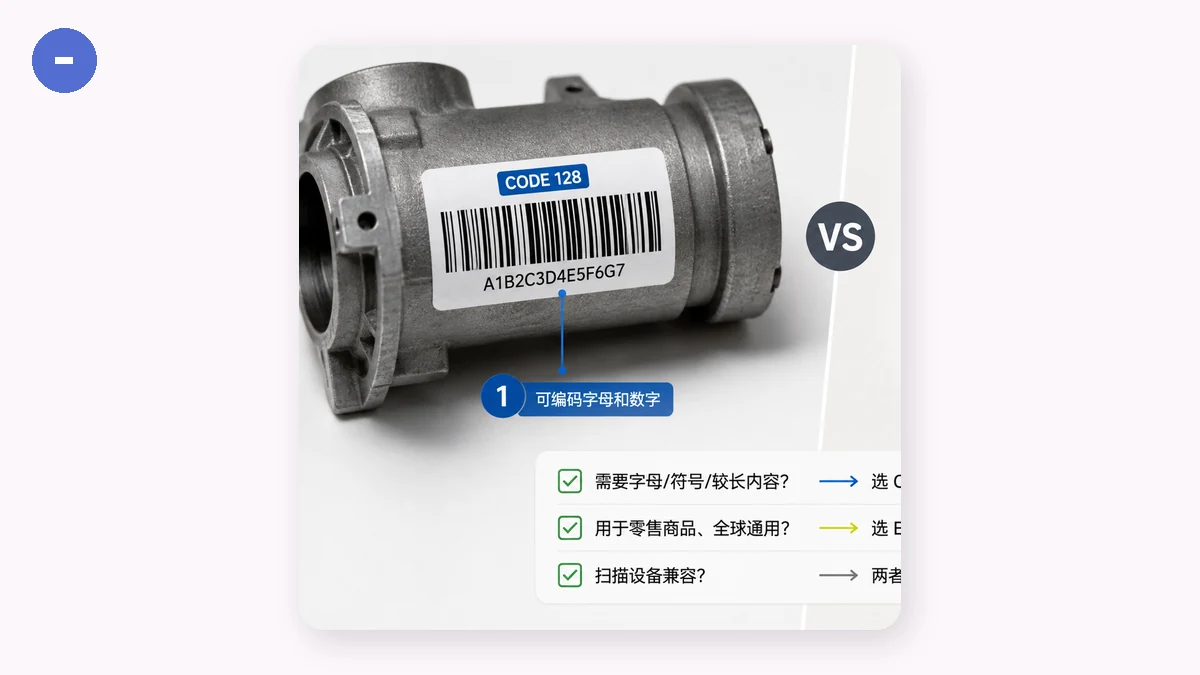
If the code is something you control — a shelf label in your stockroom, an asset tag on a laptop, a batch number on a work order, a bin location in your warehouse — use CODE128. It encodes any mix of letters and numbers, so LAPTOP-0413 or BIN-A7-03 works exactly as you'd expect. It's compact, and every barcode scanner made in the last thirty years reads it without special configuration.
The best part is that there are no rules to satisfy from outside your own business. You decide what the numbers mean. Nobody has to register anything. You can make a hundred of them this afternoon and start sticking them on things.
For a retail checkout: EAN-13, EAN-8, or UPC-A
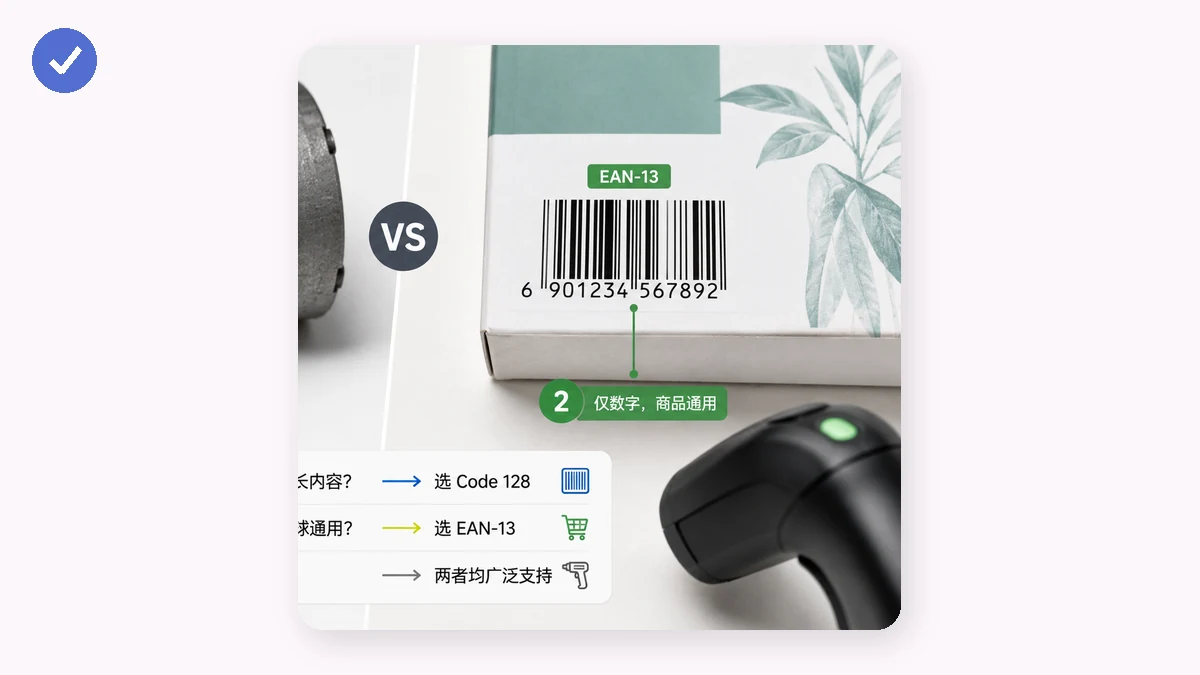
If your product is going to sit on a shelf in someone else's store and get scanned at their till, you need a retail barcode: EAN-13 (the 13-digit code used across most of the world), EAN-8 (a shorter version for tiny packages), or UPC-A (the 12-digit code common in North America). These are the barcodes a point-of-sale system expects.
Here's the part most tutorials skip. These numbers are not yours to invent. EAN and UPC numbers are issued by GS1, the global organization that manages them. To sell in real stores, you buy a company prefix from GS1, and your product numbers are built on that prefix so they're unique worldwide. That's what stops your bottle of hot sauce from sharing a code with someone's phone case.
A barcode generator — this one included — will happily turn any 13 digits into a picture that looks like a perfect EAN-13. The bars are real, the check digit calculates correctly, a scanner will read it. But the number is meaningless if it isn't registered to you. A retailer's system may reject an unregistered code, and if you accidentally land on a number GS1 assigned to someone else, you've created a collision that's genuinely annoying to untangle.
So: render EAN-13s freely for mockups, packaging comps, demos, and testing your label layout. Just don't print an invented one on product you're actually selling through a store.
The check digit, briefly
EAN-13 and UPC-A end in a check digit — a single number calculated from the others that lets a scanner catch a misread. That's why a strict format won't accept just any string: give it the wrong length or a bad check digit and a good tool flags it immediately rather than exporting something that won't scan. When you type a valid retail number, the check digit is handled for you.
The short version
- Internal / warehouse / assets / anything you control → CODE128. No registration, letters and numbers welcome.
- Selling through real retail → EAN-13 / EAN-8 / UPC-A, with a number you actually own from GS1.
- The rarer formats (CODE39, ITF-14, Codabar, MSI, Pharmacode) exist for specific industries — shipping cartons, libraries, pharmacy packaging — and if you need one, you already know you do.
Nine times out of ten the answer is CODE128, because most barcodes people generate are for their own systems, not a supermarket shelf. Start there, and only reach for EAN or UPC when a checkout is genuinely in the picture.