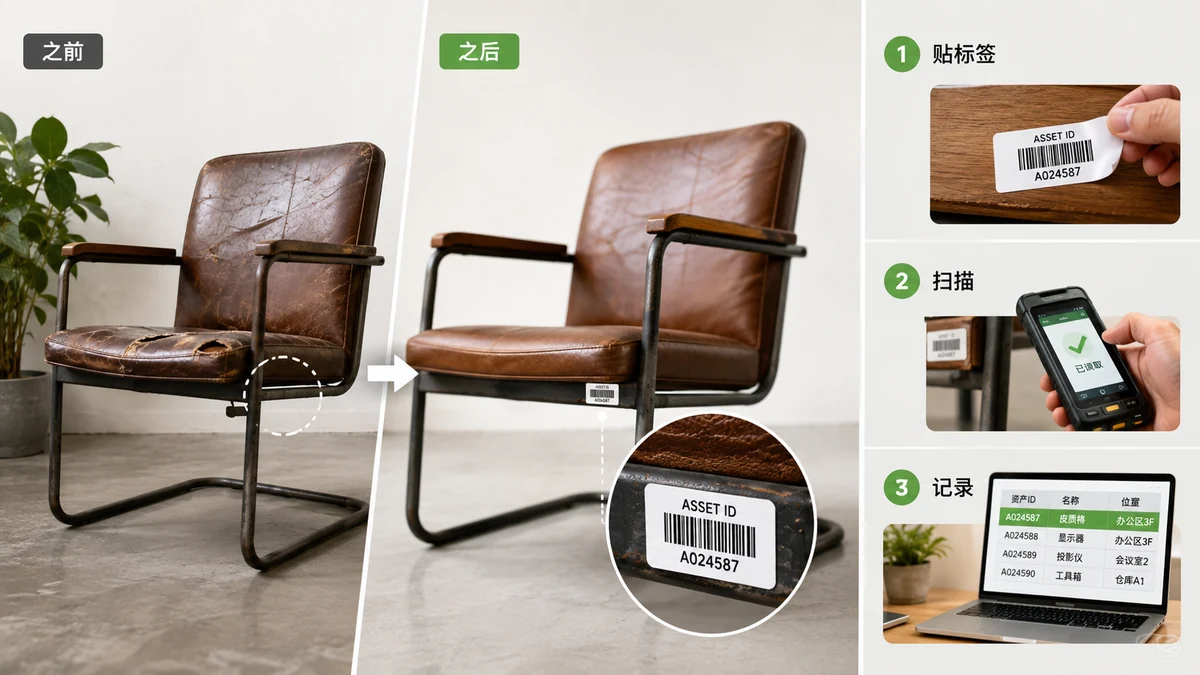
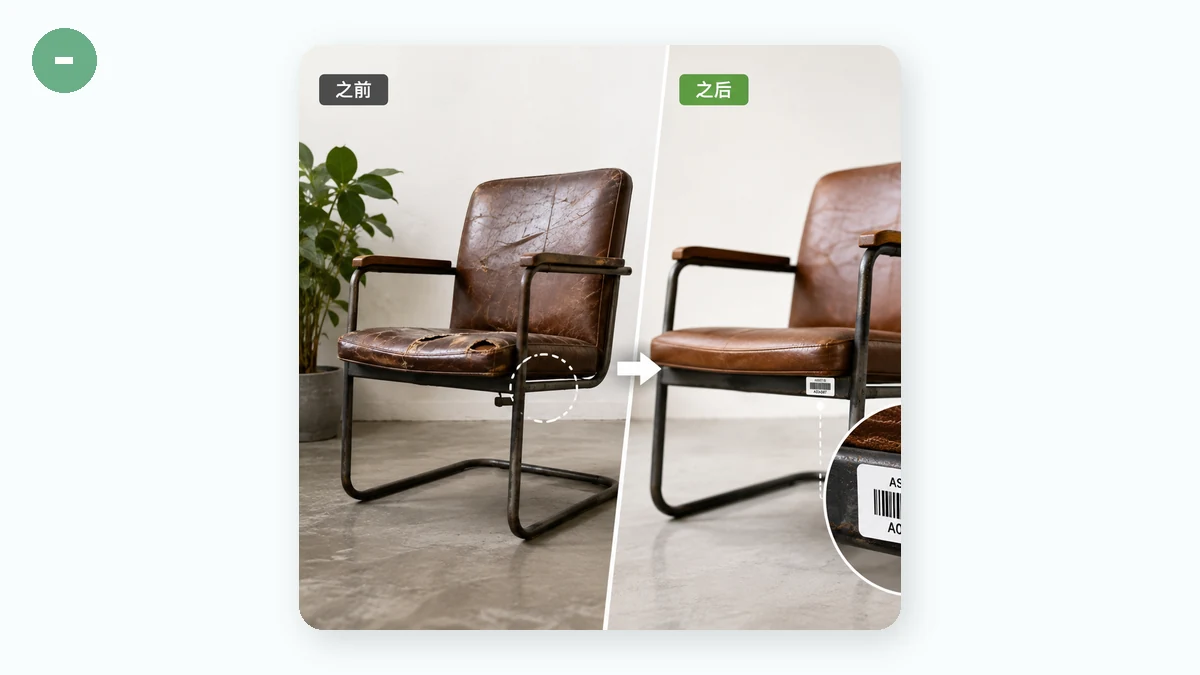
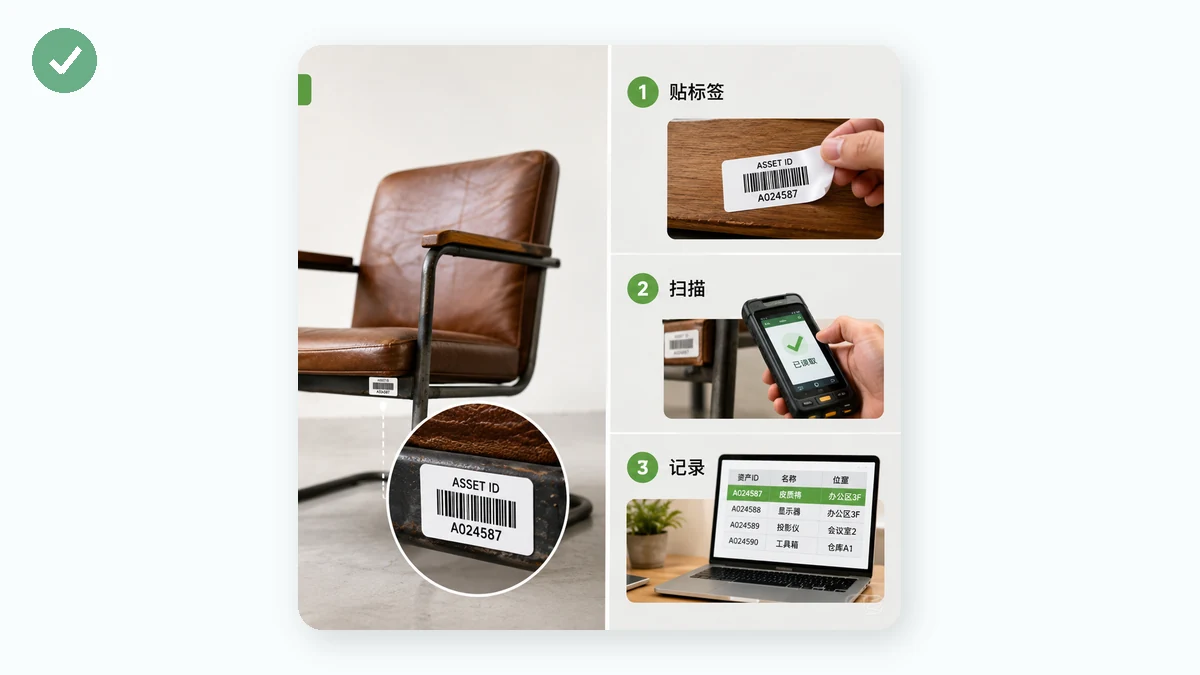
Small businesses and teams often assume barcoding your stock or tagging your equipment means buying an inventory platform with a monthly fee. It doesn't. If your needs are modest — know what's on the shelf, tell two identical laptops apart, find which bin holds the spare cables — you can set up a workable barcode scheme yourself, print the tags for the cost of paper, and scan them with a cheap USB reader or a phone app.
The format for all of this is CODE128. It handles letters and numbers, packs them tightly, and every scanner reads it — and because these codes are for your own use, you don't need to register anything with anyone.
Decide what your codes mean
Before you generate a single barcode, decide what the number encodes. The trick is to keep it short, unique, and readable by a human in a pinch. A few patterns that work:
- Assets:
LAPTOP-0042,MONITOR-0107,DRILL-0003— a category plus a running number. - Bin or shelf locations:
A7-03for aisle A7, level 3. Now a code can point to where something lives. - Products / SKUs: whatever SKU you already use in your spreadsheet — the barcode just makes that SKU scannable.
Whatever you pick, be consistent, and don't stuff meaning into every character. A short code prints larger and scans more reliably than a long one crammed onto a small tag.
Generate and print the tags
Type your value, pick CODE128, and generate. Export as SVG so the tag stays crisp when you print it — vector art doesn't blur the way a scaled-up PNG does. Leave the human-readable text on so anyone can read the ID when a scan fails, and keep a clear blank margin (the quiet zone) around the bars so scanners can lock on.
Since this tool makes one barcode at a time rather than a full sheet, the practical workflow for a batch is: generate each code, drop the SVGs into a label template in your word processor or a label app, and print. For a dozen laptops or fifty bins that's a quick afternoon. If you're tagging thousands of items, a dedicated label system starts to earn its keep — but plenty of teams never reach that point.
Scan without buying much
You don't need special hardware. A basic USB barcode scanner — the kind that costs about as much as a nice lunch — acts like a keyboard: scan a code and it "types" the value into whatever field your cursor is in. That means it drops straight into a spreadsheet cell, a search box, or a form with zero setup.
Prefer no hardware at all? A phone with a barcode-scanner app reads CODE128 fine. Point it at the tag, get the value, look it up. For a small operation that's often all you need.
A simple stockroom setup
Here's a setup that costs almost nothing:
- A spreadsheet with a row per item: the code, a description, location, and any notes.
- A printed CODE128 tag on each physical item, using the code from that row.
- A cheap USB scanner (or a phone app) to look things up.
To check what an item is, scan its tag — the value lands in your spreadsheet's search box and jumps you to the row. To do a stock count, scan down a shelf and tick off what you find. It's not a warehouse-management system, and it won't do automatic reorder points or multi-location transfers. But for keeping track of what you own and where it is, it works, it's yours, and the barcodes cost nothing to make.
Because everything is generated in your browser, your asset list and internal codes never get uploaded anywhere — which, for the serial numbers and equipment records of a small business, is exactly how it should be.