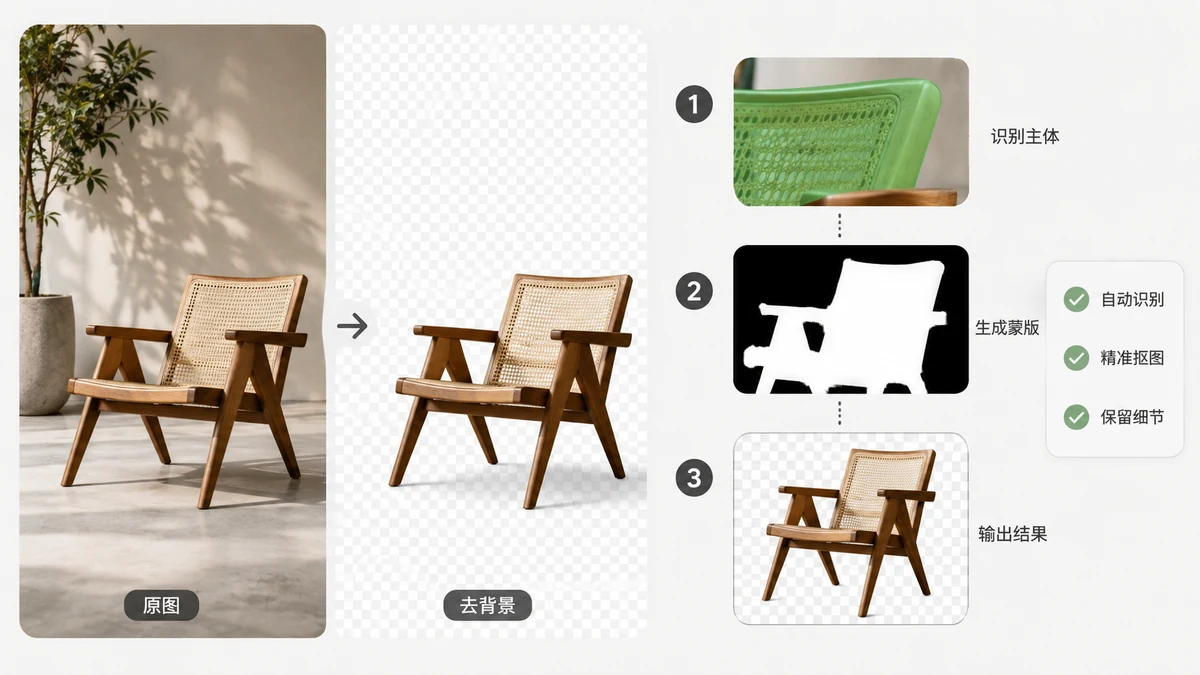
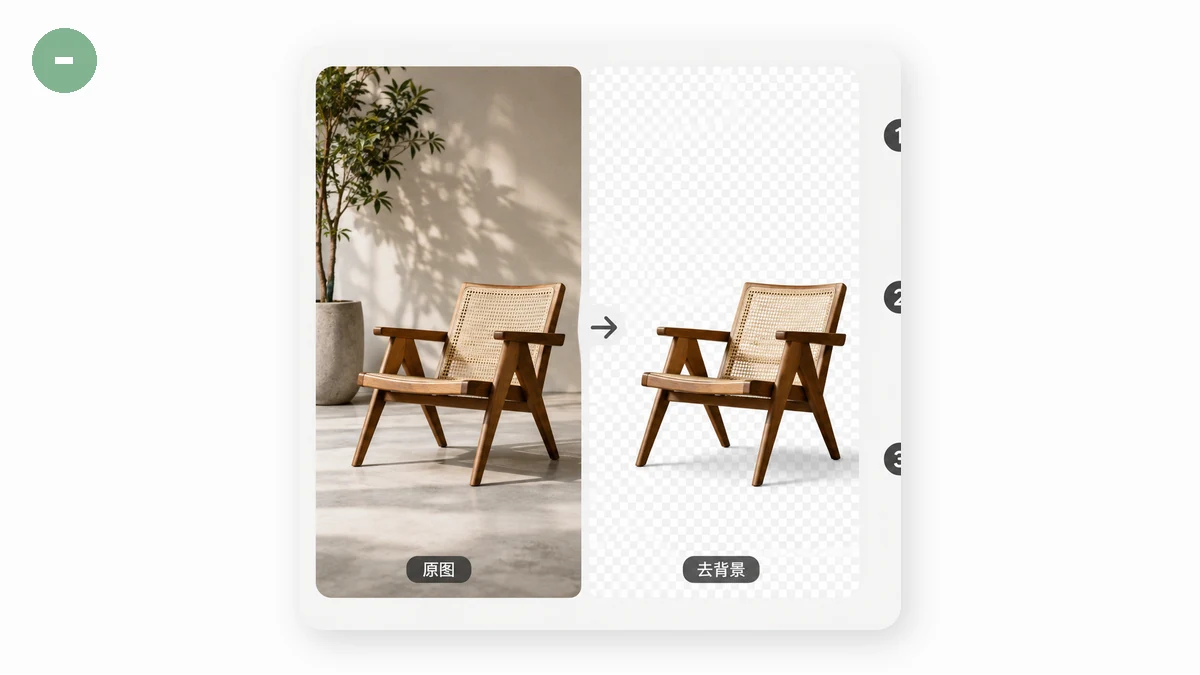
Click a button, and a second later the background of your photo is gone, replaced by a clean checkerboard of transparency. It feels like magic, but there's no magic and, on tools.faxianai.com, no server doing the work either. Here's what's actually happening between the click and the cutout.
The real job: deciding which pixels are "subject"
Removing a background is really a labeling problem. For every single pixel in your image, the software has to answer one question: is this part of the subject, or part of the background? Do that for all of them and you have a mask, which is a black-and-white map where white means "keep" and black means "delete." Lay the mask over the original, throw away the black areas, and you get your cutout.
This task has a name in computer vision: image segmentation. Specifically, background removal uses salient object segmentation, meaning the model tries to find the one thing a human would say the photo is "about" and separate it from everything else.
How the model learned to see the subject
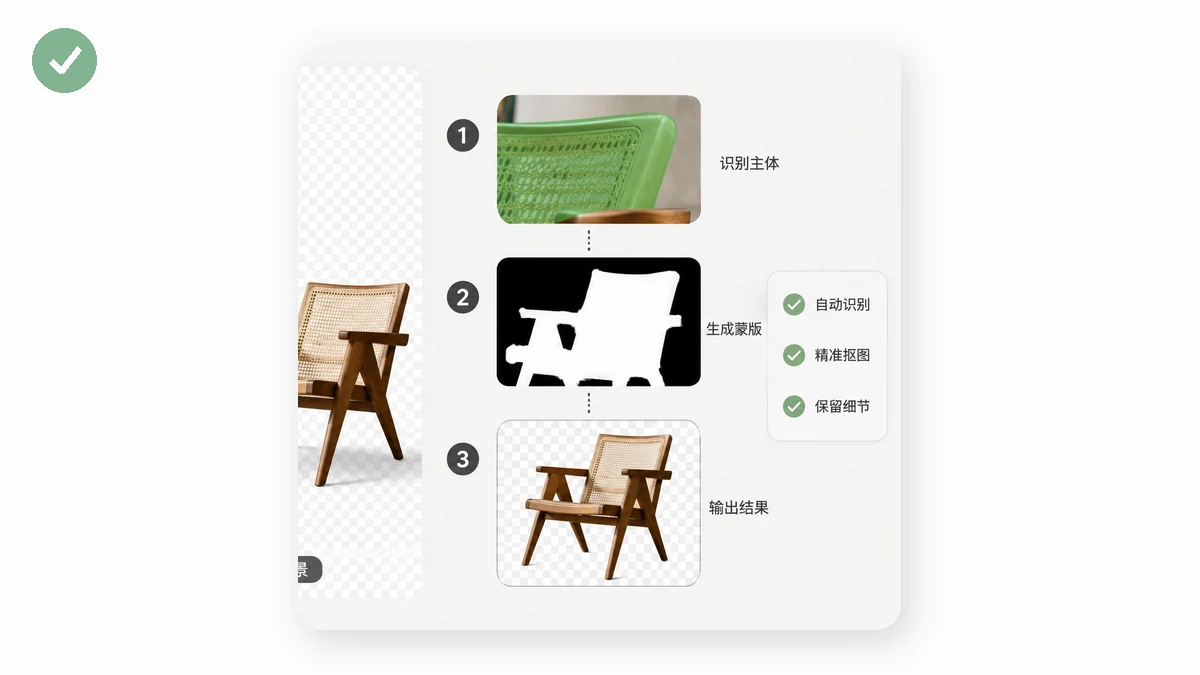
The model isn't following hand-written rules like "grab the person-shaped thing." It's a neural network that was trained on tens of thousands of images where a human had already drawn the perfect mask by hand. During training, the network made a guess, got compared to the human's answer, and adjusted itself a tiny bit to be less wrong. Repeat that millions of times and the network learns the visual patterns that separate a foreground object from its surroundings: edges, texture changes, focus, contrast, the way a subject usually sits near the center.
The Background Remover on tools.faxianai.com uses models from the U²-Net family, a well-known architecture for exactly this. Two versions are available:
- u2netp — a small, fast 4MB model. Great for clear subjects and quick work.
- silueta — a larger 43MB model that produces cleaner edges, better for detailed cutouts.
Both take your image in, run it through many layers of learned filters, and output that keep-or-delete mask.
Why it runs in your browser instead of a server
Most background removers upload your photo to a data center, run the model on their hardware, and send the result back. That works, but it means your image sits, however briefly, on someone else's computer.
tools.faxianai.com does it differently. The same kind of neural network runs inside your browser using two web technologies:
- WebAssembly (WASM) lets the browser run compiled, near-native-speed code, which is what the model's math needs.
- ONNX Runtime is the engine that actually executes the trained model in that environment.
The model file downloads once, then all the computation happens on your own CPU (or GPU). Your photo is read from disk, turned into a grid of numbers, pushed through the network, and reassembled as a cutout, all without a single byte leaving your machine.
What in-browser processing means for you
Three practical consequences fall out of this design.
Privacy is structural, not a promise. Plenty of sites say "we don't keep your images." Here the image is never sent anywhere, so there's nothing to keep. That matters most for ID photos, documents, product prototypes, or anything you'd rather not hand to a stranger's server.
It works offline. Because tools.faxianai.com is a PWA with a service worker, the tools keep working with no connection. Background removal has one asterisk: the model has to download the first time (the 4MB or 43MB file above). After that, you can cut backgrounds on a plane, a train, or a spotty hotel connection.
There's no queue and no upload wait. You're not competing with other users for a shared server, and you never wait for a large photo to upload. Processing speed depends on your own device, so a modern laptop handles most images in a couple of seconds.
Where the models still struggle
Understanding the mechanism also tells you where it breaks. Fine, wispy detail like flyaway hair or fur is genuinely hard, because a single strand is thinner than the model's confidence and it may guess "background" along the edge. Low-contrast scenes (a gray cat on a gray couch) give the network little to separate. And a busy background that resembles the subject in color and texture can confuse the labeling.
For clean subjects on a distinct background, the results are excellent. For the hard cases, a quick manual touch-up on the edges finishes the job. Either way, the whole process happens on your device, in a browser tab, in seconds, with a good Background Remover doing the heavy lifting.