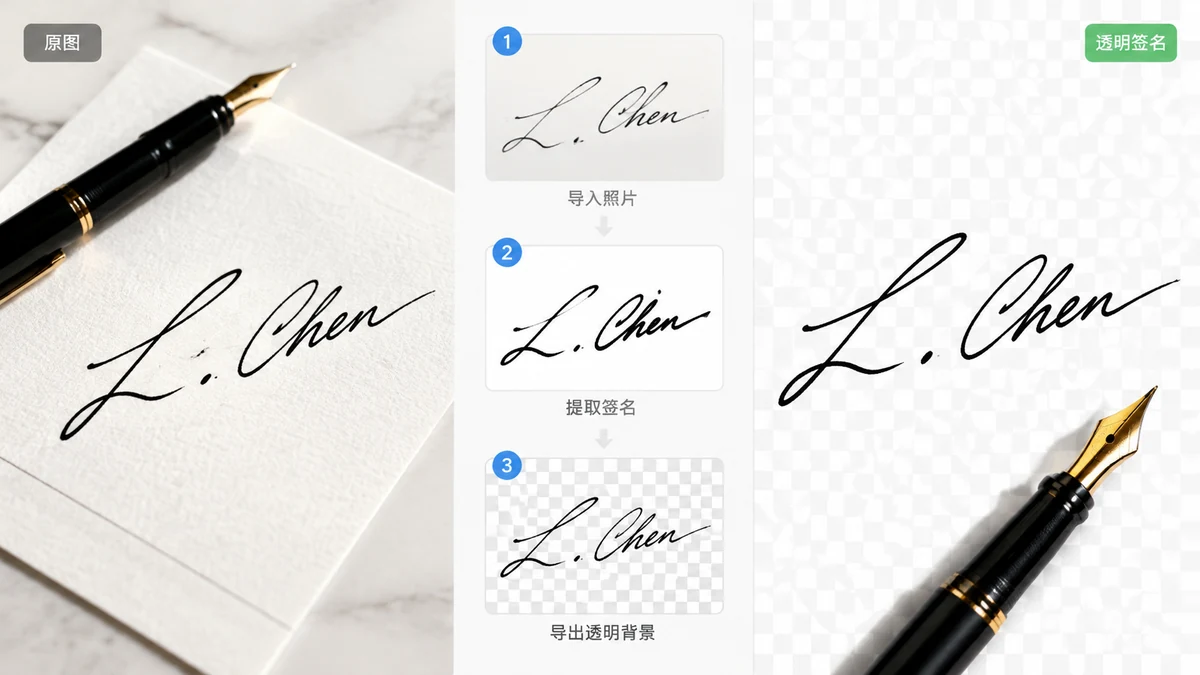
You need to drop your signature onto a PDF contract or an email footer, but all you have is a photo of it scrawled on printer paper. The photo has a gray-white background, a shadow along one edge, and maybe a coffee ring. Pasted as-is, it looks like a photo stuck on top of your document. What you actually want is just the ink: black strokes floating on nothing, so they sit on any page as if signed directly.
That "floating ink on nothing" is a transparent PNG, and you can make one from a phone photo without a scanner or a desktop editor.
The fastest way: photograph, then cut the paper away
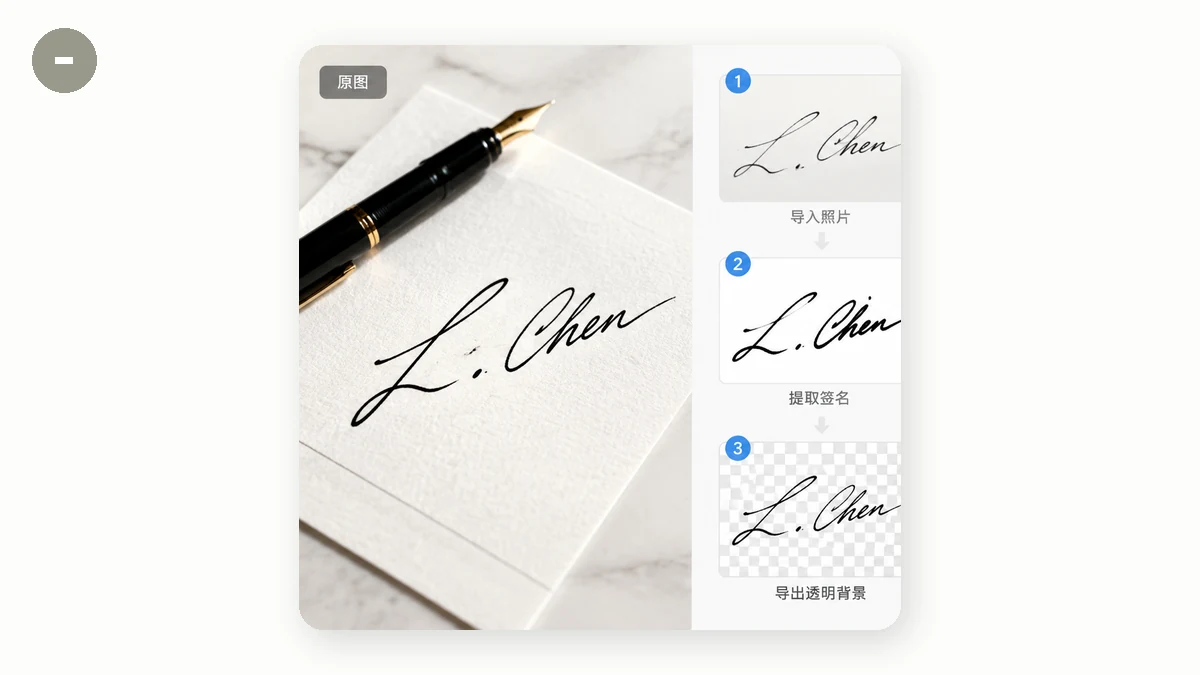
Here's the short version, then the details.
- Write your signature large on clean white paper with a dark pen.
- Photograph it straight-on in even light.
- Open the Background Remover, drop the photo in.
- Download the transparent PNG.
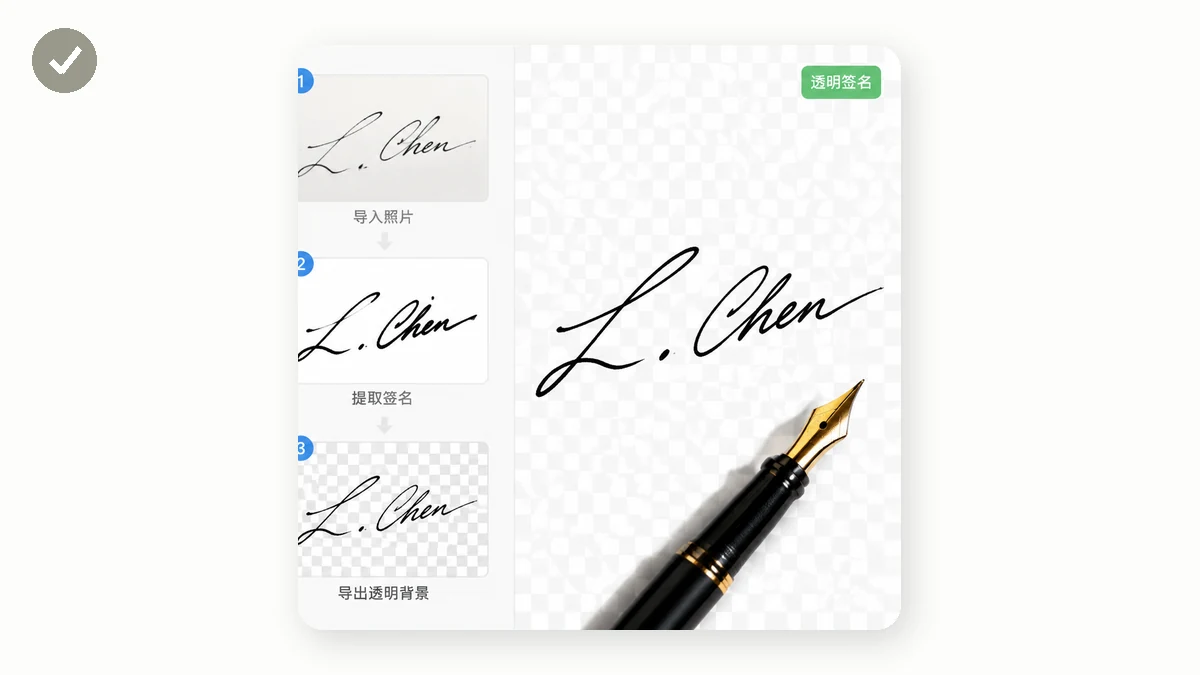
The tool runs a segmentation model that separates the subject (your ink) from the paper and deletes everything that isn't the mark. The paper, the shadow, the slight yellow tint of your desk lamp all become transparency. What's left is the signature on a checkerboard, which is how PNG shows "nothing here."
How to shoot the photo so the cutout is clean
The model is only as good as what you feed it, and a signature is a thin, high-contrast subject, which is close to the easy case. A few things make the difference between a crisp cut and a ragged one:
- Use a dark pen on white paper. A fine ballpoint in pale blue on cream paper gives the model almost nothing to grab. Black or dark-blue ink on bright white is unambiguous.
- Write bigger than you think. A large signature means more pixels per stroke, so thin loops survive the cutout instead of breaking into dashes.
- Flat, even light. Shoot near a window or under diffuse room light. Avoid a single harsh lamp that throws a hard shadow across the page, because a strong shadow can read as part of the subject.
- Straight-on, not angled. Hold the phone parallel to the paper so the signature isn't skewed. You can straighten later, but starting flat saves a step.
Don't worry about cropping perfectly. Extra white margin around the signature is fine; the tool removes it along with the rest of the paper.
Cleaning up after the cut
Handwriting is thin, and thin subjects sometimes lose a hair of a stroke or keep a fleck of paper texture. After you get the PNG back, zoom in at 100%. If a connecting line looks broken, that usually traces back to the photo, so re-shoot with more light or a bolder pen rather than fighting the software. For a stray speck, any editor with an eraser fixes it in seconds.
If your ink came out dark gray instead of true black, that's the paper's tone bleeding into the strokes. Bump the contrast on the original photo before removing the background, and the strokes go solid.
Why doing this in the browser matters for a signature
Your signature is sensitive. It's a legal mark, and you probably don't want it sitting on someone else's server. On tools.faxianai.com the image never leaves your device. The Background Remover processes everything locally with WebAssembly and Canvas, so the photo is read, cut, and saved entirely on your machine. Nothing is uploaded, and there's no account to create.
There's a practical bonus, too. Because the tool is a PWA with a service worker, it works offline after your first visit. The one catch specific to background removal: the AI model downloads once (a fast 4MB version or a higher-quality 43MB one), and after that the whole thing runs with no connection at all. Sign a document on a plane if you like.
Using your transparent signature
Once you have the PNG, it drops cleanly into most tools. In a PDF editor, place it as an image and scale it down to signature size. In an email client, insert it into your HTML footer. In a word processor, set the image wrap to "in front of text" and slide it over the signature line.
If you plan to reuse it publicly (say, on a certificate template), consider adding a light watermark or keeping the high-resolution original private, since a clean transparent signature is easy to copy.
The whole trip from paper to placed signature takes about a minute, and no one but you ever sees the photo.