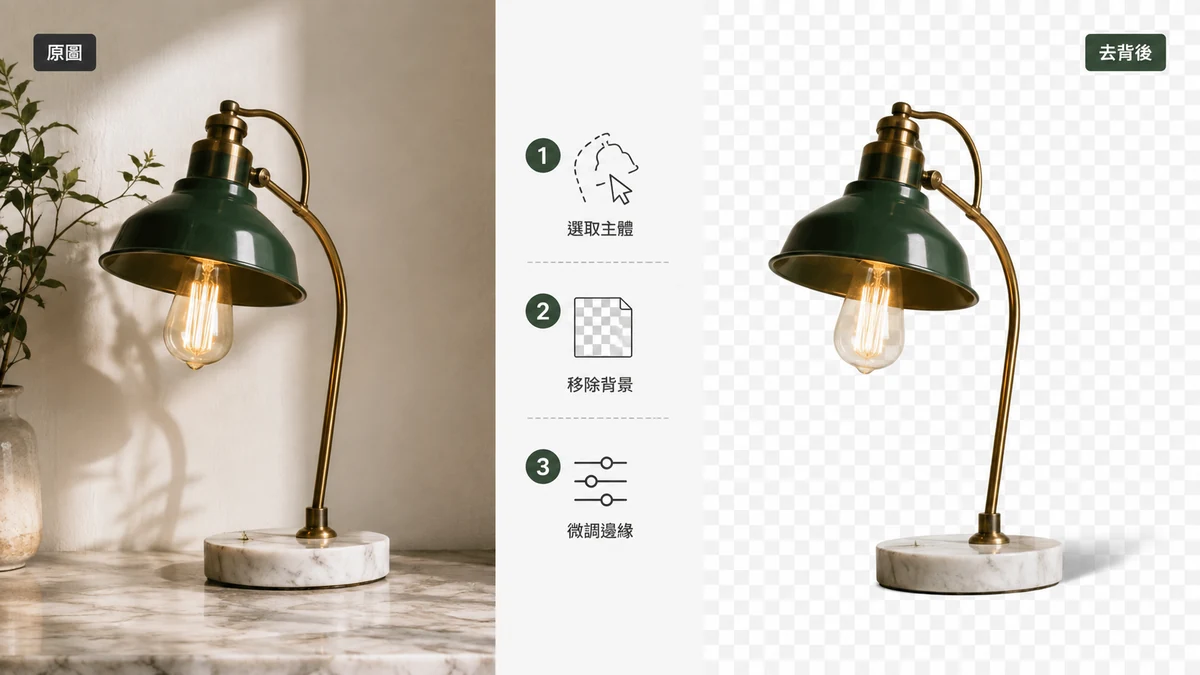
Short answer: for most everyday cutouts, a free browser tool is faster, cheaper, and private — and the result is good enough that you'd never tell the difference. Photoshop earns its keep when you need pixel-level control on a hard edge, are compositing something demanding, or already live inside Adobe's ecosystem all day.
Both are legitimate. Here's an honest look at where each one wins, without pretending the free tool is magic or that Photoshop is overkill.
The core trade-off
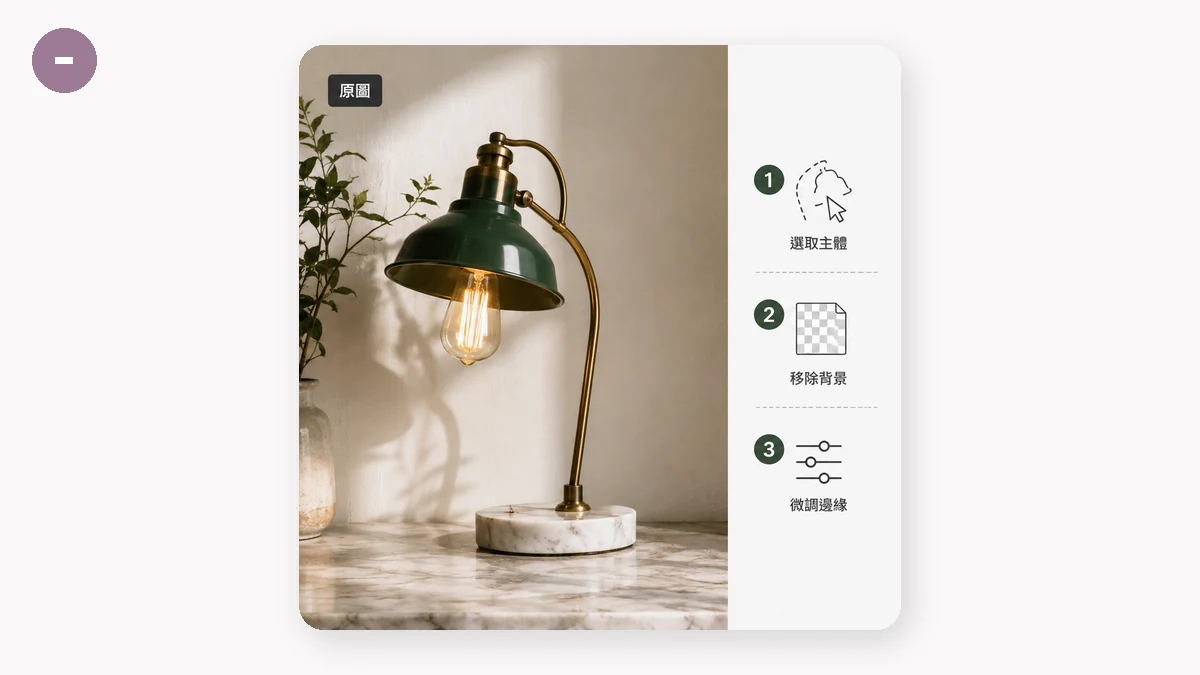
Photoshop gives you control. A browser tool gives you speed, privacy, and zero cost. That's the whole comparison in one line, and which side you want depends on the job in front of you.
| Free browser remover | Photoshop | |
|---|---|---|
| Price | Free | Subscription |
| Install | None — runs in the browser | Desktop app, GBs of download |
| Speed for one cutout | Seconds | Fast, but you open the app first |
| Manual edge control | Limited | Extensive (masks, refine edge, brushes) |
| Batch of simple cutouts | Built-in, quick | Possible via actions, more setup |
| Privacy | Runs locally, no upload | Local, but tied to an Adobe account |
| Offline | Yes, after first model load | Yes |
| Learning curve | None | Real |
Where the free browser tool wins
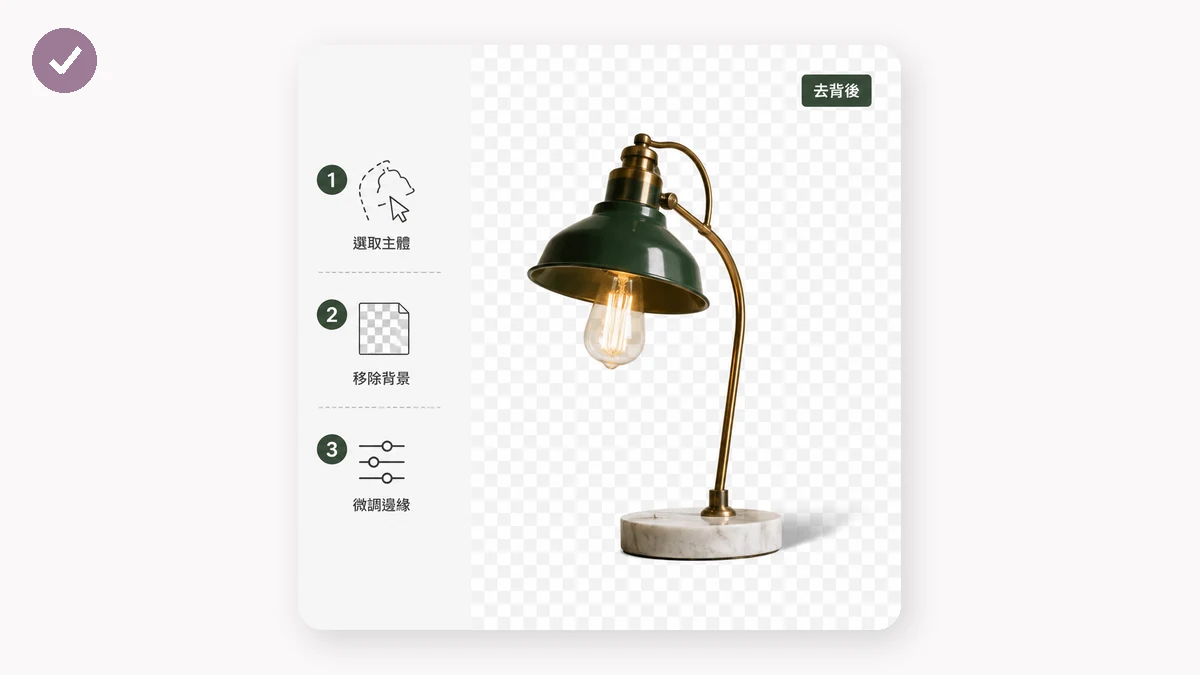
Speed for the common case. You have a product photo, a portrait, a pet, an object against a clear background. tools.faxianai.com's Background Remover detects the subject and cuts it out in a couple of seconds. No app to launch, no layers to manage. For the 90% of cutouts that are "subject on a plain-ish background," this is simply faster.
Cost. It's free with no watermark and no sign-up. Photoshop is a recurring subscription. If background removal is an occasional task, paying monthly for it is hard to justify.
Privacy. The tool runs entirely in your browser using WebAssembly — the image is never uploaded anywhere. For sensitive photos, client work under NDA, or anything you'd rather not send to a server, local processing is a real advantage.
No install, works offline. Nothing to download and update. After your first visit the tool is cached, and once the AI model has loaded once, it keeps working with no connection.
Batch. Dropping in a folder of product shots and getting clean cutouts back is built in, and because it runs locally there's no per-image server charge.
Where Photoshop still wins
Credit where it's due — there are jobs the free tool won't match.
Fine-detail edges. Flyaway hair against a similar-toned background is the hardest problem in cutouts. The browser tool's high-quality model handles most of it, but Photoshop's Select and Mask, refine-edge brush, and manual masking give you control the automatic approach can't. When a wig, fur, or a wind-blown hairstyle has to be perfect, Photoshop wins.
Complex compositing. If the cutout is one step in a bigger montage — matching light, adding shadows, blending into a new scene — you're already in a full editor, and doing everything in one place makes sense.
Repeatable, exacting workflows. Studios with strict specs, color-managed pipelines, and layered PSD deliverables need Photoshop's depth. The free tool gives you a great PNG; it doesn't give you a layered master file.
Total manual override. Sometimes the AI guesses wrong and you want to paint the mask by hand. Photoshop lets you. The browser tool is more take-it-or-leave-it on tricky subjects.
So which should you use?
Match the tool to the task:
- Quick cutout, product listing, social post, transparent PNG for a slide → the free browser tool. It's faster and the quality is there.
- Sensitive or confidential images → the browser tool, because nothing is uploaded.
- Occasional need, no desire to pay monthly → the browser tool, easily.
- Perfect hair, heavy compositing, layered deliverables, exacting client specs → Photoshop.
A useful hybrid: do the first pass in the browser tool for the instant cutout, and only reach for Photoshop when a specific edge genuinely needs hand work. Most days, that second step never comes.
The honest takeaway is that "free" no longer means "worse" for background removal. Photoshop is more powerful and always will be. But for the everyday cutout, a browser tool that's instant, private, and costs nothing is the sensible default — and you keep the paid software for the jobs that actually demand it.