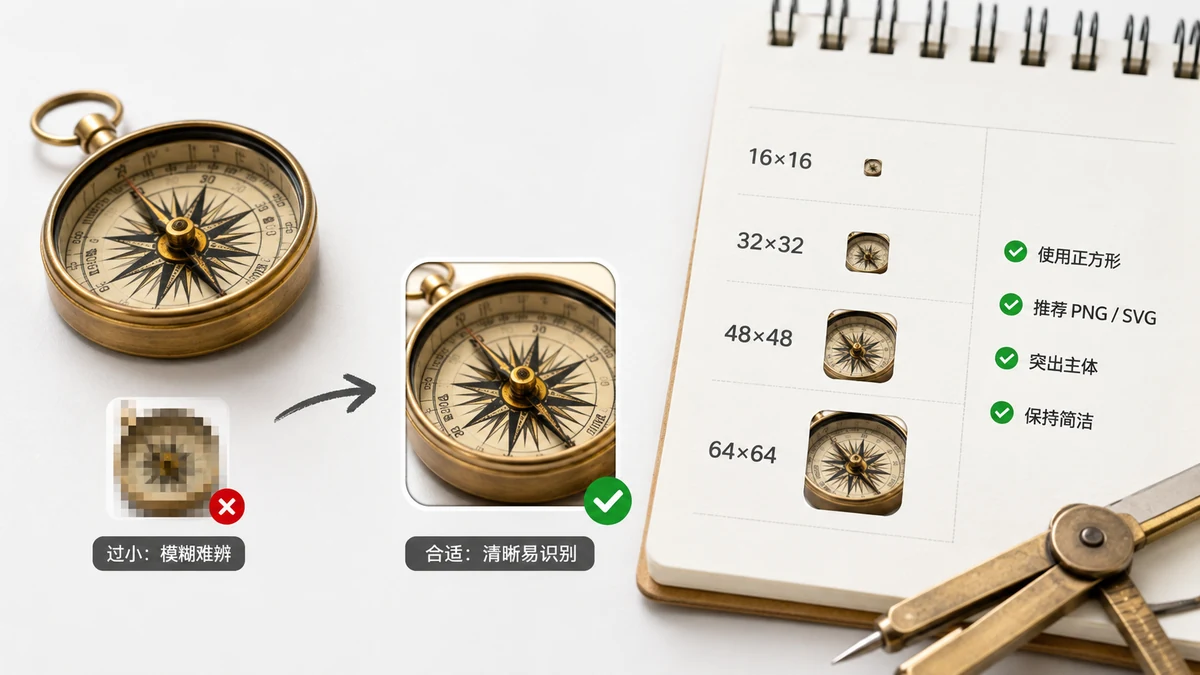
A favicon isn't one image anymore. Browsers, phones, and operating systems each grab a different size for a different slot — the browser tab, a bookmark, an iOS home screen, an Android app switcher. Ship one 32×32 PNG and it'll work in the tab but look blurry when someone saves your site to their phone. Ship the full set and every surface gets a crisp icon.
Here's exactly which sizes you need, what each one does, and why the list looks the way it does.
The sizes that matter
Most sites are covered by six PNG sizes plus a legacy .ico. Here's the reference:
| Size | Format | Where it's used |
|---|---|---|
| 16×16 | PNG (in .ico) | Browser tab, address bar, bookmarks |
| 32×32 | PNG (in .ico) | Retina tabs, Windows taskbar shortcuts |
| 48×48 | PNG | Windows site icons, some Android surfaces |
| 180×180 | PNG | iOS home screen (apple-touch-icon) |
| 192×192 | PNG | Android home screen, PWA install |
| 512×512 | PNG | PWA splash screen, app stores, high-DPI |
The favicon.ico file is a container that bundles the small sizes (usually 16 and 32, sometimes 48). Older browsers and Windows look for it by name at your site root, so it's still worth shipping even though modern browsers happily use PNGs.
Why so many? A quick tour
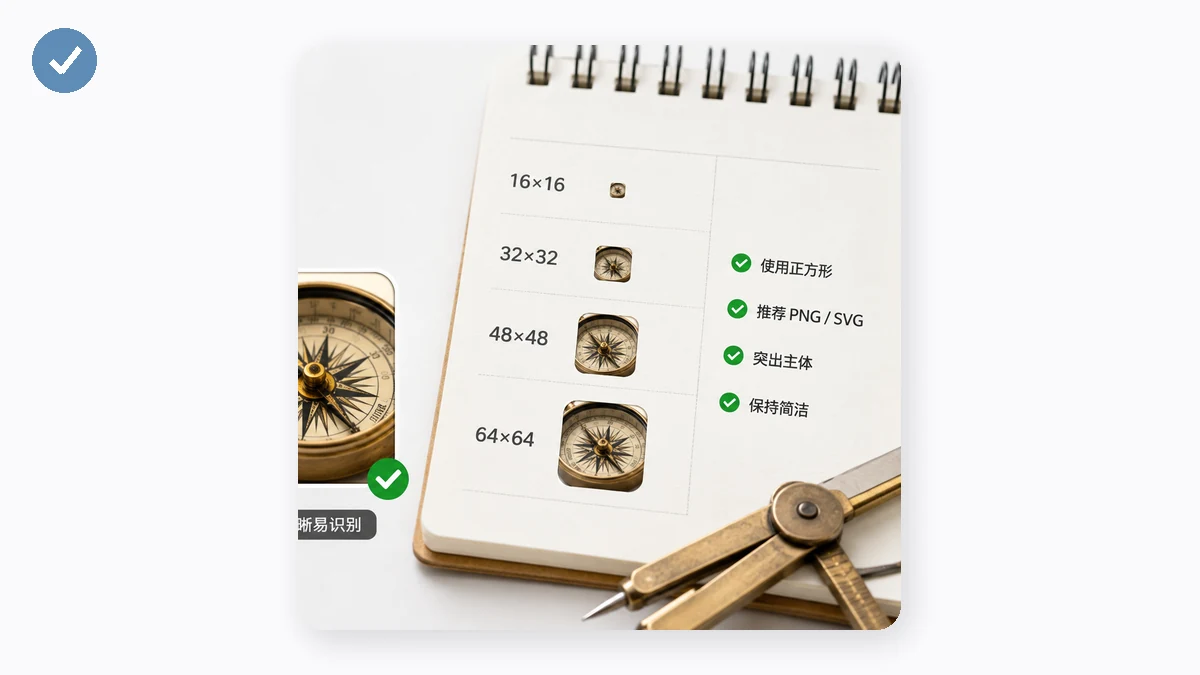
The reason the list is long is that the icon shows up in wildly different physical sizes.
16 and 32 are the everyday tab icons. 16 is the classic size; 32 covers high-DPI ("Retina") screens where 16 would look soft. Browsers pick whichever fits the pixel density.
48 is a Windows thing — it's used for site shortcuts and shows up sharper in a few places that 32 doesn't cover well.
180 is Apple's apple-touch-icon. When someone taps "Add to Home Screen" on an iPhone or iPad, iOS uses this. Get it wrong and iOS will either grab a scaled-down screenshot or show a plain letter tile — neither looks like your brand.
192 and 512 are the Progressive Web App sizes, declared in a manifest.webmanifest file. 192 is the Android home-screen icon; 512 feeds the splash screen and gets downscaled for anything else the OS needs. If your site is installable, these two are non-negotiable.
Do you need bigger than 512?
No. 512×512 is the practical ceiling for web favicons — the webmanifest spec and every major platform top out around there. If your source art is 1024 or larger, that's fine as a starting image (more detail to downscale from), but you don't ship a 1024 favicon. Anything above 512 just adds bytes nobody uses.
The one rule that matters going up: start from a large, square source. A 512×512 or 1024×1024 original downscales cleanly to every size below it. Start from a tiny image and the small sizes look muddy because there was never enough detail to keep.
Design so it survives 16×16
The hardest size is the smallest. At 16×16 a detailed logo becomes an unreadable smudge. Some tips that hold across sites:
- Simplify. A full wordmark won't read at 16px. Use a single letter, a monogram, or the most recognizable part of your mark.
- Keep contrast high so the shape stays legible on both light and dark tab backgrounds.
- Leave a little padding — an icon that touches all four edges feels cramped in the tab.
- Test it small. Zoom your browser out, or just look at the actual tab. If you can't tell what it is at a glance, simplify further.
Generating the whole set
You don't build these by hand. Drop one square image into the Favicon Generator and it produces the full set at once — favicon.ico, the 16/32/48/180/192/512 PNGs, a ready-to-use webmanifest, and the exact HTML <head> snippet to paste in. Everything runs in your browser: the image is never uploaded, and after your first visit the tool works offline.
The HTML you'll end up with
For reference, a complete favicon setup looks roughly like this in your <head>:
<link rel="icon" href="/favicon.ico" sizes="any">
<link rel="icon" type="image/png" sizes="32x32" href="/favicon-32x32.png">
<link rel="icon" type="image/png" sizes="16x16" href="/favicon-16x16.png">
<link rel="apple-touch-icon" sizes="180x180" href="/apple-touch-icon.png">
<link rel="manifest" href="/site.webmanifest">
The generator writes this for you, so you can paste it straight in. Cover the six sizes plus the .ico and the manifest, and every browser, phone, and OS gets the crisp icon it's asking for.