
You've probably had this happen. You copy a nicely styled block — a title card, a colored callout — and paste it into the WeChat editor or a CMS. Sometimes it arrives looking exactly right. Other times it lands as naked text with all the design stripped off. Same action, different result, and it feels random. It isn't. The difference is whether you copied inline HTML.
Understanding this one idea makes pasting styled content predictable instead of a gamble.
What inline HTML actually is
Web styling can live in two places. In a normal website, the styling sits in a separate stylesheet, and the HTML just references it by class name: <div class="title-card">. The div is meaningless on its own — the design lives in a CSS file somewhere else.
Inline HTML puts the styling inside the element itself: <div style="background:#2b6cb0; color:#fff; padding:16px; border-radius:8px">. Everything needed to render the block travels with the block. There's no external file to depend on.
That distinction is the whole story of why some pastes keep their design and others don't. When you paste into an editor, the editor doesn't get the source website's stylesheet. If the design lived in that stylesheet, it's gone — you get the bare structure, i.e. plain-looking text. If the design was inline, it comes along, and the block renders correctly.
Why WeChat and rich editors need it
WeChat's editor is strict. It removes external stylesheets and filters a lot of styling. A block that relied on a class defined elsewhere has nothing to fall back on once it's inside WeChat. Many rich-text editors and CMS paste fields behave the same way — they sanitize what you paste and keep only inline attributes.
So the reliable way to move a styled block into these editors is to copy it as inline HTML, where the styling is self-contained. Then even a strict editor has everything it needs to show the block as designed.
How copying a block "with formatting" works
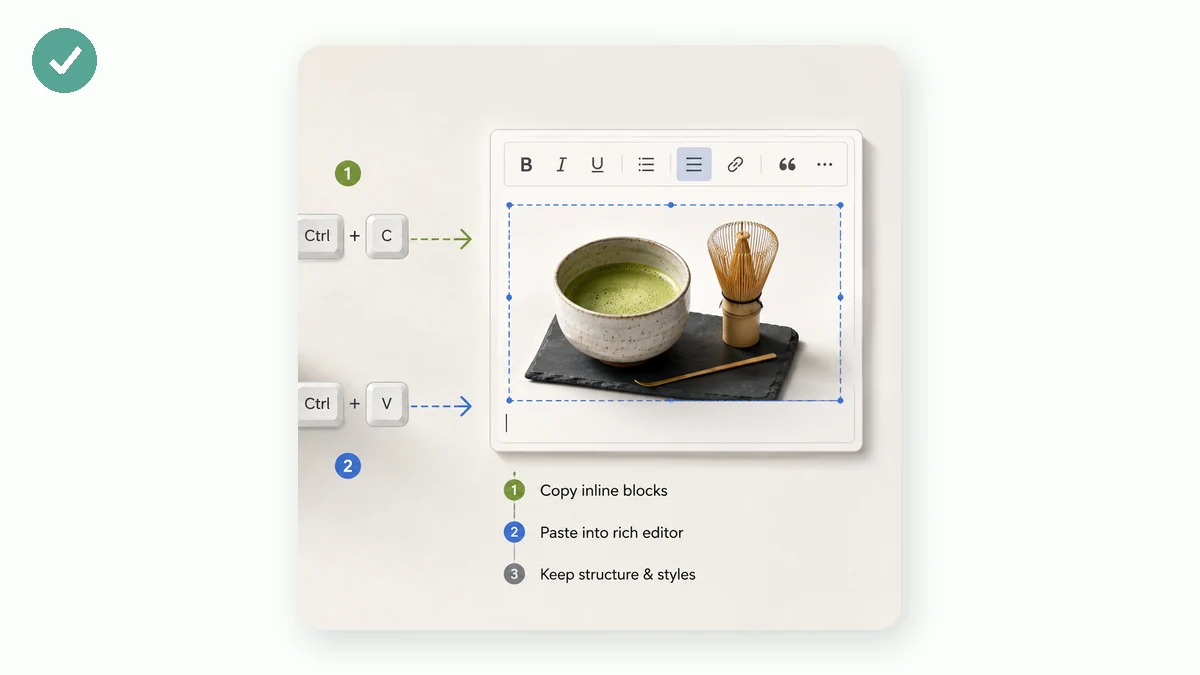
Modern browsers have a Clipboard API that can place rich content — HTML with formatting — onto the clipboard, not just plain text. When a tool copies a block "as inline HTML," it's using that API to put the block's self-contained markup on your clipboard. You then paste (Ctrl/Cmd+V) into the editor, and because the styling was inline and the clipboard carried the HTML, the block shows up styled.
Two things have to be true for this to work:
- The markup must be inline-styled, so no external file is needed.
- The clipboard must carry it as HTML, not as a plain-text dump of angle brackets.
Get both right and the paste "just works." Miss either and you get plain text or a wall of visible code.
Doing it without hand-editing code
You could, in principle, take a styled block and manually inline every style — move each class's rules into a style="" attribute on each element. For anything beyond a trivial block, that's tedious and error-prone, especially with SVG cards where styling is spread across many nodes.
A tool that handles this is easier. tools.faxianai.com's Layout Module Extractor extracts styled blocks from pasted WeChat content and gives each one a copy button that puts it on your clipboard as inline HTML via the Clipboard API. You click copy, switch to the WeChat editor (or your CMS, or a rich-text field), paste, and the block keeps its formatting. No manual inlining, no fixing broken markup.
A quick paste checklist
When a styled paste goes wrong, run through this:
- Did you copy inline HTML, or a screenshot/plain text? Only inline HTML pastes as a working styled block.
- Paste into the editor's normal body, not a "source code" or "plain text" mode, which may strip or escape the markup.
- Check the block in preview. WeChat's own preview shows how the block will actually render on a phone — confirm there before publishing.
- If colors look off, recolor before copying. In the extractor you can click a color and change it everywhere in the block, so you copy it already in your brand colors.
One honest limit worth repeating: a tool like this copies and organizes blocks — it's an extractor, not a from-scratch template designer, and it can't fetch an article by URL (browsers block cross-site fetches of WeChat pages, so you paste the content in). Within those bounds, inline HTML is what lets a styled block survive the trip from one editor to another with its design intact.
Once you've seen a block paste in perfectly a few times, the earlier randomness makes sense: it was never random. It was always about whether the styling traveled inside the block.