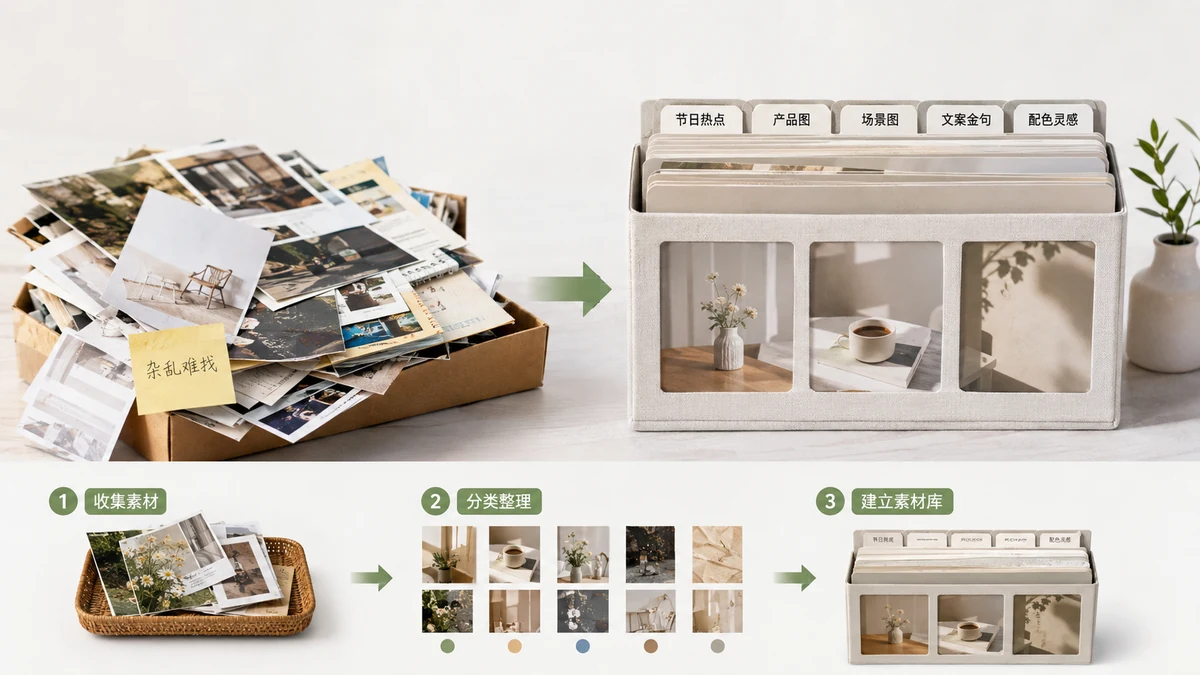
If you run a WeChat Official Account for any length of time, you accumulate a set of layout pieces you reuse: your standard title card, a section header you like, the follow-us card at the end, a couple of quote styles. The question is where those pieces live. Most operators answer that badly, and it costs them time on every article.
Two common answers both age poorly. Let's look at why, then at a third option that doesn't.
The problem with scattered folders
The default is a folder — or several — with screenshots, half-remembered code snippets in a text file, and a few "template" articles you copy from. It works for a while, then rots:
- You can't find the thing. Was that title card in the June folder or the drafts folder? Screenshots don't tell you which are reusable blocks and which are just images.
- Screenshots aren't reusable. A picture of a title card can't be pasted into an editor as a working block. You end up rebuilding it anyway.
- Snippets go stale. Raw code in a notes file loses its context. You paste it in and it's broken, and you don't remember why.
The folder approach fails because it stores the appearance of your assets, not the assets themselves in a form you can drop back into an article.
The problem with cloud editors
The other common answer is a template site or cloud editor where you save your blocks to an account. That fixes findability, but introduces different costs:
- It's not really yours. Your library lives on someone else's server. If they change pricing, shut down, or lock features behind a plan, your assets are hostage.
- It needs a login and a connection. No account, no library. Offline, no library.
- Your content passes through them. For a lot of operators that's fine; for anyone handling client work or unpublished drafts, it's a consideration worth making on purpose rather than by default.
Cloud tools solve organization by trading away ownership. Sometimes that trade is worth it. Often you don't need to make it at all.
A local library you own outright
There's a third option: keep the library on your own device, in your own browser. tools.faxianai.com's Layout Module Extractor saves each module you extract to a local library using your browser's localStorage. No account, no sign-in, nothing uploaded to any server. The blocks sit in your browser, ready to reuse.
Because these are real extracted modules — not screenshots — each one is a working block. When you want it in an article you copy it as inline HTML and paste it in, formatting intact. The library stores the usable thing, not a picture of it.
Export and import: why it matters
"On your device" raises a fair worry: what if I clear my browser, or switch computers? That's why the library exports to a JSON file. One file holds your whole collection. You can:
- Back it up. Drop the JSON in your own cloud drive or a USB stick. Now a browser reset can't wipe your work.
- Move machines. Export on the old laptop, import on the new one, and your library comes with you.
- Share a starter set. Hand the JSON to a teammate so a new person on the account starts with the same building blocks instead of from zero.
The difference from a cloud editor is subtle but real: with export/import you hold the file. It's not sitting on a server you don't control, and it doesn't stop working if a service does. You're using the browser as storage and a plain file as the backup — two things that will still work years from now.
What a good local library looks like in practice
You don't need dozens of blocks. A tight, trusted set beats a big messy one. A practical library for one account is usually:
- One or two title cards in your brand colors.
- A section header you use to break up long posts.
- A follow-us / footer card with your handle and QR placeholder.
- A quote or callout style for pulling out key lines.
- A divider or two.
Extract each once, recolor it to your brand (in the extractor, click a color and it changes everywhere in the block), save it, and export the library so it's backed up. From then on, laying out an article is picking from your own shelf.
The honest framing: this is an extractor and organizer, not a full template designer. It won't design a brand-new card from nothing. What it does well is capture the blocks you already like, keep them somewhere you own, and hand them back as paste-ready HTML whenever you need them.