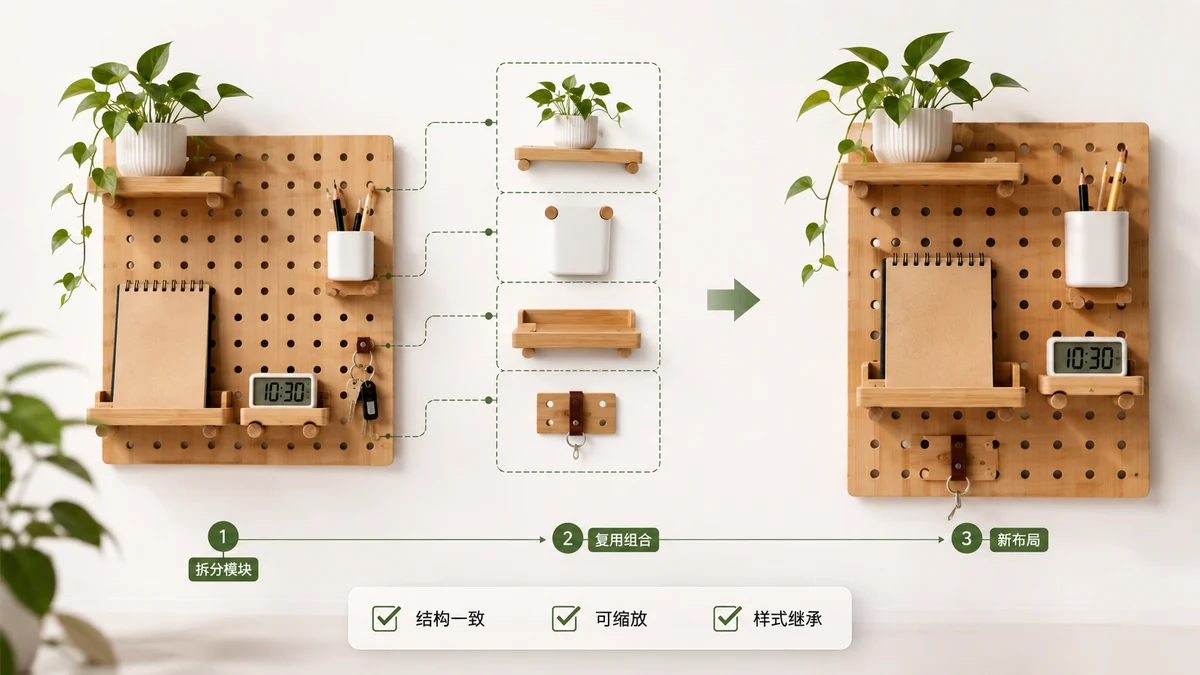
Open a well-designed WeChat article and you'll notice the parts that make it look professional aren't the words — they're the styled blocks. The gradient title card at the top, the little section headers with a colored bar, the "follow us" card at the end, the quote boxes with rounded corners. A lot of those are built as SVG, and SVG is what lets them keep their exact shape and color no matter what phone renders them.
Here's the frustrating part: when you find one you like and try to reuse it, copying it usually breaks it. You paste into the WeChat editor and the layout collapses, the colors go flat, or half the block disappears. This guide explains why that happens and how to extract those blocks so they stay intact.
Why WeChat leans on SVG for layout
WeChat's editor strips out most CSS. You can't attach a stylesheet, and a lot of inline styles get filtered. So designers found a workaround: build the decorative pieces as SVG, where the shape, gradient, and text positioning all live inside the SVG markup. WeChat leaves that markup mostly alone, so the block renders the same everywhere.
That's also why these blocks are so reusable in principle. An SVG title card is self-contained. It doesn't depend on an external file or a class defined somewhere else on the page. In theory you can lift it out and drop it into your own article. The problem is only in the lifting.
Why naive copying breaks the block
When you select a styled block on a rendered page and copy it, you're usually grabbing the browser's rendered version, not the original source. Three things go wrong:
- Wrapping markup gets lost. The block often sits inside nested containers that carry positioning. Grab just the visible part and it loses its box.
- Encoded pieces get mangled. SVG frequently holds background images or fonts as encoded data. A copy-paste through the wrong path can corrupt that string.
- You can't recolor it cleanly. Even if it survives, the colors are baked into a dozen places in the markup. Changing the theme by hand means hunting through raw code.
To reuse these blocks reliably you don't want a screenshot and you don't want the browser's clipboard guess. You want the actual block markup, pulled out as a standalone unit.
Extracting blocks the reliable way
The clean approach is to copy the whole article's source content and let a tool parse it, rather than trying to hand-select one block on screen. tools.faxianai.com's Layout Module Extractor does exactly this: you paste in the content, it reads the markup with the browser's own DOM parser, and it isolates the reusable styled blocks — SVG typography cards, titled headers, follow-us cards, styled quotes, dividers — each as an independent module.
One important caveat, stated plainly: the tool can't fetch an article by its URL. Browsers block cross-site fetches of mp.weixin.qq.com, so no in-browser tool can pull a WeChat page down by link. You copy the content and paste it in. That's not a limitation to work around so much as how the web's security model works.
Because each block is isolated and previewed in its own Shadow DOM sandbox, one module's styles can't leak into another. What you see in the preview is what that block actually is.
Recoloring without touching code
Once a block is extracted, the color problem I mentioned earlier gets solved for you. Click any color in a module and change it — and the same color updates everywhere it appears in that block. So a blue title card becomes your brand's green in one move, instead of you editing six hex values buried in SVG. You can also swap the placeholder images inside a module for your own.
This is where "reuse" stops being theoretical. A block you liked from someone else's article becomes a block in your palette, in your colors, ready to drop into your next piece.
Building your own module library
The real payoff is doing this a few times and keeping what you extract. Each module you like can be saved to a local library that lives in your browser (via localStorage), and you can export the whole library to a JSON file to back it up or move it to another machine. Nothing is uploaded and there's no account — the library is yours, on your device.
Over a few weeks you build a personal kit: a couple of title cards, a section header you trust, a footer card, a divider or two. When it's time to lay out a new article, you pull from your own set instead of hunting through other people's posts again. To get a styled block into the editor, you copy it as inline HTML and paste it in — the block keeps its formatting because the styling travels with the markup.
Start with one block you've always liked, extract it cleanly, recolor it to your brand, and save it. That's the whole loop, and it compounds.