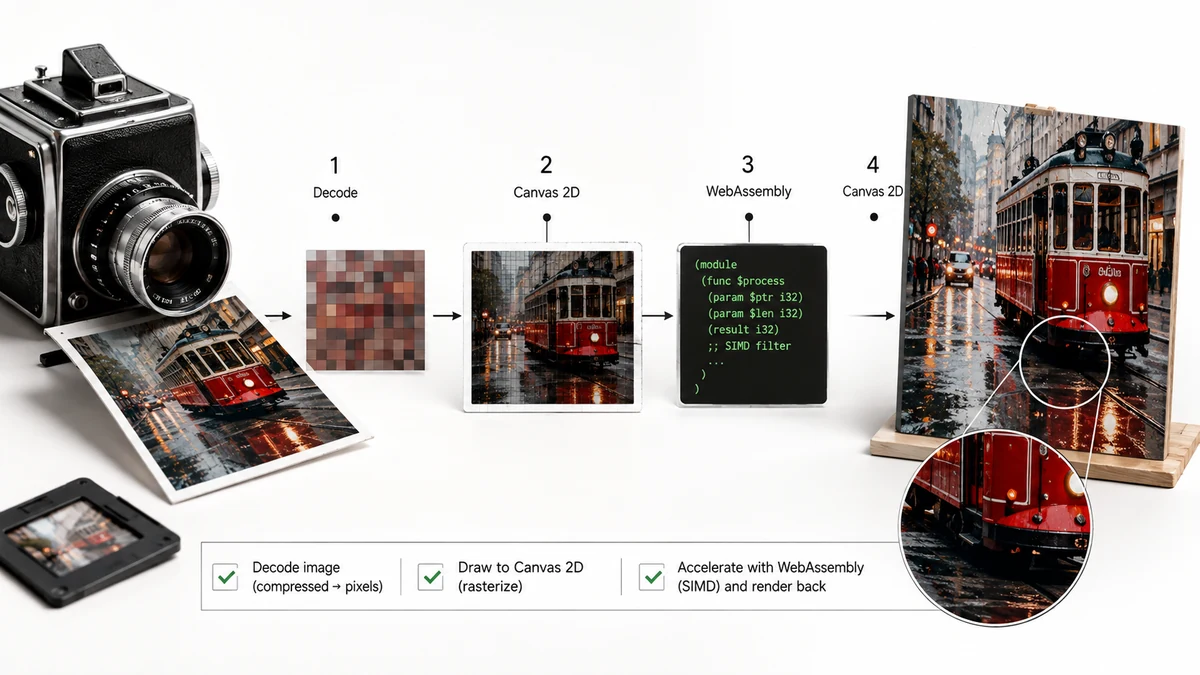
A decade ago, editing an image on a website meant uploading it, waiting for a server to do the work, and downloading the result. Today a browser can compress a 30 MB photo, convert a PNG to WebP, or resize a batch of images without ever contacting a server. Two technologies made that shift possible: Canvas and WebAssembly. Neither is mysterious once you see what each one does.
Canvas: a drawing surface with pixel-level access
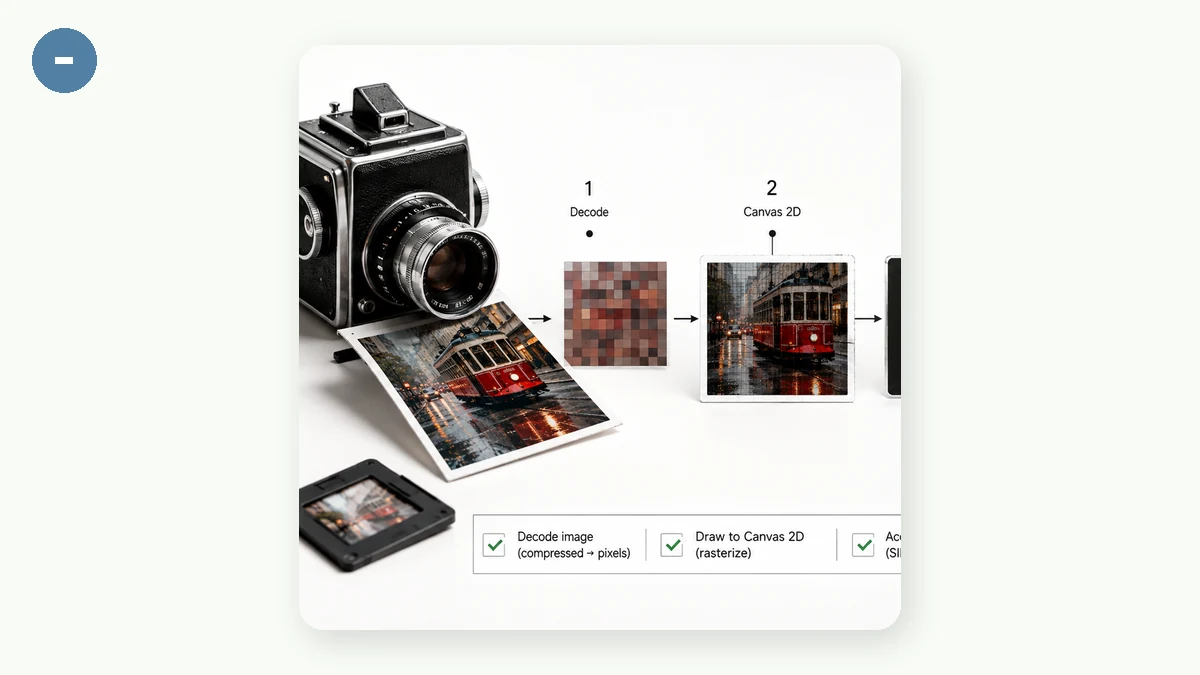
Every modern browser ships with the Canvas API — a blank rectangle you can draw on with JavaScript. Its real power for image tools isn't drawing shapes; it's that Canvas gives code direct access to the individual pixels of an image.
When you load a photo into a canvas, the browser hands your code an array of numbers: the red, green, blue, and alpha (transparency) values for every pixel. From there, ordinary operations become straightforward:
- Resizing means sampling that pixel grid into a smaller or larger one.
- Cropping means copying a rectangular region into a new canvas.
- Rotating and flipping are geometric transforms applied before drawing.
- Format conversion happens when you export the canvas — ask for a JPEG, a PNG, or a WebP and the browser encodes the pixels accordingly.
All of this runs on your own device, using your CPU and, where available, your GPU. Nothing is uploaded, because the pixels never leave the page. That's why Image Converter can turn a PNG into a WebP the instant you drop it in — there's no round trip to wait on.
WebAssembly: near-native speed inside the browser
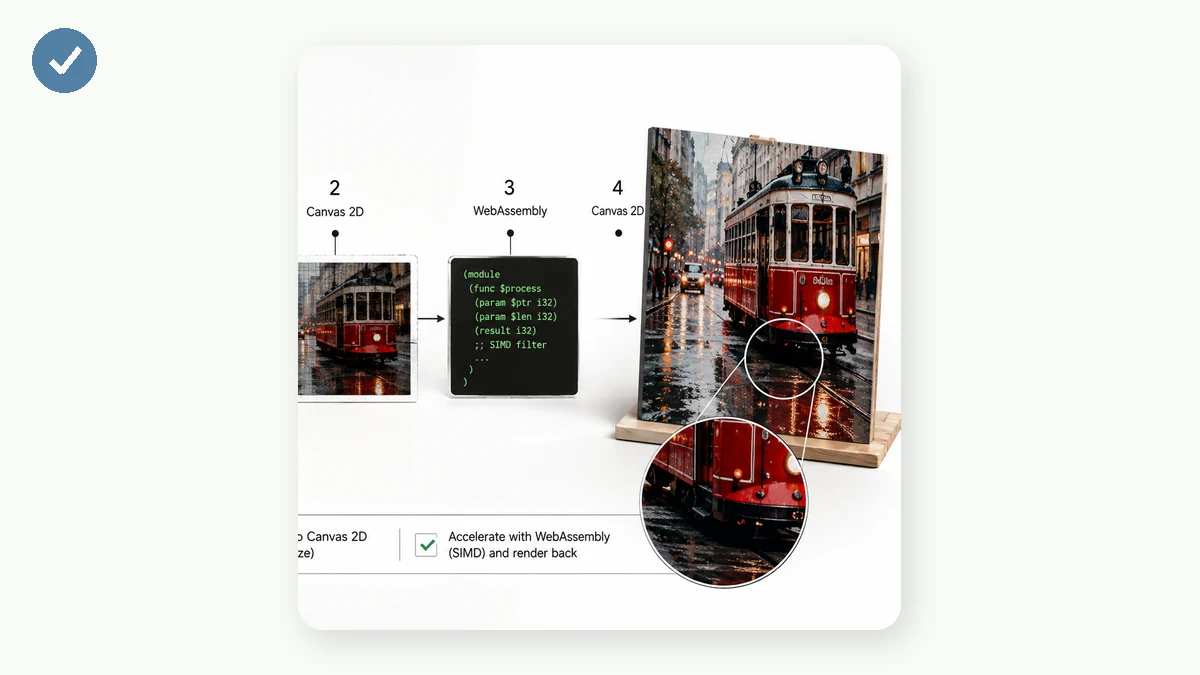
Canvas handles the common transforms, but some jobs need serious computational muscle — high-quality JPEG encoding, PNG optimization, running an AI model to cut out a background. JavaScript alone can be too slow for these. That's where WebAssembly (often shortened to Wasm) comes in.
WebAssembly is a compact, low-level format that browsers can execute at close to native speed. Developers take fast, battle-tested code written in languages like C, C++, or Rust — the same libraries that power desktop image software — and compile it to Wasm. The browser then runs that code in a tight, sandboxed environment, far faster than the equivalent JavaScript.
In practice this means a browser tab can now do work that used to require a server or a desktop app: encode images with pro-grade compression, strip metadata, or run a neural network for background removal — all locally.
Why local processing is both private and fast
Put Canvas and WebAssembly together and the benefits fall out naturally.
Privacy is structural, not a promise. Because the pixels stay in the page and the processing runs on your CPU, there is no upload step. There's no server copy of your file to store, log, cache, or train on — because the file was never transmitted. You don't have to trust a privacy policy; you can verify it by turning on airplane mode and watching the tool keep working.
Speed comes from cutting out the network entirely. A server tool's slowest step is usually shuttling your file up and back down. Remove that, and a 40 MB photo processes about as fast as a 40 KB one. There's also no queue — your device works on your image alone, not thousands of other people's.
There's a bonus most people don't expect: because the whole tool is just code and assets, a browser can cache it. tools.faxianai.com is a PWA with a service worker, so after your first visit the tools are stored on your device and keep working offline — in airplane mode, on a plane, anywhere. Compressing and converting need no connection at all.
The trade-offs, honestly
In-browser processing isn't magic and it isn't free of limits. Very large batches can strain a low-end phone's memory, since the work uses your device's resources instead of a data center's. And a few features genuinely need the network — anything that calls an external service, like a page-speed audit, can't run offline. Background removal is a middle case: it runs locally, but only after a one-time download of the model file.
For the everyday jobs, though — compress, convert, resize, crop, rotate — the browser is now a complete, private, fast image workshop that happens to live in a tab. No upload, no server, no waiting.