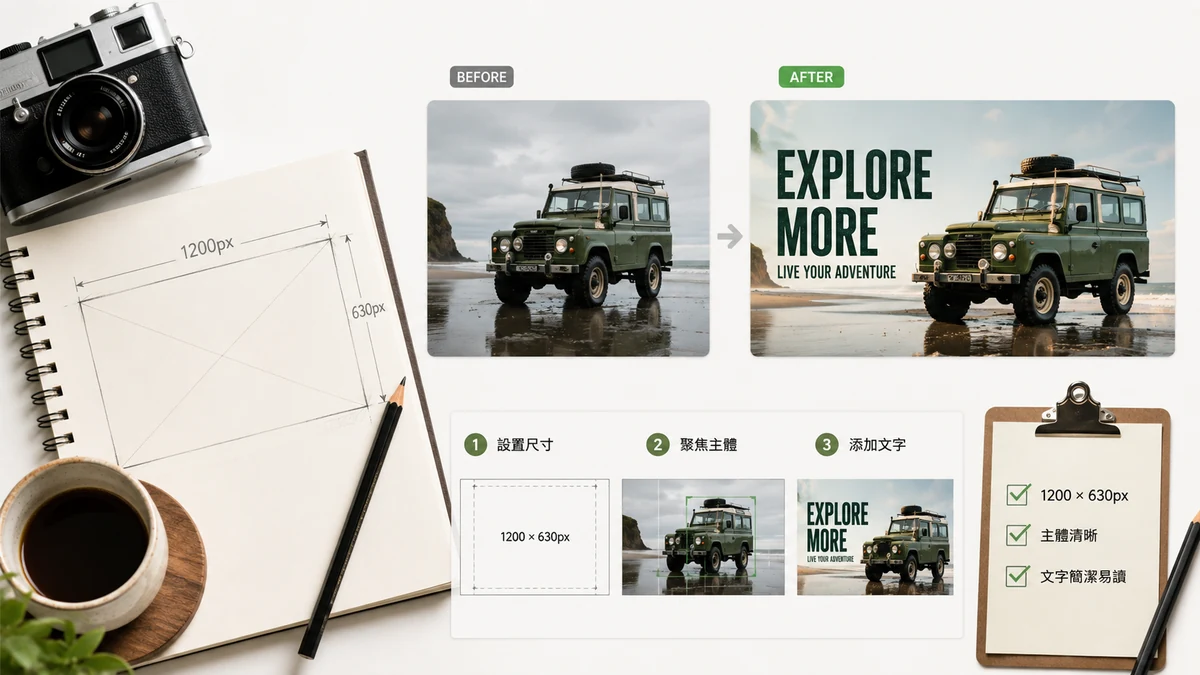
When you paste a link into a message, a tweet, a LinkedIn post, or a Slack channel, the platform pulls a preview card — a big image, a title, a snippet. That image is the Open Graph (OG) image, and it's doing more work than your headline. In a fast-scrolling feed, the picture is what stops the thumb. A blank or broken preview reads as low-effort and gets skipped.
Here's how to make one that earns the click, at the right size, with text that's actually readable.
The size: 1200×630
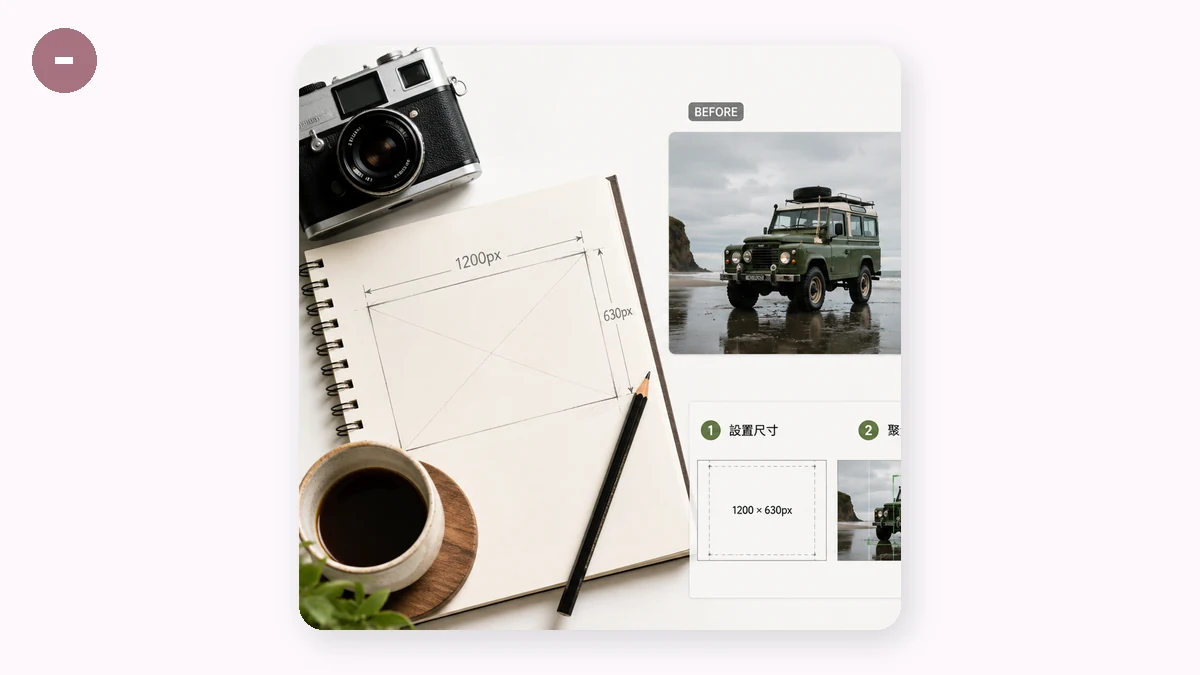
The standard OG image is 1200×630 pixels, a 1.91:1 ratio. Facebook, LinkedIn, Slack, Discord, and most link-preview systems are built around it. Get this one right and you're covered almost everywhere.
A few related sizes come up depending on where the link lands:
| Platform / use | Size | Ratio |
|---|---|---|
| Open Graph (default) | 1200×630 | 1.91:1 |
| Twitter/X large card | 1200×628 | ~1.91:1 |
| YouTube thumbnail | 1280×720 | 16:9 |
| Square (feeds/IG) | 1080×1080 | 1:1 |
| Story / vertical | 1080×1920 | 9:16 |
You don't need all of these for a blog post — 1200×630 is the workhorse. But if you're also making a video thumbnail or a square social post, it helps to generate the right shape rather than crop one image badly to fit.
Text rules: readable at thumbnail size
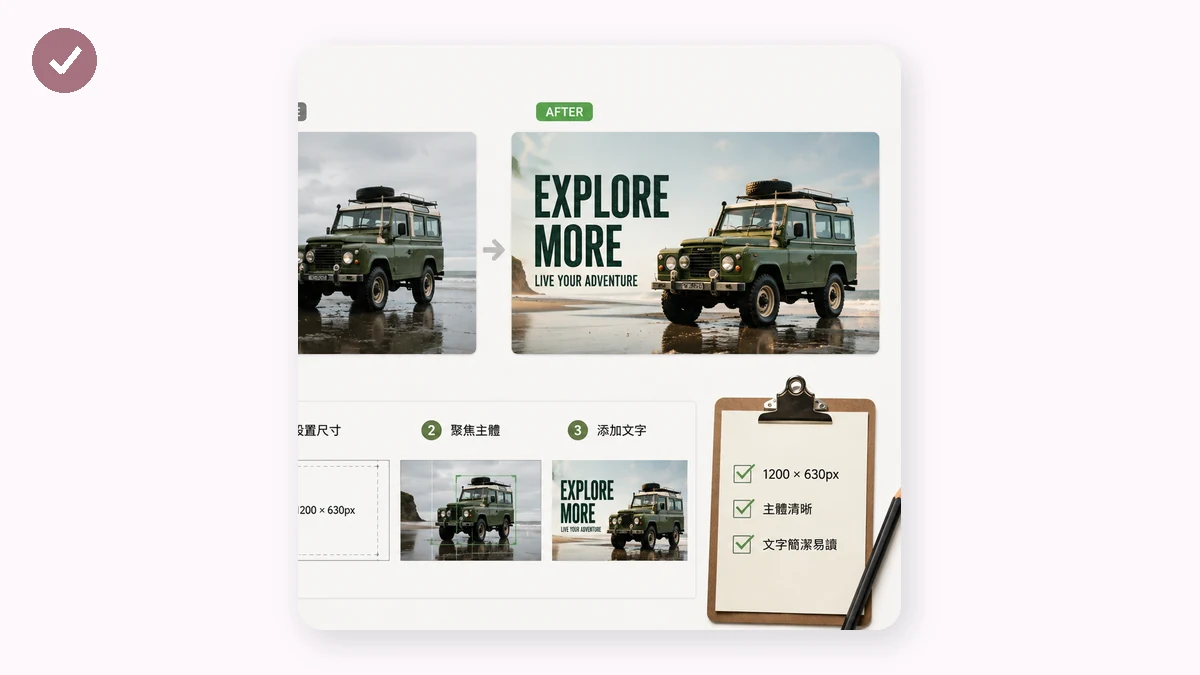
The mistake that kills OG images is treating them like a poster you'll view full-screen. You won't. Most people see the card at maybe a third of its real size, on a phone, mid-scroll. Design for that.
- Big text, few words. A short title — five to eight words — that's legible when the card is shrunk. If you have to squint at full size, it's illegible in the feed.
- Strong contrast. Light text on a dark or saturated background, or vice versa. Text sitting on a busy photo with no backing disappears.
- Keep the important stuff centered. Different platforms crop the edges slightly differently. Keep text and logos away from the outer margins so nothing gets clipped.
- One idea per image. The OG image is a hook, not a summary. Title, maybe a subtitle, done.
Backgrounds that make text pop
A flat gradient is the reliable choice. It gives text something clean to sit on, looks modern, and never fights the words the way a busy photo does. A dark-to-slightly-darker gradient with light text is close to foolproof.
The OG Image tool is built exactly around this: pick a size preset (OG 1200×630, Twitter, YouTube, square, or story), choose a gradient background, and add your title and subtitle. You get a share card that reads clearly at any size, without opening a full design app.
The HTML that makes it show up
Making the image is half the job. The platform has to know where to find it. Add these tags to your page's <head>:
<meta property="og:image" content="https://yoursite.com/og.png">
<meta property="og:image:width" content="1200">
<meta property="og:image:height" content="630">
<meta property="og:title" content="Your title">
<meta property="og:description" content="One clear sentence.">
<meta name="twitter:card" content="summary_large_image">
The twitter:card line set to summary_large_image is what gives you the big card on X instead of a tiny thumbnail. Absolute URLs (with https://) matter — relative paths often fail to resolve when a scraper fetches your page.
After you deploy, test it. Paste your URL into a platform's link-preview debugger (Facebook's Sharing Debugger, LinkedIn's Post Inspector) to confirm the image loads and to clear any cached old version. Platforms cache previews aggressively, so if you updated the image and still see the old one, the debugger's re-scrape button is the fix.
Make it, don't upload it
The whole thing runs in your browser — the image is composed with Canvas locally and never uploaded to a server. It's free, no sign-up, no watermark stamped across your share card, and it works offline after the first visit. Generate the 1200×630, wire up the meta tags, run it through a debugger once, and your links start carrying their weight.