Every image format is a set of trade-offs between file size, quality, and features like transparency or animation. Pick the wrong one and you get bloated files, blurry text, or graphics that won't display. Here's each of the common formats in plain terms, followed by a table you can keep handy.
The two big families
Before the individual formats, one distinction explains most of them:
- Raster images are grids of pixels. Photos are raster. Zoom in far enough and you see squares. PNG, JPG, WebP, AVIF, and GIF are all raster.
- Vector images are math — lines, curves, and shapes defined by coordinates. They scale to any size without blurring. SVG is the vector format on the web.
The other key idea is lossy vs lossless. Lossy formats (JPG, usually AVIF/WebP) discard some detail to shrink the file. Lossless formats (PNG, GIF, lossless WebP) keep every pixel exactly.
The formats, one by one
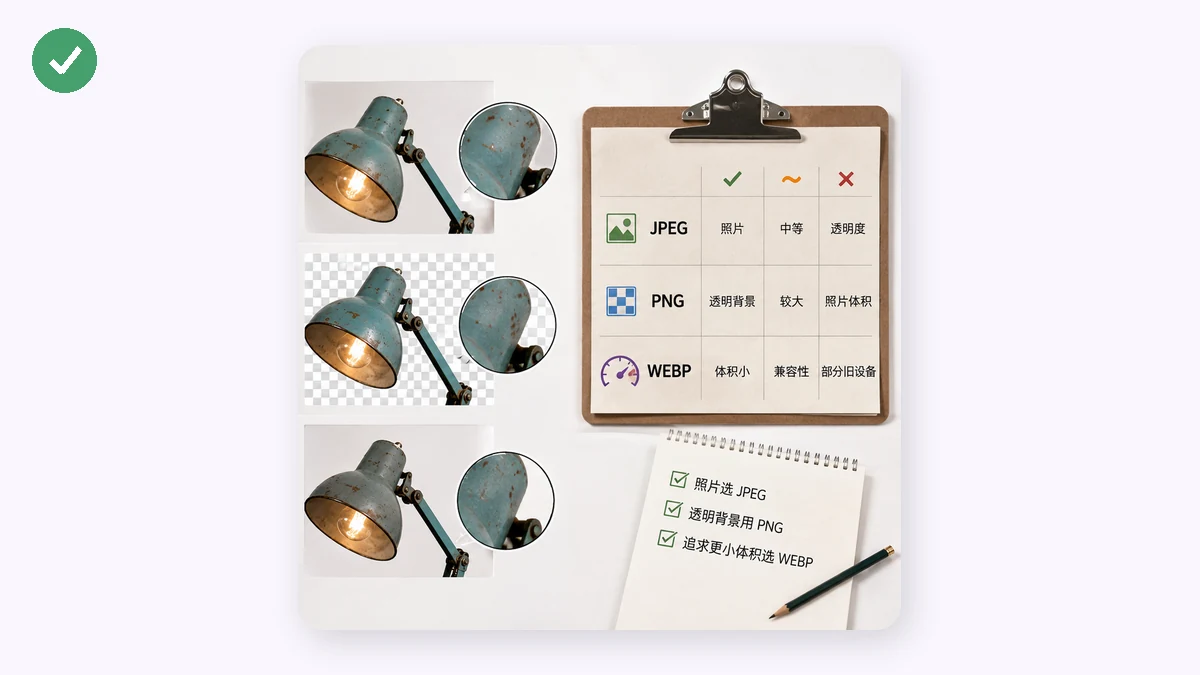
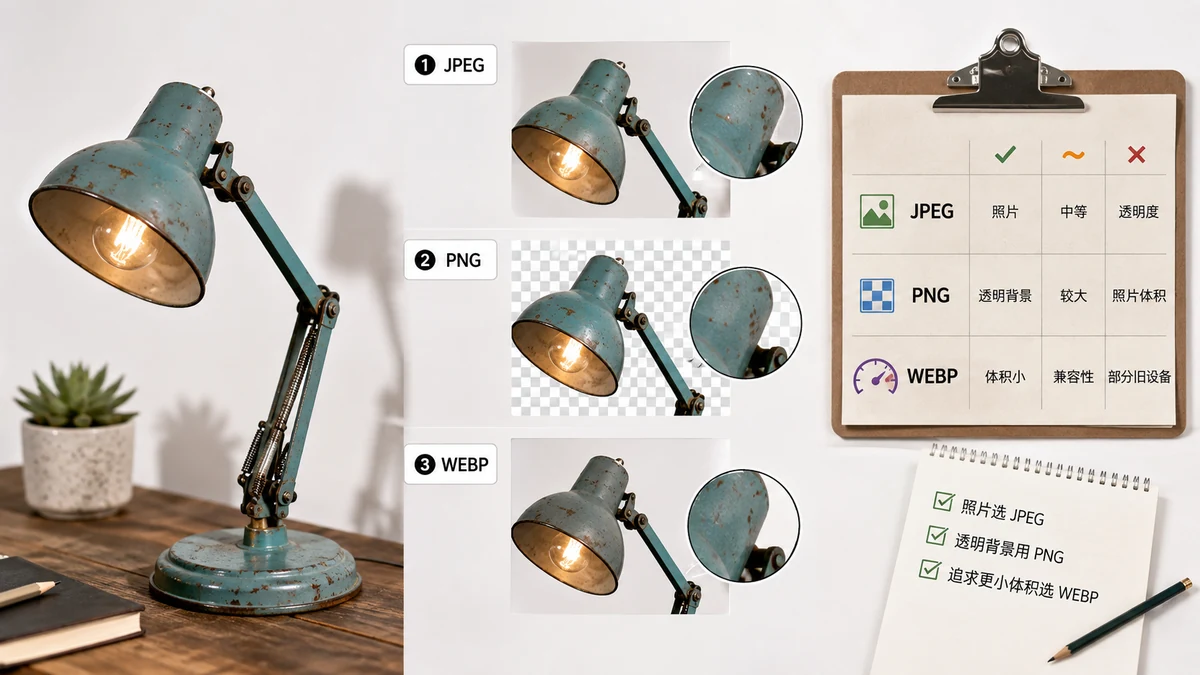
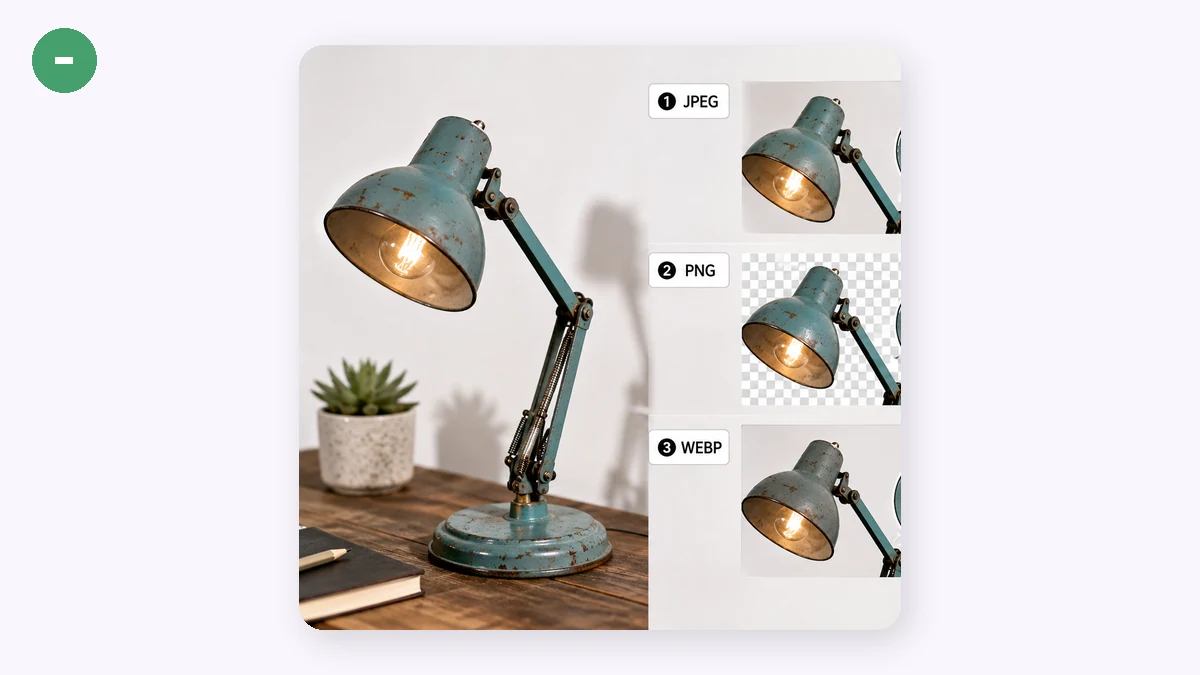
JPG (JPEG) — The workhorse for photographs. Lossy, small, and readable literally everywhere. No transparency, no animation. Repeated re-saving slowly degrades it. Use for photos and any place that needs maximum compatibility.
PNG — Lossless, supports transparency. The right choice for screenshots, logos, icons, and diagrams — anything with text or hard edges. Photos in PNG are large, so don't use it for those.
WebP — A modern format that does both jobs: lossy mode beats JPG on size (~25–35% smaller), lossless mode supports transparency and stays compact. Also handles animation. Universally supported in browsers now. Ideal for the web; less so for email or older software.
AVIF — The newest and best compressor here, roughly half the size of JPEG at similar quality, with transparency and HDR. Browsers can display it well, but they can't reliably encode it from a canvas — so browser-based tools fall back to WebP when you request AVIF. Genuine AVIF encoding needs a server or native app.
GIF — Old, limited to 256 colors, but the classic for simple animation. For anything beyond a short loop, WebP (or a video) is smaller and sharper. Fine for tiny animated icons; poor for photos.
SVG — Vector, so it scales infinitely without blur and stays tiny for simple graphics. Perfect for logos, icons, and illustrations. It's code, not pixels, so it can't represent a photograph.
Comparison table
| Format | Type | Compression | Transparency | Animation | Best for |
|---|---|---|---|---|---|
| JPG | Raster | Lossy | No | No | Photos, max compatibility |
| PNG | Raster | Lossless | Yes | No | Screenshots, logos, text |
| WebP | Raster | Both | Yes | Yes | Web images, small + alpha |
| AVIF | Raster | Lossy/lossless | Yes | Yes | Max compression (server-side) |
| GIF | Raster | Lossless | 1-bit only | Yes | Simple animations |
| SVG | Vector | N/A | Yes | Yes (with CSS/JS) | Logos, icons, illustrations |
How to pick, fast
- Photograph? JPG for compatibility, WebP for the web.
- Screenshot, logo, or text? PNG (raster) or SVG (if it's a true vector graphic).
- Need transparency? PNG, WebP, AVIF, or SVG — never JPG.
- Animation? WebP for quality and size, GIF only for legacy simplicity.
- Publishing to a website? WebP is usually the smart default.
Converting between them
When you have the wrong format, you don't need to upload anything to fix it. The Image Converter switches between PNG, JPG, and WebP right in your browser using Canvas — no account, nothing transmitted, and it works offline after the first visit. It handles batches, and if you request AVIF it falls back to WebP (smaller than JPG/PNG and supported everywhere) since browsers can't encode AVIF reliably.
Keep the table above in mind and format choice stops being guesswork: match the format to the content (photo vs graphic), then to the destination (web, email, print), and you'll pick correctly nearly every time.