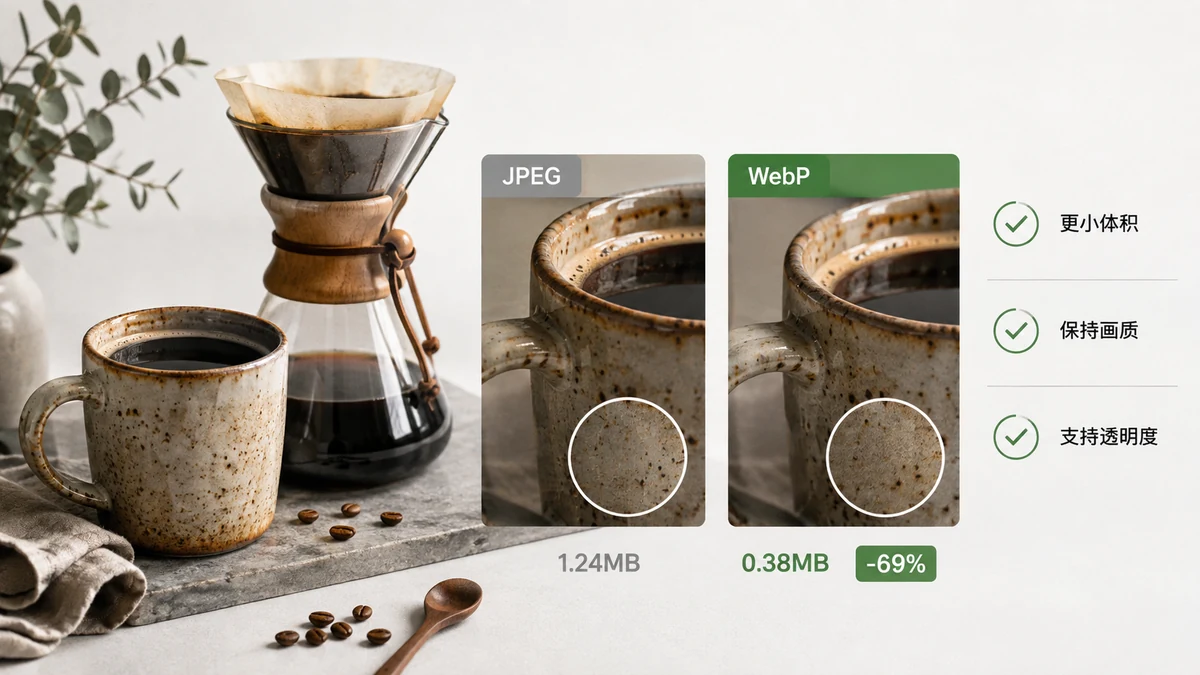
WebP is an image format Google released in 2010 that does one thing very well: it makes images smaller than JPG or PNG at comparable quality. If you publish images on the web, that's worth caring about. If you're emailing photos to relatives or handing files to a print shop, it usually isn't. The rest of this comes down to where the image is going.
What makes WebP different
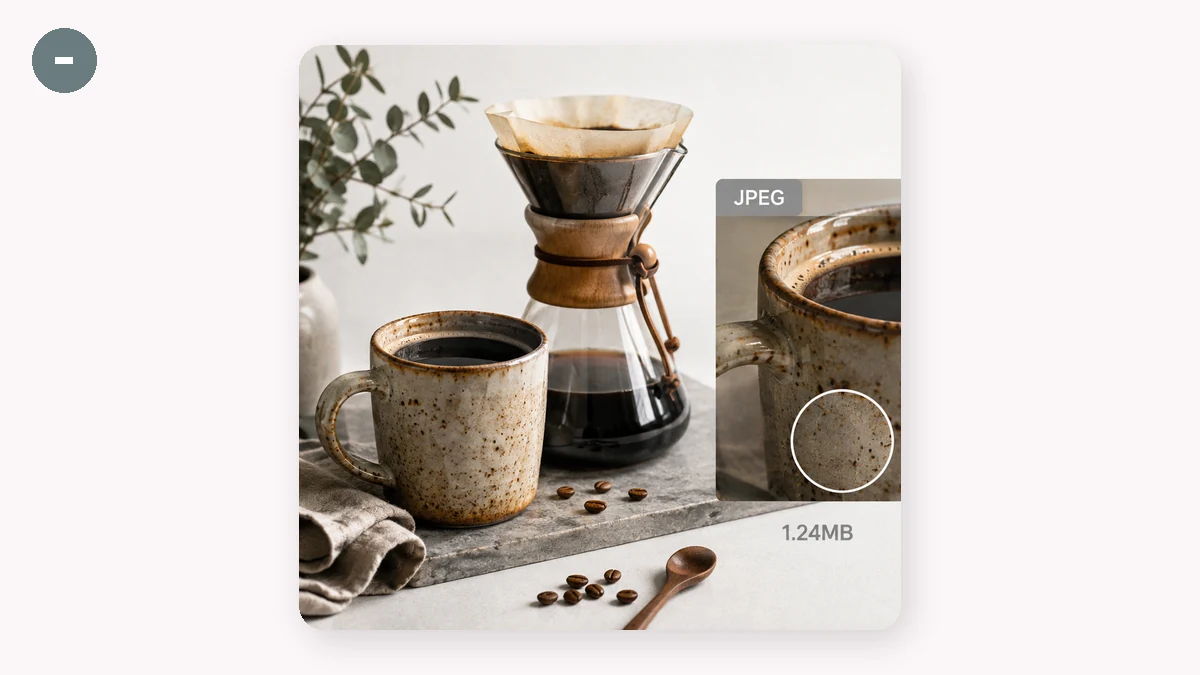
WebP is really two compression modes under one file extension:
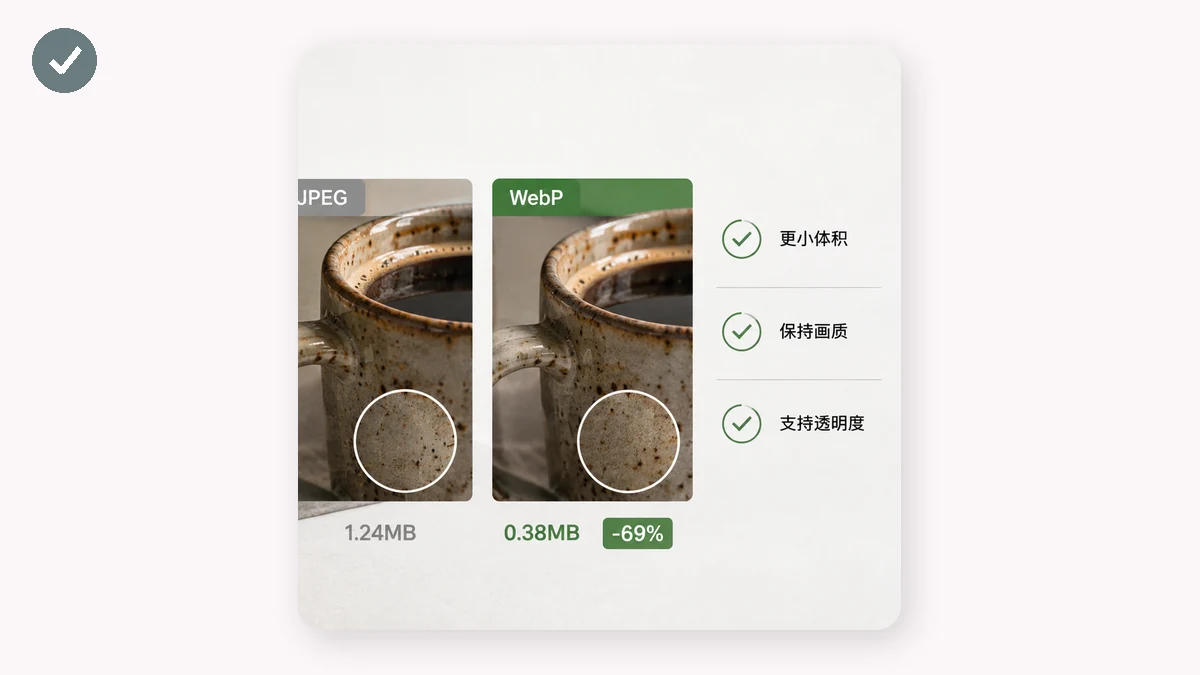
- Lossy WebP competes with JPG. At the same visual quality, files are typically 25–35% smaller.
- Lossless WebP competes with PNG, and adds something PNG can't do as efficiently: it supports transparency and stays compact.
That second point is the quiet superpower. With the old formats you had to choose — JPG for small photos (no transparency) or PNG for transparency (big files). WebP gives you a small file with an alpha channel. It also supports animation, so it can replace clunky animated GIFs at a fraction of the size.
The savings, honestly
Numbers vary by image, but here's a realistic picture:
| Format | Transparency | Animation | Relative photo size |
|---|---|---|---|
| JPG | No | No | Baseline |
| PNG | Yes | No | Much larger for photos |
| GIF | 1-bit only | Yes | Large, 256 colors max |
| WebP | Yes | Yes | ~25–35% smaller than JPG |
A page that swaps its JPGs and PNGs for WebP often drops its total image weight by a quarter or more. On a photo-heavy page that's a real speed and bandwidth win, and search engines reward faster pages.
Browser support in 2026
This used to be the catch. It no longer is. Every major browser — Chrome, Edge, Firefox, Safari, and their mobile versions — has supported WebP for years. Safari added it back in 2020. For practical purposes, if someone's browser can load a modern website, it can display WebP. The main places you'll still trip up are outside the browser: some older desktop apps, a few email clients, and certain upload forms that only whitelist JPG/PNG.
So — should you use it?
Use WebP when: - The image lives on a website or web app. - You want transparency without PNG's file size. - You're replacing an animated GIF. - Page speed or bandwidth matters to you.
Skip WebP when: - You're emailing images (some clients still choke — JPG is safer). - You're sending to a print shop or importing into older software. - An upload form only accepts JPG or PNG.
In other words, WebP is a web-delivery format. It's excellent at that job and unnecessary elsewhere.
Converting to WebP without uploading
You can convert a whole batch in your browser — no account, no server, nothing uploaded. The Image Converter uses Canvas to do everything on your device, and works offline after your first visit. Drop in PNGs or JPGs, choose WebP, and download smaller files. Because nothing is transmitted, it's safe for private images too.
One honest caveat worth knowing: browsers can decode AVIF (an even newer, sometimes-smaller format) but they cannot reliably encode it from a canvas. So if you ever pick AVIF as a target here, the tool falls back to WebP automatically — which is still smaller than JPG or PNG and supported everywhere. You get the practical benefit without a format your visitors can't open.
Bottom line
WebP earns its place as the default format for images on the modern web: smaller files, transparency, animation, and universal browser support. Keep JPG and PNG around for email, print, and legacy tools — but for anything you're publishing online, WebP is usually the smarter export.