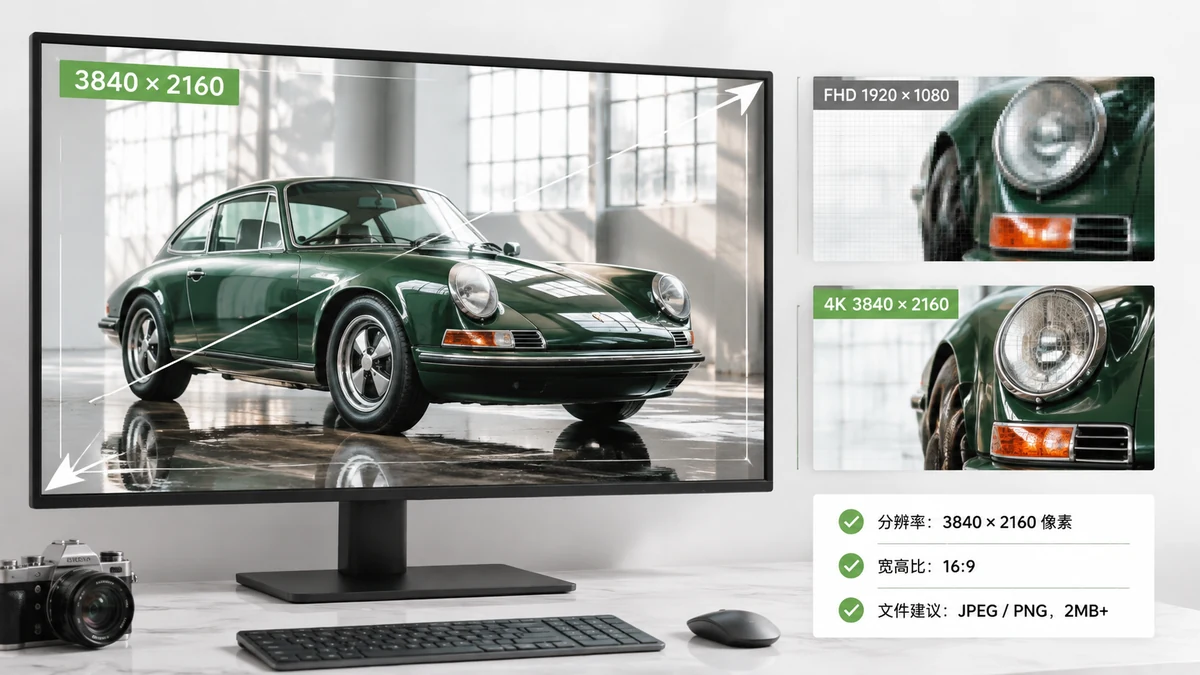
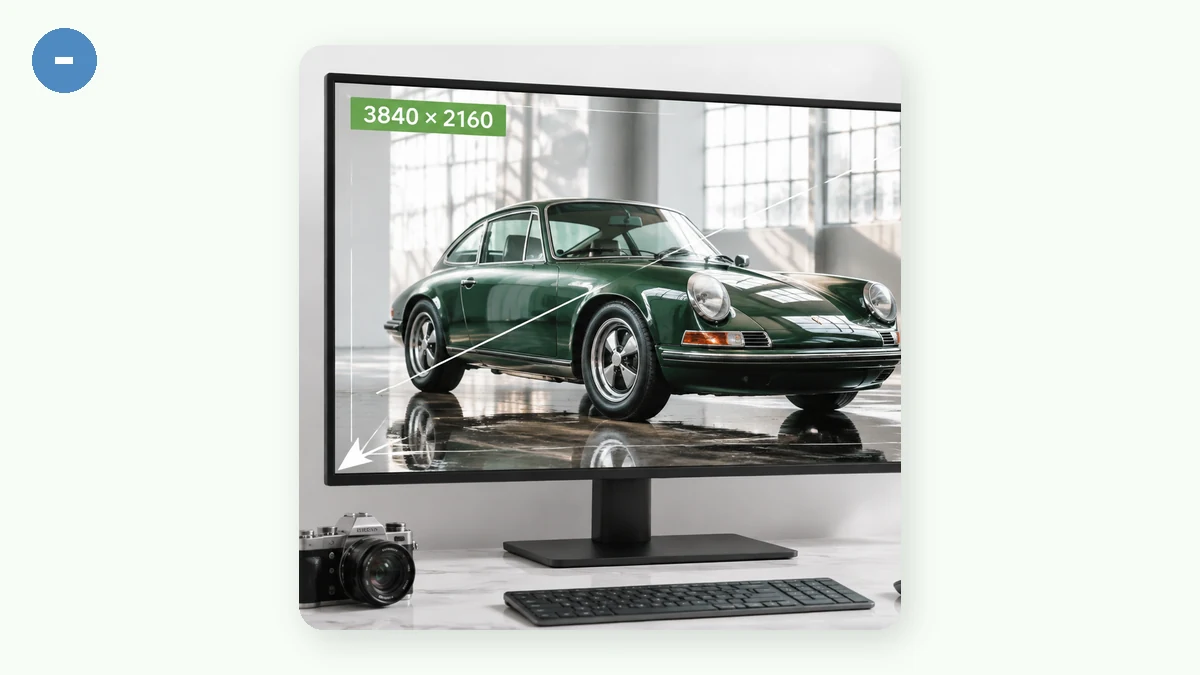
A 4K wallpaper is 3840×2160 pixels. That is the number you want if you own a standard 4K monitor or a 4K TV, and it is the size most sites mean when they say "4K." The confusing part is that "4K" gets used for a few slightly different shapes, and if you grab the wrong one your desktop stretches the image or leaves bars along the edges.
Here is the short version, then the details.
The exact sizes
| Name | Pixels | Aspect ratio | Where it fits |
|---|---|---|---|
| 4K UHD | 3840 × 2160 | 16:9 | 4K monitors, 4K TVs |
| DCI 4K | 4096 × 2160 | ~17:9 | Cinema, some pro displays |
| 5K | 5120 × 2880 | 16:9 | 27" 5K iMac, Studio Display |
| 8K UHD | 7680 × 4320 | 16:9 | 8K TVs, high-end monitors |
| 1440p (QHD) | 2560 × 1440 | 16:9 | Common gaming monitors |
| 1080p (FHD) | 1920 × 1080 | 16:9 | Most laptops and older monitors |
For 99% of people, "4K wallpaper" means 3840×2160. DCI 4K (4096×2160) is a cinema standard and slightly wider; you rarely want it for a desktop background because it does not match a 16:9 screen.
Do you actually need a 4K file?
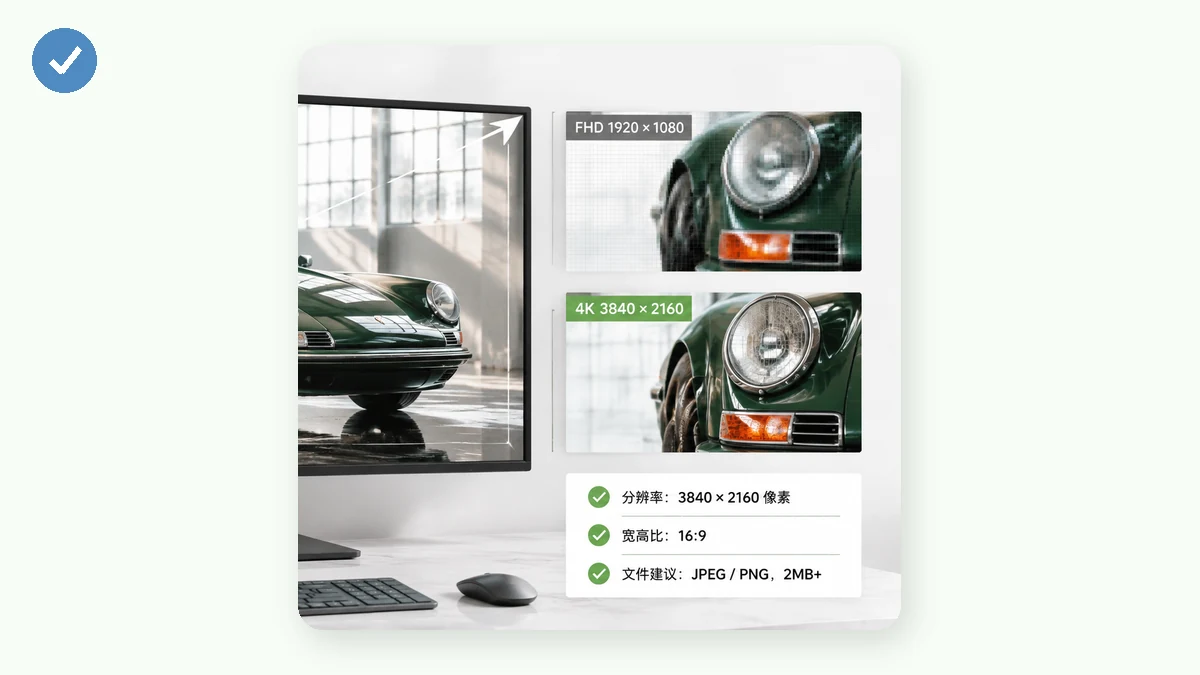
Only if your screen has that many pixels. A 1080p laptop shows the same picture whether you feed it a 1920×1080 image or a 3840×2160 one, because it can only display about two million pixels either way. The 4K file just takes up four times the disk space and downloads slower.
That said, a slightly larger source is fine and often better. Downscaling a 4K photo to fit a 1440p screen looks sharp. Going the other way, blowing a 1080p image up to 4K, adds no real detail and can look soft. So when in doubt, start from the largest clean version of the photo you have.
Matching a photo to your screen
Most photos are not exactly 16:9. A phone photo is usually 4:3 or 3:4. A DSLR shot is often 3:2. When the shape does not match your monitor, you have two honest choices:
- Cover / crop — scale the photo to fill the screen and trim the overflow. Clean edges, but you lose a bit off the sides or top.
- Blurred edges — keep the whole photo and fill the leftover space with a soft blurred version of itself. Nothing gets cut, and it looks intentional rather than letterboxed.
The Wallpaper Resizer does both. Pick your target resolution (it has presets for 1080p, 1440p, 4K 3840×2160, 5K, 8K, ultrawide, and more), drop in a photo, choose cover-crop or blurred-edges, and export. It runs entirely in your browser using Canvas, so the photo never leaves your device and there is no upload wait. You can queue a batch and download everything as a ZIP.
Quick answers
Is 4K the same as UHD? For consumer screens, yes, close enough. UHD is 3840×2160; true DCI 4K is 4096×2160. People use "4K" to mean UHD in everyday talk.
What size for a 4K phone wallpaper? Phones are portrait, so you want a tall 16:9 or taller. A common high-res phone target is 1440×3120 or similar; check your exact device resolution and resize to that rather than to a landscape 4K number.
Will a 4K wallpaper look better on a 1080p screen? No. The screen down-samples it to 1080p anyway. Save the storage and use a 1080p version.
Once you know your monitor's native resolution, the whole thing is a two-minute job: pick the matching preset, choose how to handle the aspect difference, and export. No account, no watermark, and it keeps working offline after your first visit.