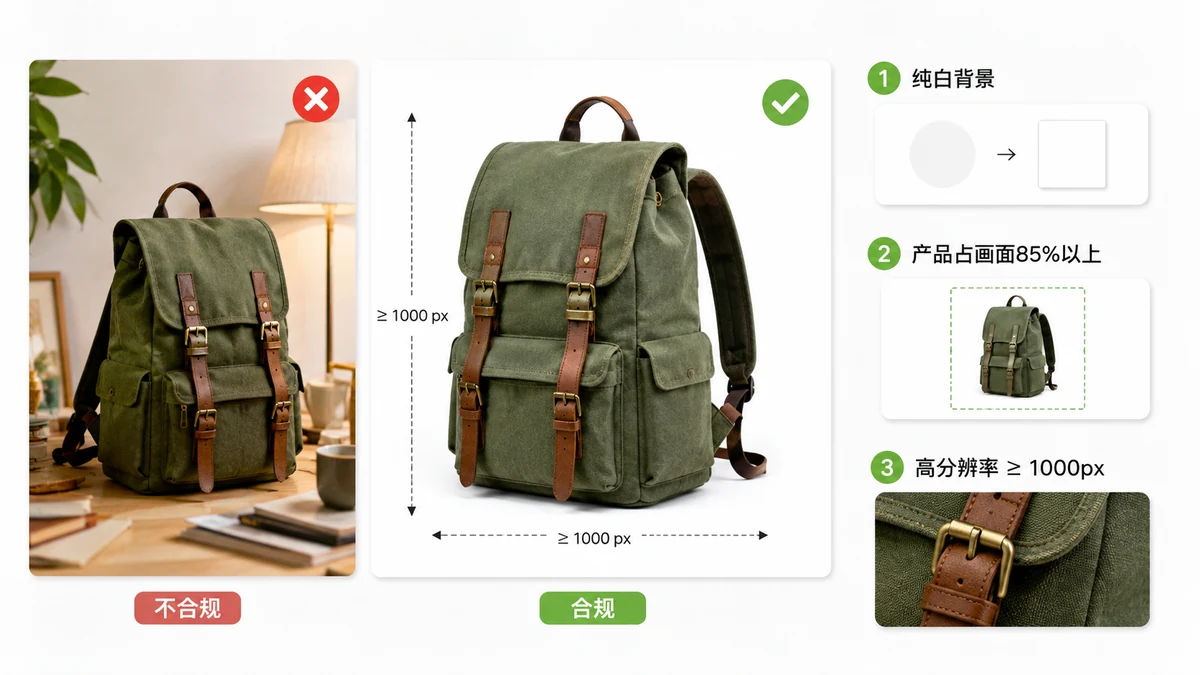
Amazon rejects listings quietly. A photo that's a few pixels short, or a main image with a shadow instead of clean white, can leave your product live but un-zoomable — or suppressed entirely. This is the checklist that keeps that from happening, plus the fastest way to fix images that don't pass.
Marketplace rules shift, so treat the numbers below as the commonly-cited, widely-used baseline and confirm the current policy in Seller Central before a big launch.
The rules that actually get listings suppressed
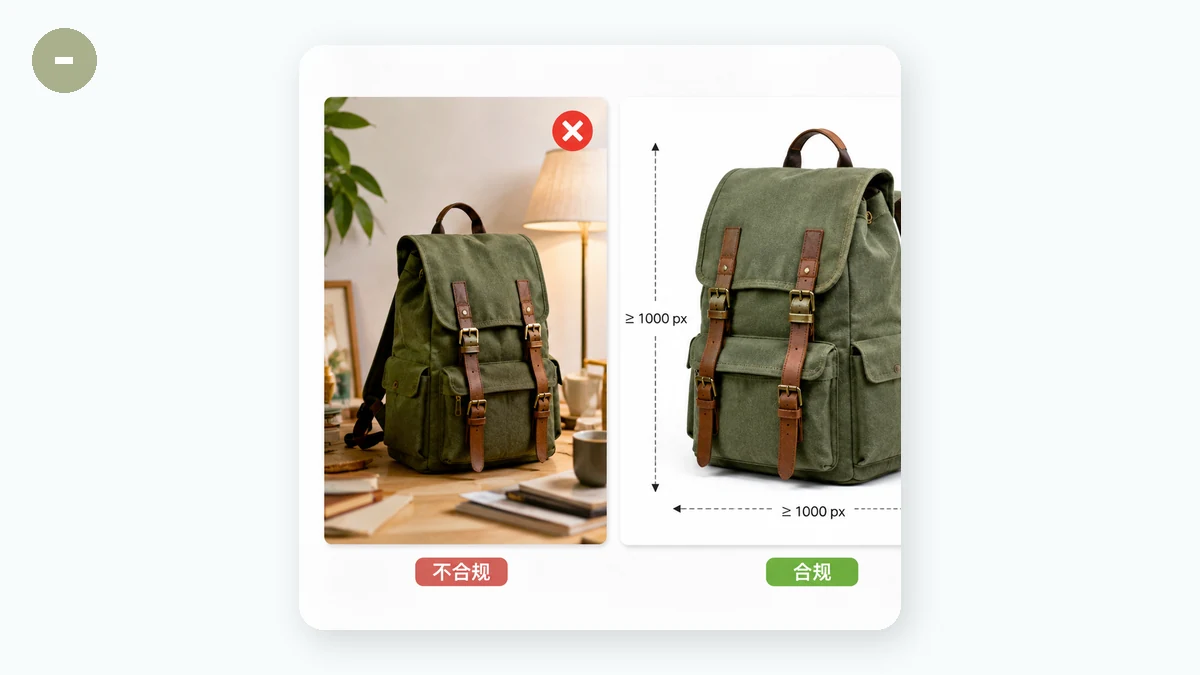
The main image is where Amazon is strictest. Get these right first:
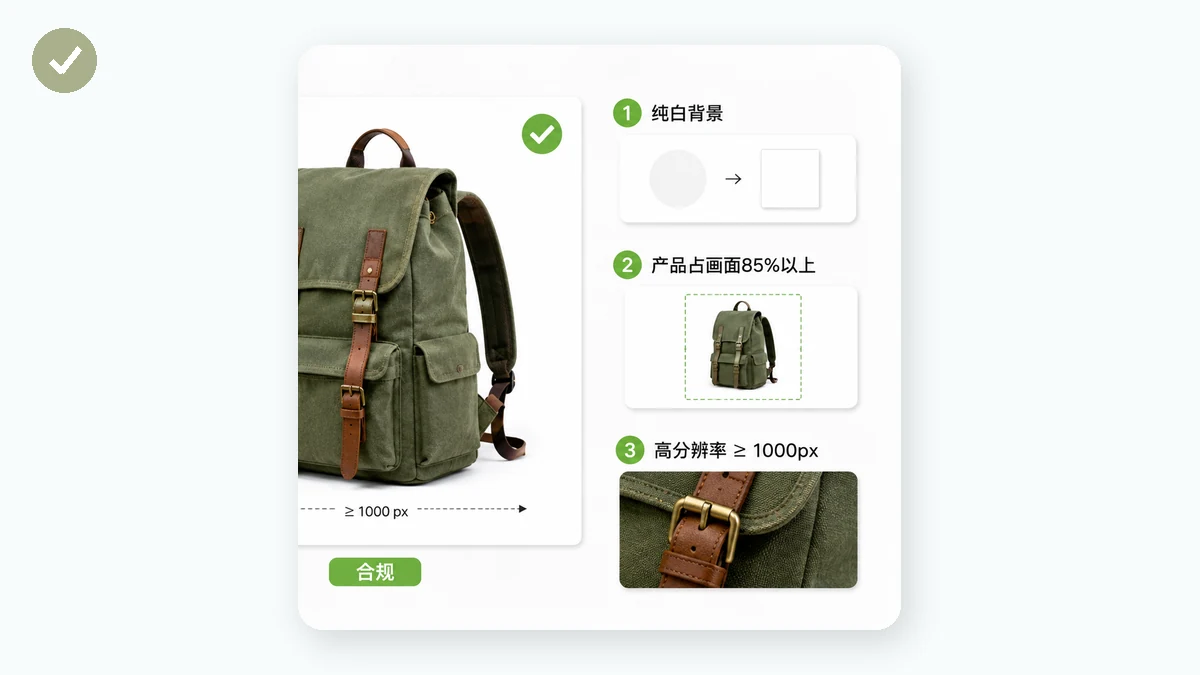
- Pure white background. The main image should sit on true white — RGB 255, 255, 255 — with no props, no text, no logos, no watermarks.
- Product fills the frame. The item should take up about 85% of the image area.
- Real product only. No drawings, placeholders, or bundled extras that aren't in the box.
- Big enough to zoom. Amazon enables hover-zoom when the longest side is large enough. That zoom is a conversion feature, so you want it on.
Secondary images (the other slots in the gallery) are far more relaxed — lifestyle shots, infographics, scale references, and detail crops are all fair game.
Size and format at a glance
| Requirement | Common baseline |
|---|---|
| Longest side (minimum to publish) | ≥ 1000 px |
| Longest side (to enable zoom) | ≥ 1600 px |
| Recommended for crisp zoom | 2000 × 2000 px |
| Main image background | Pure white (RGB 255,255,255) |
| Product coverage | ~85% of frame |
| Accepted formats | JPEG (preferred), also PNG, TIFF, GIF |
| Color profile | sRGB |
The practical target most sellers aim for is a 2000 × 2000 square. It clears the zoom threshold with room to spare and looks sharp on both desktop and the mobile app. Confirm your category doesn't have stricter rules — some do.
Hitting the spec in two steps
You don't need a lightbox and a DSLR to produce compliant images. Two browser tools cover most of it.
Step 1 — clean the background
If your product photo has a busy or off-white background, strip it out. tools.faxianai.com's Background Remover runs an AI cutout model in your browser and lets you export either a transparent PNG or a version dropped straight onto white. That white-background export is exactly what Amazon's main-image rule wants.
Because it runs locally, your product shots never leave your machine — useful when you're prepping a design that hasn't launched yet.
Step 2 — resize to the Amazon square
Now size it correctly. The E-commerce Image Resizer has an Amazon preset that outputs 2000 × 2000 on a white canvas, with the product auto-centered and an adjustable margin so nothing crowds the edges. Drop in a whole folder, and it batches every file and hands back a ZIP.
That combination — cutout onto white, then resize to the square preset — turns a phone photo into a listing-ready main image in under a minute.
A quick pre-upload check
Before you push images live, run down this list:
- [ ] Main image on pure white, product ~85% of the frame
- [ ] Longest side ≥ 1600 px (2000 px if you want the best zoom)
- [ ] No text, logos, watermarks, or props on the main image
- [ ] Saved as JPEG in sRGB
- [ ] Secondary slots filled with lifestyle, scale, and detail shots
- [ ] File sizes reasonable so the gallery loads fast on mobile
Why do this in the browser
Everything above happens on your own computer. tools.faxianai.com processes images with Canvas and WebAssembly, so nothing uploads to a server, there's no sign-up, and the output carries no watermark. After your first visit the resizer is cached and works offline — handy when you're batching a product line from a café or a warehouse with flaky Wi-Fi.
Meet the main-image rules, hit a 2000 px square, and fill your gallery slots. That's most of what stands between a photo and a live, zoomable Amazon listing.