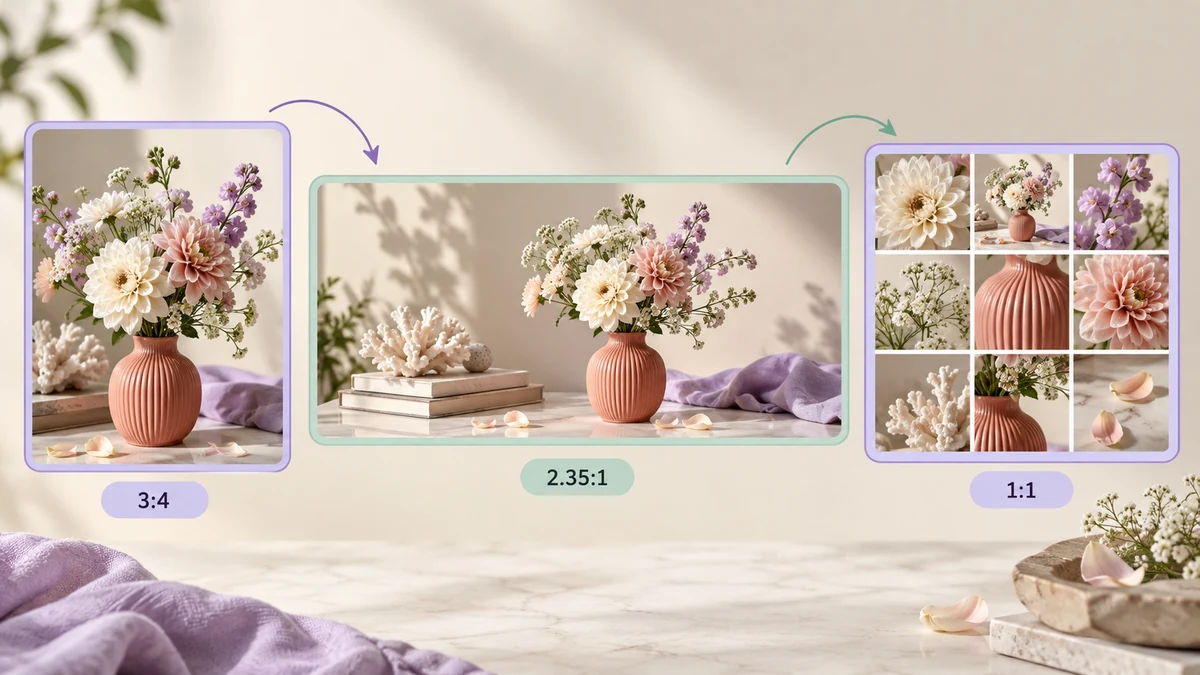
The same set of photos posted to Xiaohongshu (RED), a WeChat Official Account and WeChat Moments gets cropped, compressed and blurred in three different ways. Knowing each platform's ratio and compression logic and preparing images in advance beats deleting and reposting. Figures below reflect how the platforms behave in 2026; official announcements override them.
Xiaohongshu: the cover ratio drives clicks
- Cover: 3:4 portrait is recommended, 1242 × 1660 pixels; 3:4 takes the most space in the feed. 1:1 is supported but looks small.
- Body images: up to 18 per post, and all are cropped to the first image's ratio — keep a set consistent.
- File size: under 2MB each is advised; the platform re-compresses, so pre-compressing to around 500KB keeps control in your hands.
- Formats: JPG and PNG; HEIC is converted on upload.
A set normalised to 3:4 at 1242 × 1660 is the least troublesome Xiaohongshu workflow.
WeChat Official Accounts: covers and body width
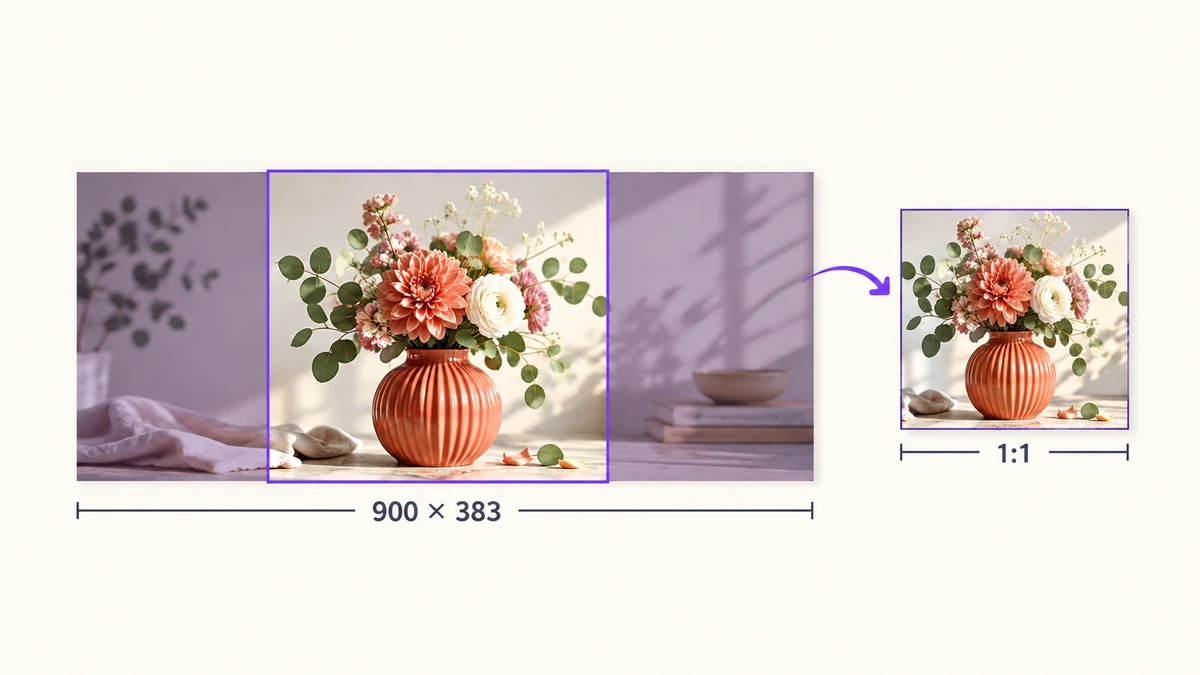
- Headline cover: 2.35:1, 900 × 383 recommended; chat lists show the centre of the cover, so keep key content away from the edges.
- Secondary covers: 1:1; 200 × 200 is enough, 500 × 500 is sharper.
- Body images: 1080 pixels wide is the safe width — wider gets shrunk, narrower gets stretched. Up to 10MB each, but many large images slow the page; aim for under 300KB.
- GIF: 10MB cap; larger uploads fail.
The editor doesn't compress hard, so compressing body images yourself is the single most effective thing for readers' load time.
Moments: nine-grids and tall images
- Nine-grid: thumbnails show at 1:1 and non-square images are centre-cropped. Crop square before posting for a tidy preview.
- Single image: portrait shows larger in the thumbnail; 3:4 or 4:5 looks best.
- Tall images: squeezed to a thin strip until tapped — fine for guides, poor for photography.
- Compression: Moments compresses aggressively; a 4000-pixel original ends up around 1080 wide with heavy quality loss. Pre-shrinking to 1080–1440 wide at 85 percent comes out sharper than uploading the original.
For the grid, Grid Crop slices one large image into nine tiles.
How the platforms compress your images
All three re-encode on upload: over their pixel cap, they shrink; over their byte target, they reduce quality. Uploading a 5MB original lets the platform choose the parameters, and its parameters are tuned for bandwidth, not fidelity.
Shrink to the pixels the platform actually displays and compress once at 80–85 percent, and it has almost nothing left to do — which is how the quality survives. It's also why "send original" often looks worse on Moments.
One set of photos, three versions
To post one set to all three platforms, run Batch Image Processing three times with different settings:
- Xiaohongshu: Fill 1242 × 1660, crop 3:4, JPG 85 percent, suffix -xhs.
- Official Account: width 1080, no crop, JPG with a 300KB target, suffix -mp.
- Moments: Fill 1080 × 1080, crop 1:1, JPG 85 percent, suffix -pyq.
Each run takes seconds and produces a ZIP for one platform with unmistakable file names. For a consistent credit or brand mark on every image, switch on the watermark step, bottom right at 40 percent opacity.
Covers that need title text are best made first in Social Cover Generator, then run through the pipeline with the rest. For more platforms see the social media image size guide.