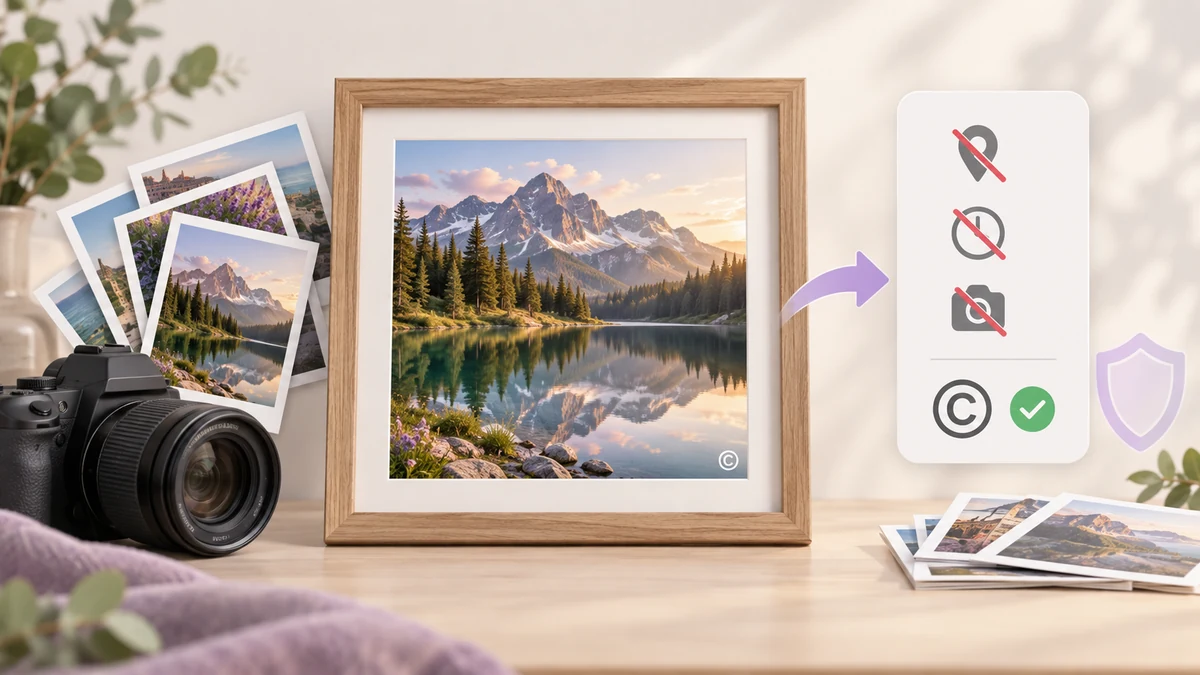
Every photo from a camera or phone carries a small block of invisible data: capture time, camera model, lens settings, and very often GPS coordinates to five decimal places. Send a set of photos as-is and you hand over where and with what they were taken. On the other side of the coin, an uncredited image that gets reposted usually ends up as "found on the internet".
Removing what shouldn't travel and adding what should are usually treated as two separate chores. They can be one.
What hides inside a photo
Drop any phone photo into EXIF Viewer & Remover and you'll see the full list. The usual entries:
- GPS latitude and longitude: phones tag location by default, so home, office and regular haunts are exposed outright.
- Capture time: to the second; a few consecutive shots reveal a daily routine.
- Device model and serial number: some cameras embed the body serial.
- Embedded thumbnail: some EXIF blocks contain a small preview, and on a cropped photo that preview may still show the uncropped frame.
Most social platforms strip this on upload, but messaging apps' file transfer, cloud-drive shares, email attachments and the ZIP you hand a client do not. Don't count on the platform.
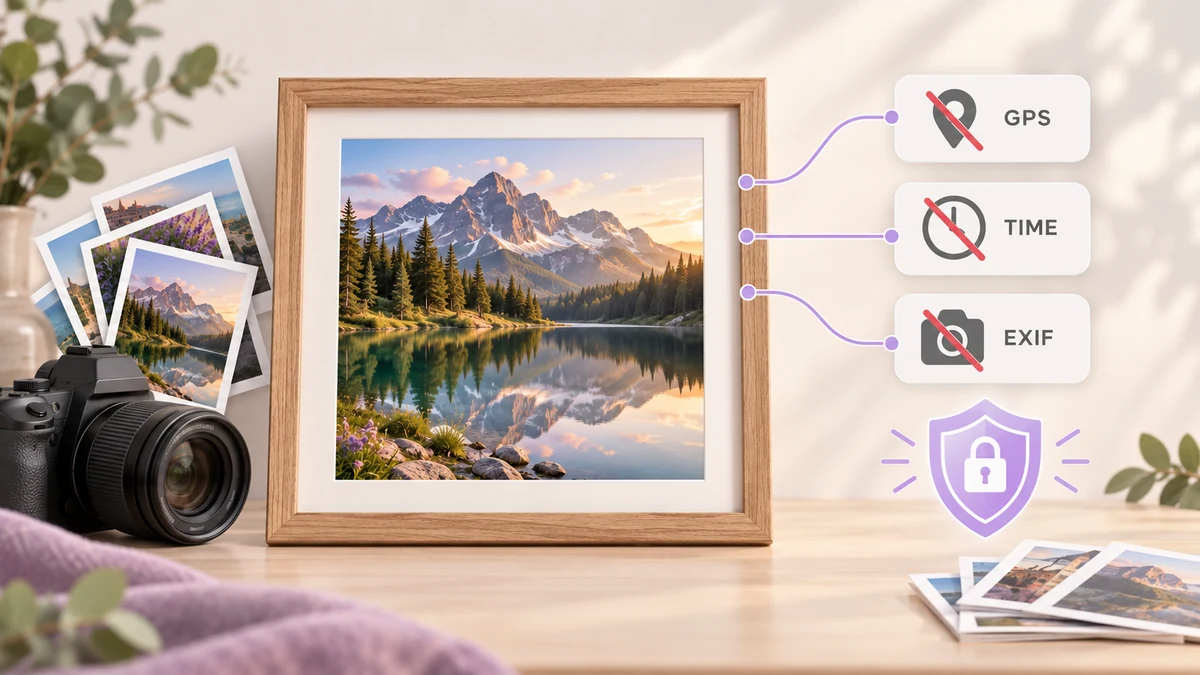
Why watermarking and EXIF removal belong in one pass
Adding a watermark means re-encoding the image, and a re-encoded file naturally carries none of the original EXIF block. In other words, as long as the watermark is painted during the final encode, EXIF is already gone — no separate stripping pass needed.
That is exactly how the pipeline in Batch Image Processing is arranged: resize and crop first, watermark just before encoding, output files free of any source metadata. Drop a few dozen photos, set the watermark once, and the result is both clean and credited.
The reverse is also true: a tool that strips EXIF without re-encoding leaves the watermark as a second job. Merging the two saves a download-and-upload round and one generation of quality loss.
Where, how big, how transparent
A watermark's job is to keep the source recognisable after a repost, not to wreck the image. Values that hold up in practice:
- Size: 4 to 6 percent of the shorter side. Smaller is unreadable on a phone; larger competes with the subject.
- Opacity: 40 to 55 percent. Legible, but it won't smear into a block on light backgrounds.
- Colour: white with a faint shadow reads on almost any photo; switch to light grey for very dark images.
- Text: a name or brand with a © is enough. Long URLs go unread.
Check the live preview on the first image, then process the batch. If the set mixes landscape and portrait frames, a watermark sized as a percentage of the shorter side scales itself — no need to split the batch.
Tiled or corner mark
A corner mark (bottom right or bottom left) suits client previews and social posts: it stays out of the way and still credits you. It can be cropped off, but for most uses that risk is acceptable.
A tiled mark suits portfolio previews and unpaid proofs: a semi-transparent diagonal repeat across the whole frame that can't be cropped or cloned away. For tiling, drop opacity to 25 to 35 percent, or the viewer gets exhausted.
For finer single-image work — a logo image instead of text, say — use Add Watermark. For one text credit across a whole batch, the pipeline is quicker.
Final check before sending
When the batch finishes, pick two files at random and do two things:
- Drop the outputs back into the EXIF viewer and confirm the location, time and device fields are empty.
- Shrink one to phone-screen size and check the watermark still reads; then zoom to 100 percent and check its edges aren't jagged.
If both pass, the set is ready to go. Keep the originals locally — when an unwatermarked version is needed later, re-running the pipeline is far easier than recovering an original.
For a deeper look at watermark parameters, including logo marks and different backgrounds, see the batch watermarking guide; for what else metadata can leak, see what is hidden in image metadata.