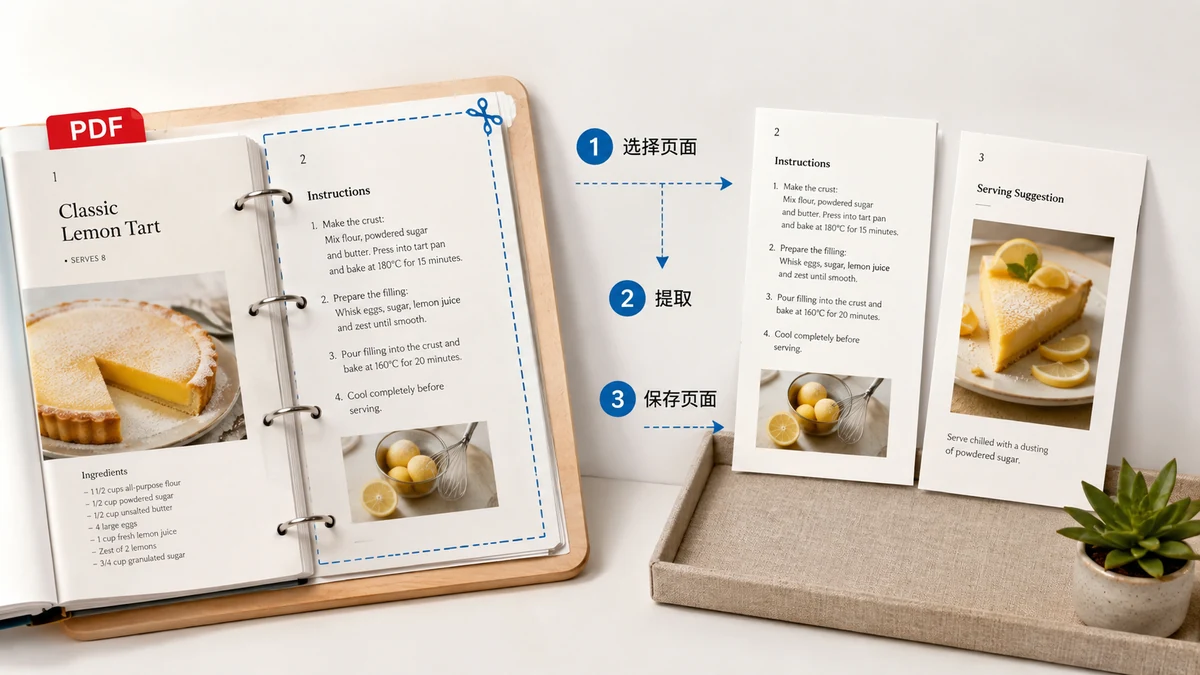
You almost never send someone a whole PDF. You send them the part that matters: the three pages of a contract they need to sign, the single invoice buried on page 12 of a scan, the two-page summary out of a fifty-page report. The document is fine — you just need a slice of it as its own file. This is one of the most common things people do with PDFs, and one of the fussiest to get right, because "the pages I want" is rarely a tidy block.
What "extracting pages" actually means
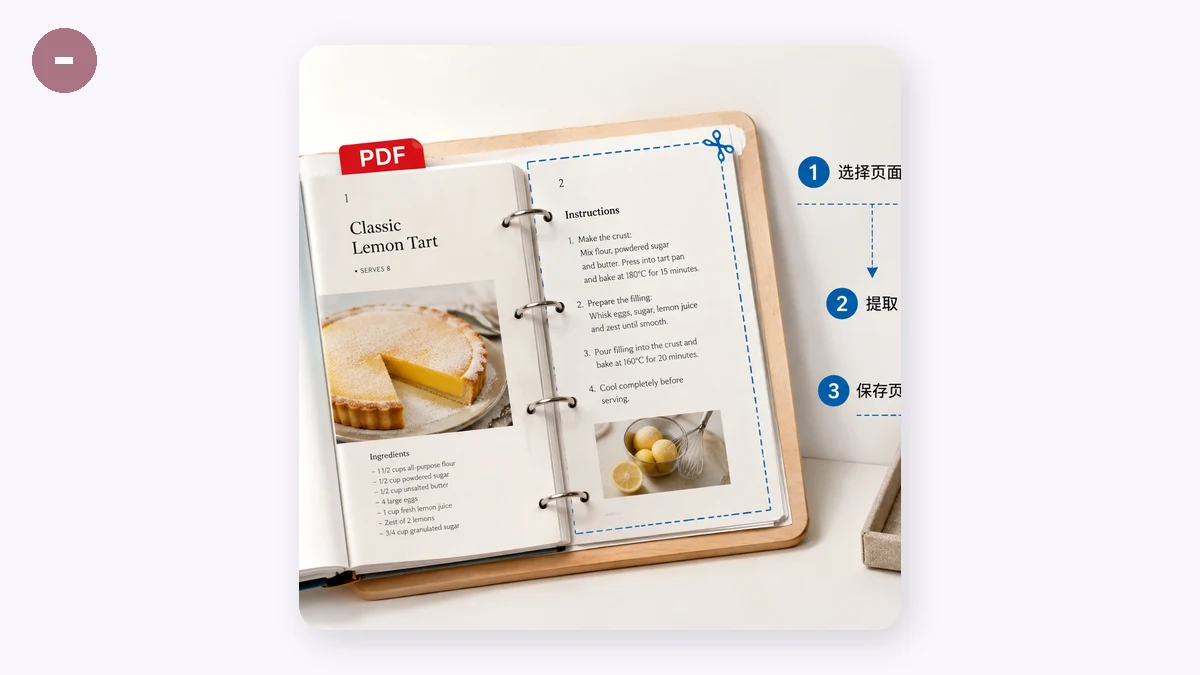
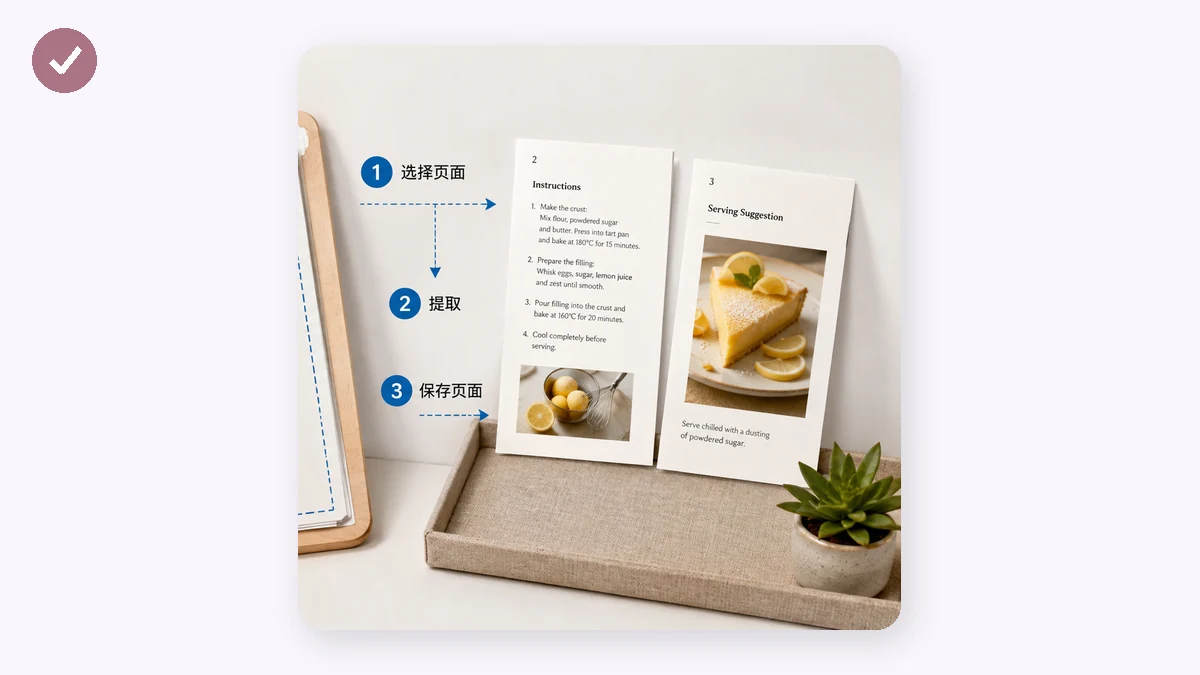
Extracting is different from splitting a file in half. You're picking specific pages — maybe 1 through 3, then page 5, then 8 through 10 — and asking for a single new PDF that contains exactly those, in that order, and nothing else. The original stays untouched. What you get out is a smaller, self-contained document you can attach, print, or share without the rest coming along for the ride.
The reason this trips people up is that page selection is rarely contiguous. You want the cover and the signature page but not the twelve pages between them. You want everything except the appendix. A tool that only lets you say "first half" or "second half" can't express that.
The page-range syntax
The clean way to describe an arbitrary selection is a short range string. It works like this:
- A hyphen makes a range:
1-3means pages 1, 2, and 3. - A comma joins separate pieces:
1-3, 5means pages 1, 2, 3, and 5. - You can mix freely:
1-3, 5, 8-10gives pages 1, 2, 3, 5, 8, 9, 10 — in that order, in one file.
It reads the way you'd say it out loud: "pages one to three, five, and eight to ten." Once you've written a range like that a couple of times, describing any selection takes a few seconds.
Doing it without uploading the file
Most "extract PDF pages" sites upload your whole document to their server, cut out the pages there, and send the result back. For a contract, a bank statement, or a medical form, that's your confidential file sitting briefly on hardware you don't control. It's avoidable now — browsers can do the work themselves.
tools.faxianai.com's Split PDF runs entirely in your browser using pdf-lib. You open the file, type your range into a single box, and it builds a new PDF with just those pages. Nothing is uploaded — no server, no account, no daily cap — and once the page has loaded it works with the network off. The pages are copied, not re-encoded, so text stays selectable and a scanned page keeps its exact resolution; there's no quality-loss step because nothing is redrawn. (If instead you need every page as its own file, the tool has a second mode that splits them all and hands you a ZIP.)
A couple of honest limits
This extracts pages at the file level. It won't reorder pages inside the source document or rotate a sideways page — fix those in the original first, then extract. And a PDF locked with an open password (one that prompts before it displays) can't be read in the browser; remove the password and extract from the unlocked copy. Owner-restricted PDFs usually extract fine.
The short version
Figure out which pages you actually need, write them as a range like 1-3, 5, 8-10, and pull them into a new file — without the document ever leaving your machine. Later, if you need to stitch pieces back together, Merge PDF does the reverse. Extracting and merging are two halves of the same everyday habit: send the part that matters, not the whole stack.