Write down the upload requirements
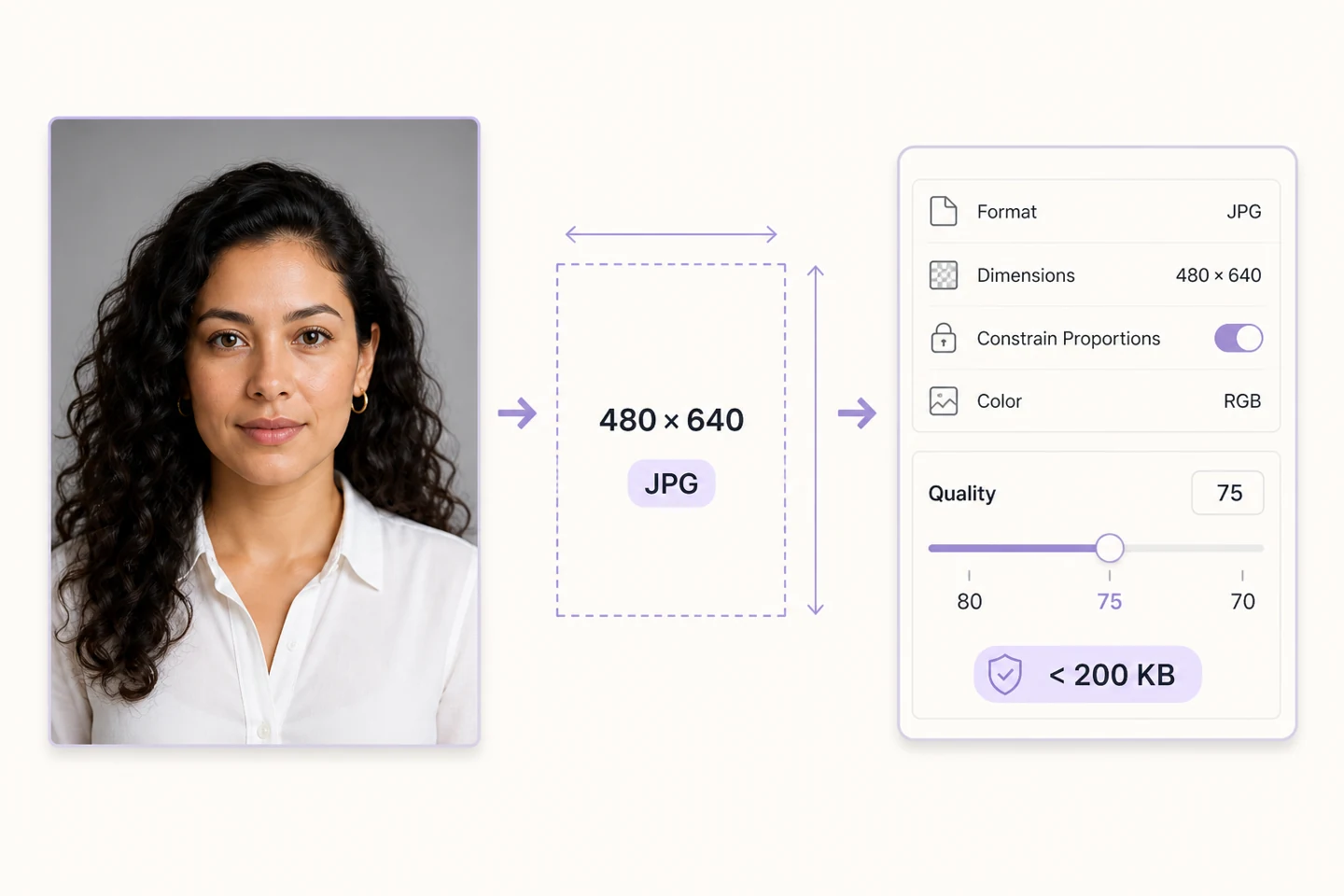
Suppose the form requires JPG, 480×640 pixels and less than 200KB. Check all three together. These numbers are an example; use the receiving site's actual requirements, including any restrictions on retouching, background changes or cropping. Work on a copy of the original, not a preview downloaded from a chat.
Crop the shape, then set the dimensions
480×640 has a 3:4 aspect ratio. Use Crop to retain the head and shoulders you need, then Resize to set the pixel dimensions. Do not stretch a landscape photo into a portrait. Enlarging a smaller original adds pixels but cannot recover facial detail. Look for a better original instead.
Start at 80% and change one setting
Add the prepared photo to Compress, choose JPG and try 80% quality. This is a starting point, not a size guarantee. Leave maximum width blank if the dimensions are already correct. Check the result. If it is too large, try 75%, then 70%, using the same input each time. Do not recompress the previous output.
Leave a margin and inspect the face
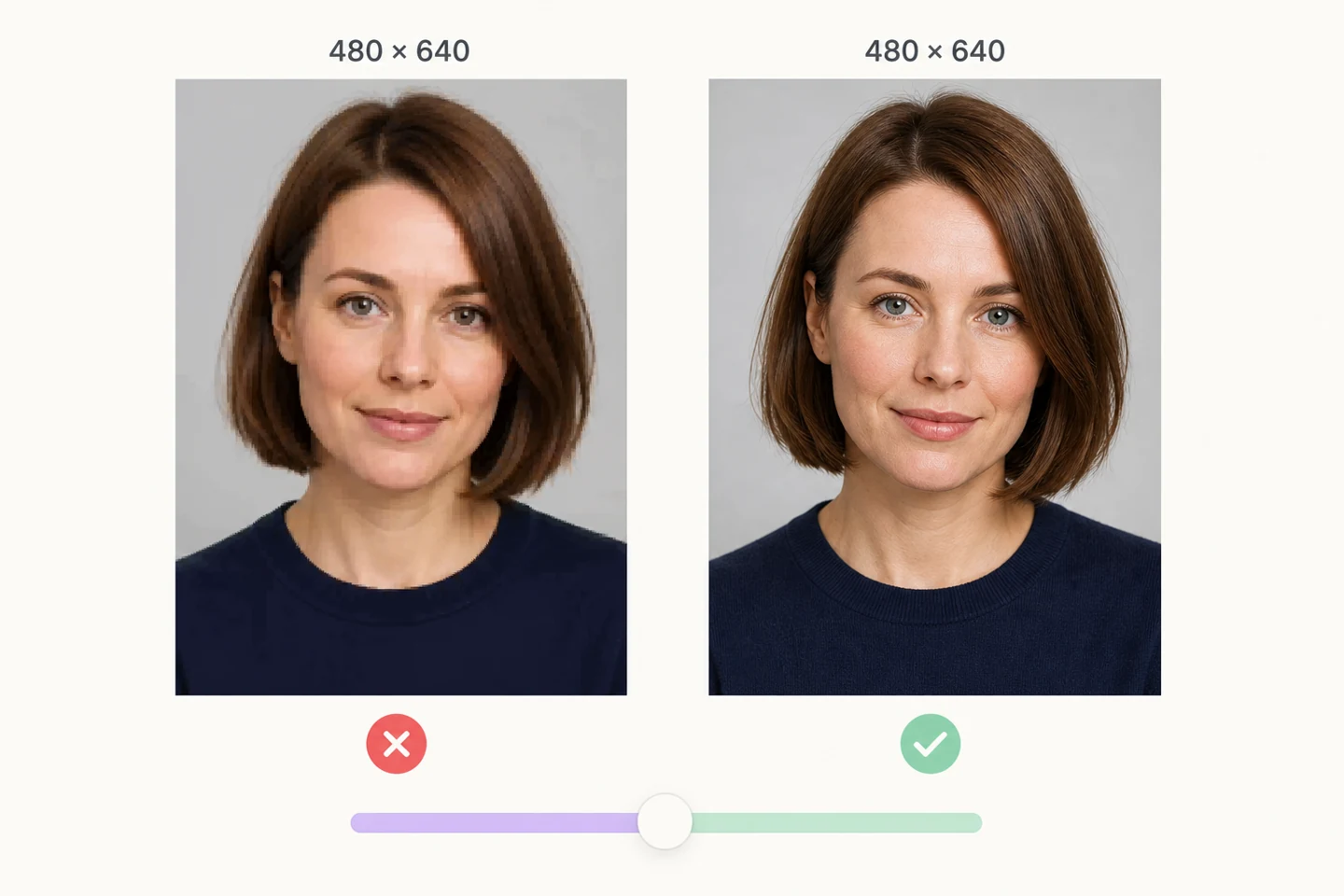
For a 200KB limit, aim for roughly 180–190KB to avoid borderline rounding or unit differences. This still does not guarantee acceptance: try the final file in the form. View the downloaded image at 100%. Check eyes, hair edges and the collar. If blocks or blurred outlines appear, go back one quality step.
If it is still too large, stop lowering quality blindly
When dimensions are fixed, shrinking them further breaks the requirement. Check the output format or take another photo with a simpler background. This tool has no automatic target-KB setting, and a quality percentage is not a percentage reduction in size. If the form requires JPG, do not substitute WebP.
Open the exact file you will submit
Check its extension, pixel dimensions and actual byte size, then view it at normal size. Keep both the original and the final file; adding dimensions to the filename helps avoid mix-ups. If uploading still fails, read the complete error. The rejected property may be dimensions or format, rather than size.