Use the original capture, not a forwarded preview
Get the file from where the screenshot was saved. A chat preview may already be smaller; capturing that preview simply preserves its blur. Keep PNG where possible. JPEG is lossy and can introduce noise around small letters and fine lines. Saving a blurry JPEG as PNG will not restore its text.
Crop away irrelevant areas first
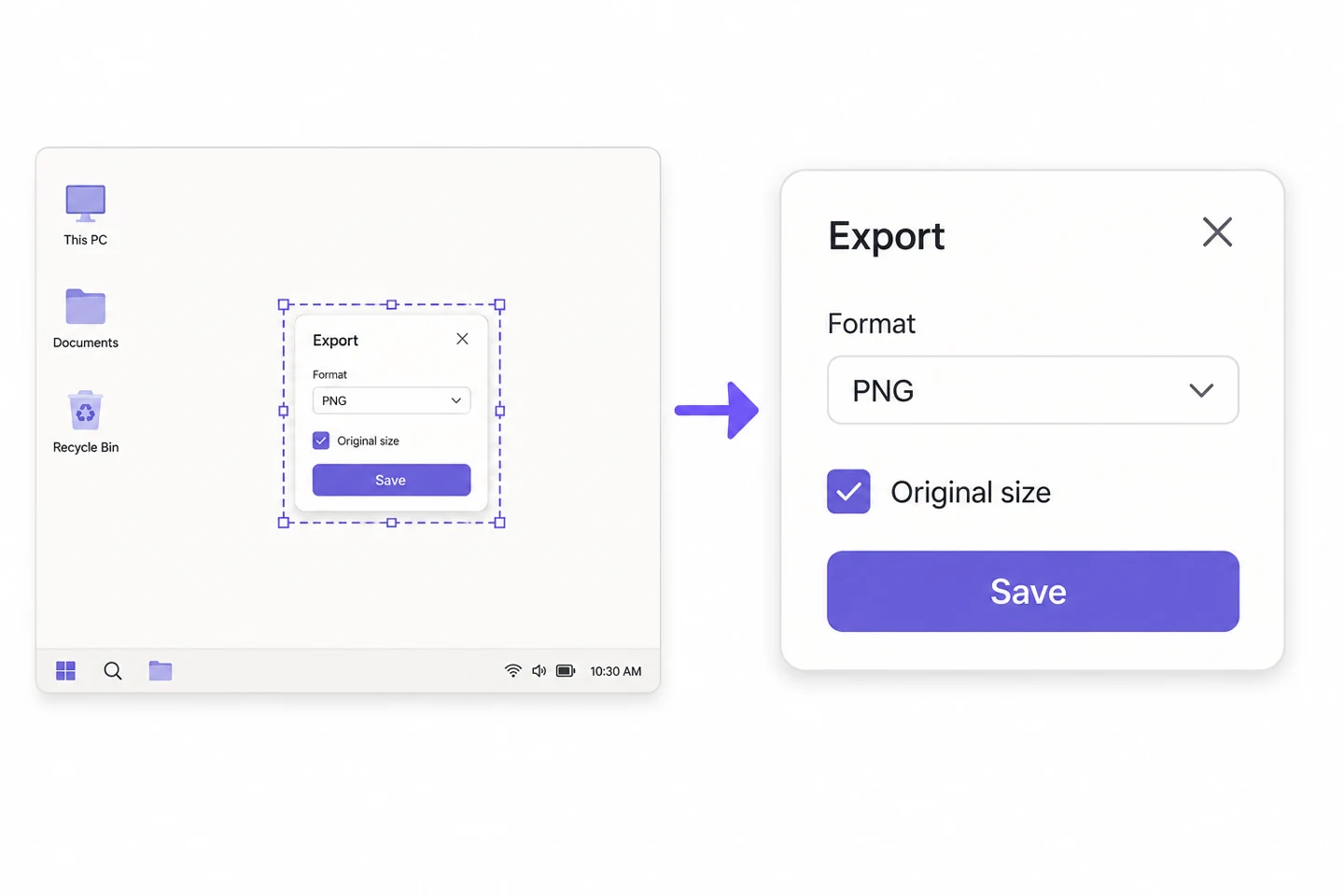
Suppose a desktop capture is 2400 pixels wide and the useful window occupies half of it. Resizing the entire capture to 1200 pixels also shrinks the text inside that window. Crop the desktop, empty panels and unrelated windows first. If the steps will not fit clearly in one image, use two in reading order.
Check text size again after adding decoration
Screenshot Beautify adds backgrounds, padding, rounded corners and shadows; it does not redraw text. Heavy padding makes the actual screenshot smaller when the result is displayed in a fixed-width message or article column. Start with modest padding. Check the exported image in its intended location, not just the large editor preview.

Check which kind of PNG compression you use
PNG uses lossless compression, but this site's Compress tool reduces the number of colors at lower quality settings. Text edges and pale lines can still change. To preserve color detail, start at 95% or above with dimensions unchanged. Compare the result with the original. If it is not noticeably smaller, keeping the original is fine.
Handle private information before layout
Crop out unnecessary accounts, email addresses, paths and browser tabs. If redaction is needed, cover the information with an opaque block, export, then reopen and inspect the result. Readable blur is not reliable redaction. Provide commands or URLs as separate text when readers need to copy them.
Review at the recipient's display size
Place the export at the actual message or article width. Inspect the smallest line, light-gray text and selection highlights. If reading requires zooming, show less content rather than adding sharpening or heavier shadows. Use the file-attachment or original-image option where available, and confirm that the received file was not resized.