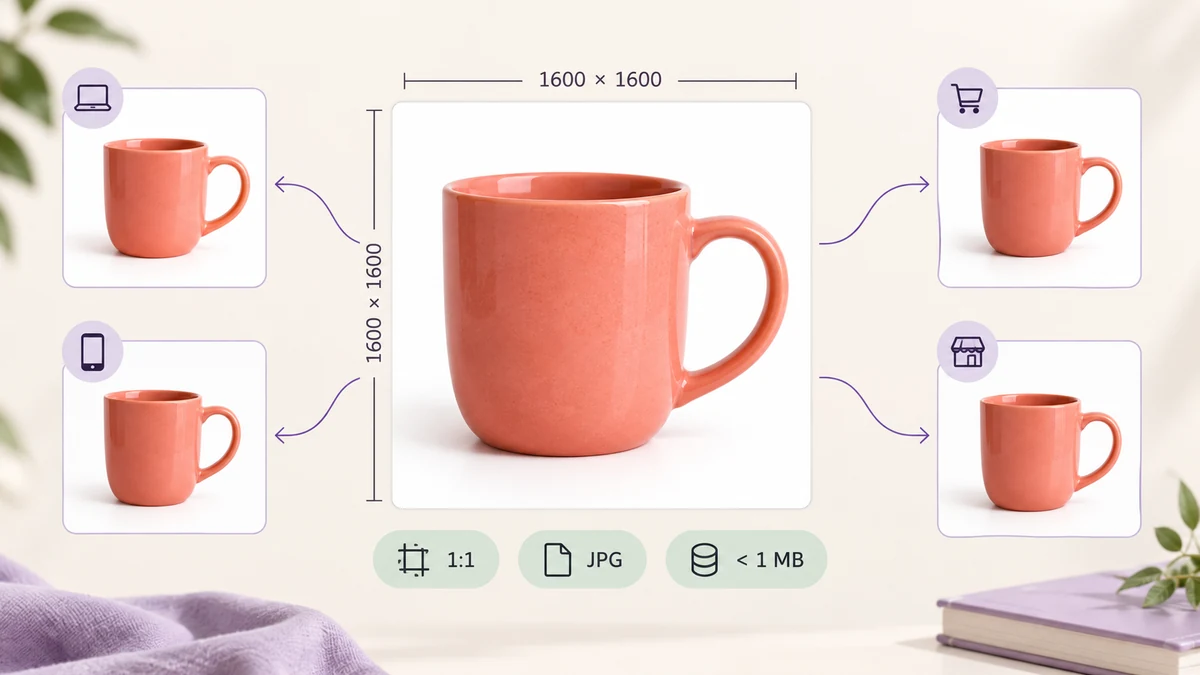
One product, four Chinese marketplaces, four slightly different main-image rules: some start at 800 × 800, some encourage 1200 or more, some cap at 500KB, some allow 3MB. Editing by hand across dozens of SKUs means hundreds of files. Here are the specs side by side, then the one-pass workflow.
Platform rules change; the figures below reflect seller-dashboard requirements as of 2026 — the live prompt in the dashboard wins.
The table: main image specs
- Taobao / Tmall: 1:1, at least 800 × 800 (1200+ recommended for zoom), under 3MB, JPG or PNG; white-background images are a separate 800 × 800 pure-white requirement.
- Pinduoduo: 1:1, 750 × 750 or larger recommended, under 1MB; the first image may not carry text or watermarks.
- JD: at least 800 × 800, 1000 × 1000 recommended, under 2MB, JPG preferred; some categories require white backgrounds.
- Douyin Shop: 1:1, at least 800 × 800, 1200 × 1200 recommended, under 3MB; the first image must be free of promotional overlays.
The intersection is clear: make main images 1600 × 1600, 1:1, JPG, under 1MB. They upload to all four as-is, with headroom for zoom.
Detail images and transparent images
Detail images are generally 750 or 790 pixels wide on every platform, height unrestricted but best kept to 1500–2000 pixels and under 1MB per image; a very tall page is split into segments with Split Long Image before uploading.
Transparent images (white-background and marketing images) must be PNG, 1:1, subject centred, background transparent or pure white. Remove the background with AI Background Remover first, then normalise to 1600 × 1600.
A whole batch to spec in one run
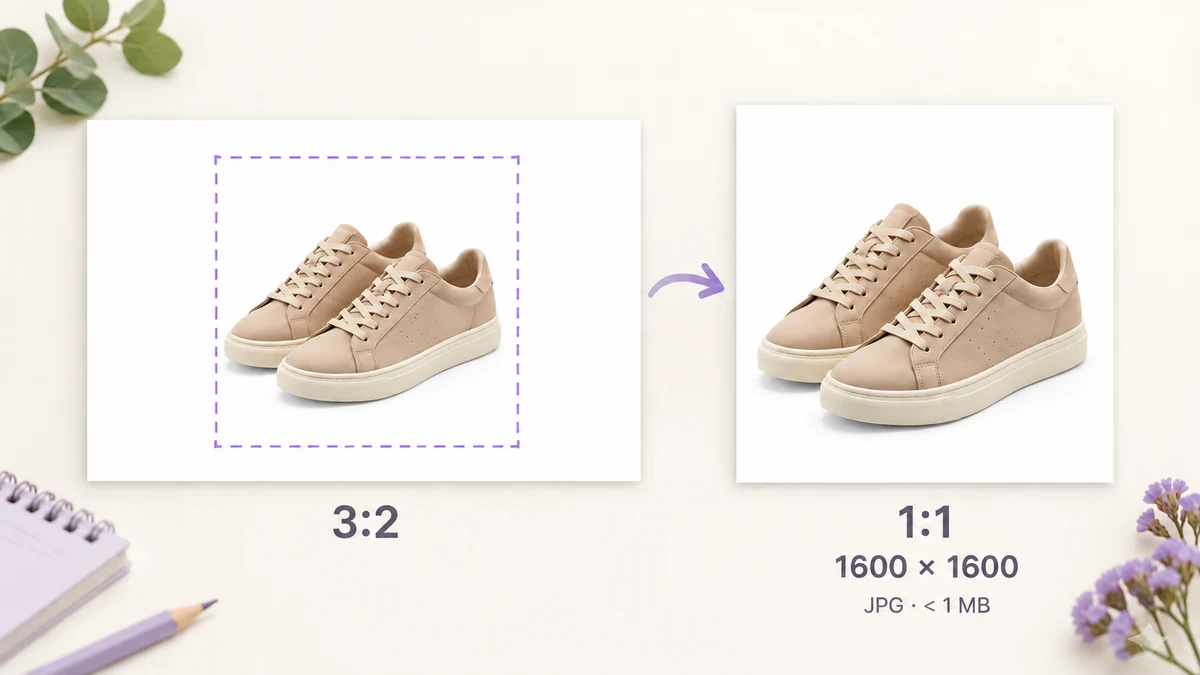
Drop the product photos (photographers' originals are typically 5000+ pixels at 3:2) into Batch Image Processing and set:
- Size: Fill 1600 × 1600.
- Crop to ratio: 1:1, centred.
- Watermark: off for main images (Pinduoduo and Douyin forbid it on the first image); for detail images that need the shop name, bottom right at 40 percent opacity.
- Output: JPG at 85 percent with a 900KB target, keeping every file under 1MB.
- File names: rename to SKU-001, SKU-002 for easy matching in the dashboard.
Three hundred images finish in three to four minutes on an ordinary computer, each landing at 1600 × 1600 and a few hundred KB. Check the live preview on the first image before running, to be sure the centre crop doesn't clip the product.
Pull aside any shot with the product well off-centre and frame it in Image Cropper before sending it through. If you'd rather not remember the numbers, E-commerce Image Resizer has the platform sizes as presets.
The three most common rejections
- Text, badges or watermarks on the first image: outright rejection on Pinduoduo and Douyin, ranking penalties on Taobao. Keep the main image clean; put promotions on image two onwards.
- White that isn't white: studio backgrounds come out at #F5F5F5 to #FAFAFA; platforms want #FFFFFF. Removing the background and filling pure white beats colour correction.
- Not 1:1: a 3:2 original uploaded as-is gets cropped by the platform, and you don't choose where. Crop square yourself first.
Checks before uploading
Open three processed images at random: 1600 × 1600, under 1MB, product intact, background pure white. Drop one into EXIF Viewer — after re-encoding, camera and location data are gone, so the studio address doesn't go live with the listing.
Cross-border platforms have their own rules; see Amazon product image requirements and the Shopify image size guide.